


Unsolved
1 Rookie
•
11 Posts
0
305
October 14th, 2023 03:10
T7910. The device does not recognize ram in some slots and cannot install the driver "Avago Adapter driver problem, Sas3 3008
Hello! As the title says, I'm using a Dell T7910 workstation. Just yesterday everything was normal, I noticed that the flashing green LED light on the bottom right corner of the mainboard was still on, it was still flashing even when the computer was turned off. But last night after I put it to sleep, this morning I woke up. When I wake it from sleep mode, it's silent. I have to press the power switch to shut it down and restart it but it's still silent. silent. Now I notice that the green LED light in the lower right corner is off, completely off even when turning the computer on and off... my computer uses 4 32gb ram sticks with 2 slots each. Below are DIMM1 and DIMM2 above are DIMM1 and DIMM2 (slot with white pins). Restarted many times but the device still couldn't enter the bios... I tried removing the 2 ram slots in the DIMM1 and DIMM2 positions above and strangely it worked again, perhaps the 2 ram slots DIMM1 and DIMM2 were corrupted. broken? ... after removing the 2 ram sticks DIMM1 and DIMM2 at the top position and restarting, Windows is normal, but I noticed that my HDD is no longer recognized, perhaps it has something to do with the green LED light in the corner bottom right, That's right! it's not bright. When I went to the device manager to check, I saw a message saying "Driver problem: Avago Adapter, Sas3 3008 Fury-storport" is not installed.
I have tried several ways of downloading the installations at SAS3008 at Dell.com but all have failed

I tried restarting the computer F1 and F12 to turn Legacy Boot Mode ON
"Legacy Boot Mode" did not work. Previously, when I turned on this mode, the computer would boot a few minutes slower to install the SAS hard drive driver, but today it skipped that step and went straight to the boot options F1, F2 and F5...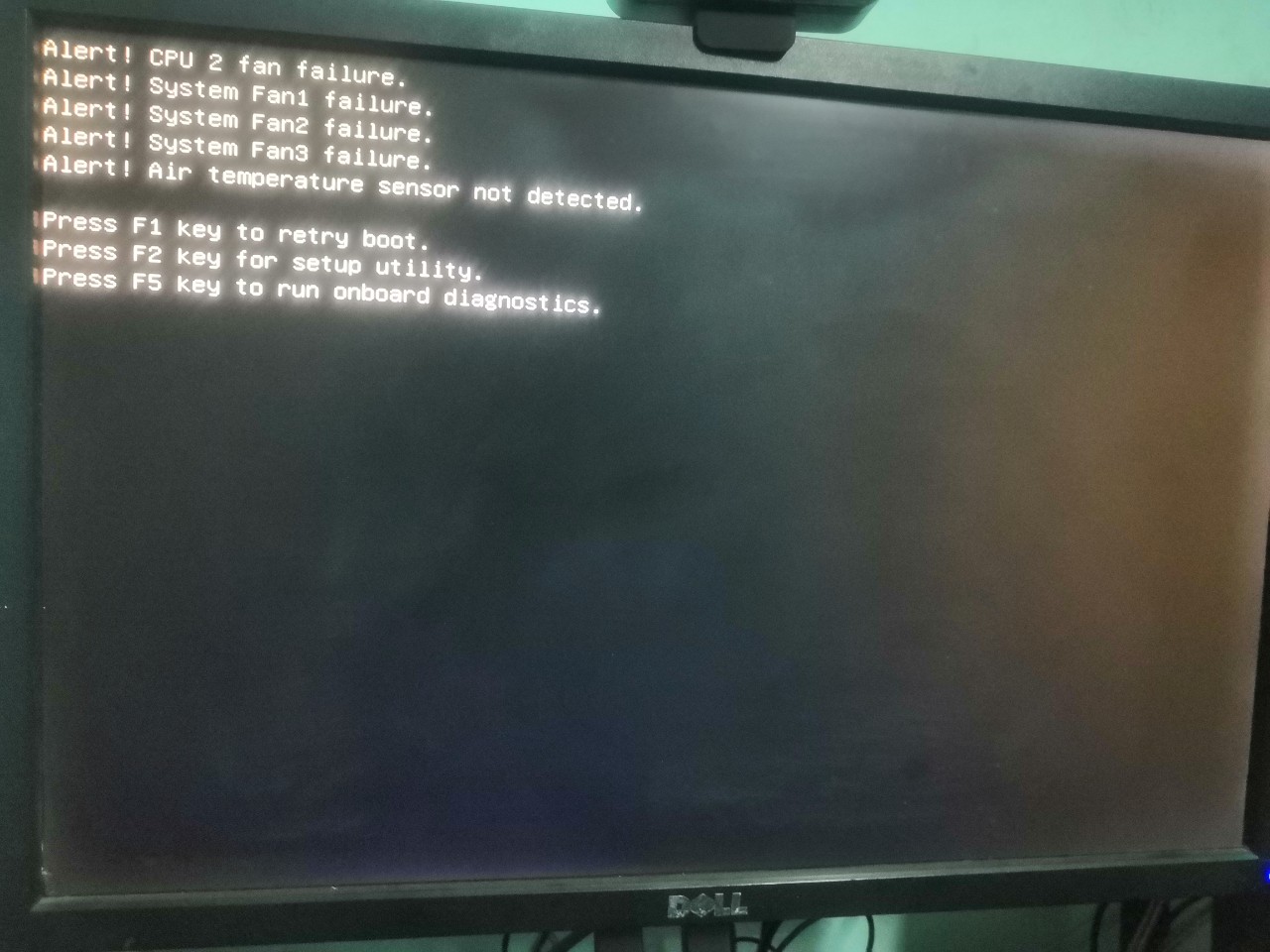
But when I F1 I can't access the window anymore, it moves to a striped orange screen
When I try pressing the Enter key, the screen only shows orange and blue stripes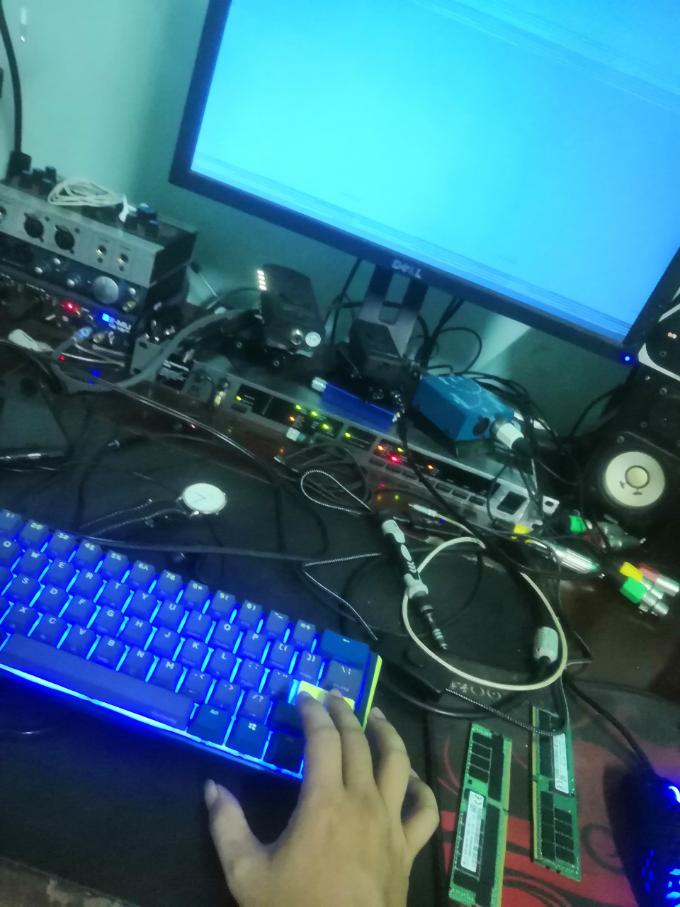

Cannot access windows. I have to press the hot switch to turn off the computer and restart it to turn OFF Legacy Boot Mode so the computer can enter the windows screen. Currently, my computer still cannot recognize the HDD in SAS mode (of course, the SSD can still access Windows normally). I have tried many ways to install the driver for the SAS3008 driver but without success. Currently, the 2 ram slots DIMM1 and DIMM2 above the mainboard are still not working. I guess all 4 ram slots DIMM1, 2, 3, 4 above are not working. And of course the green light in the lower right corner of the mainboard never lights up and flashes like before. I think it might be because the RAM processing chipset and the SAS hard drive driver on the mainboard are damaged?
I have tried a number of ways such as reinstalling the bios to another version, cleaning the ram slot, cleaning the ram socket and am quite sure that my ram bars still work normally, because I have tried 4 slots below the mainboard. DIMM1, 2, 3, 4, they all work properly. So in my opinion the problem lies in the 4 slots above. If it is true that it is due to the chipset on the Mainboard, then where is the location of that chipset? Can someone help me? Or is there another way to help me fix the error? Thanks a lot.
Dream9999
1 Rookie
•
11 Posts
0
October 16th, 2023 11:15
Looks like the T7910 hasn't gone into oblivion, right? Does anyone here use it anymore? I have considered removing the 2 CPUs and cleaning the CPU pins. Because I think it's possible that the ram slots above don't recognize it because of the CPU?
Abatipe
1 Rookie
•
1 Message
0
August 31st, 2024 01:07
Ihave same issue and it going to come a time wich lsi avago sas controller will not lunch there for your hardrive will be not visible you cant have acces ti your ssd and hdd ...what a shame on this useless company of dell there is no one if theirs enginnering is answering your question it one year from now. Did you found solution ... Im think to buy a mother voard from asus too supprt my e5 2699v4 and throw this useless company and her hardware to the trash... I buy two of thos workstation it cost for me both ... 73000 dollars... And they cant even answer on issue you have got. For sure i will never buy a production from this company 0 support...0 help 0update kt still stock in windows 10 and drivers old af from 2016 ..... Amazing how b they are.
(edited)