


Unsolved
This post is more than 5 years old
10 Posts
0
31708
December 5th, 2015 18:00
How do I suspend BitLocker in Win10 to update BIOS?
Once I updated my two Dell tablets (Venue 8 Pro & Venue 11 Pro) to Windows 10, I cannot find how to suspend BitLocker. It was easy & straightforward in Win8.1 but not Win10. I hope it is something obvious that I am overlooking.
I you have updated your BIOS after upgrading to Win10, PLEASE let me know how you did it.
No Events found!
Adimansi
1 Rookie
•
32 Posts
1
December 7th, 2015 07:00
Did you upgrade to Home or Pro?
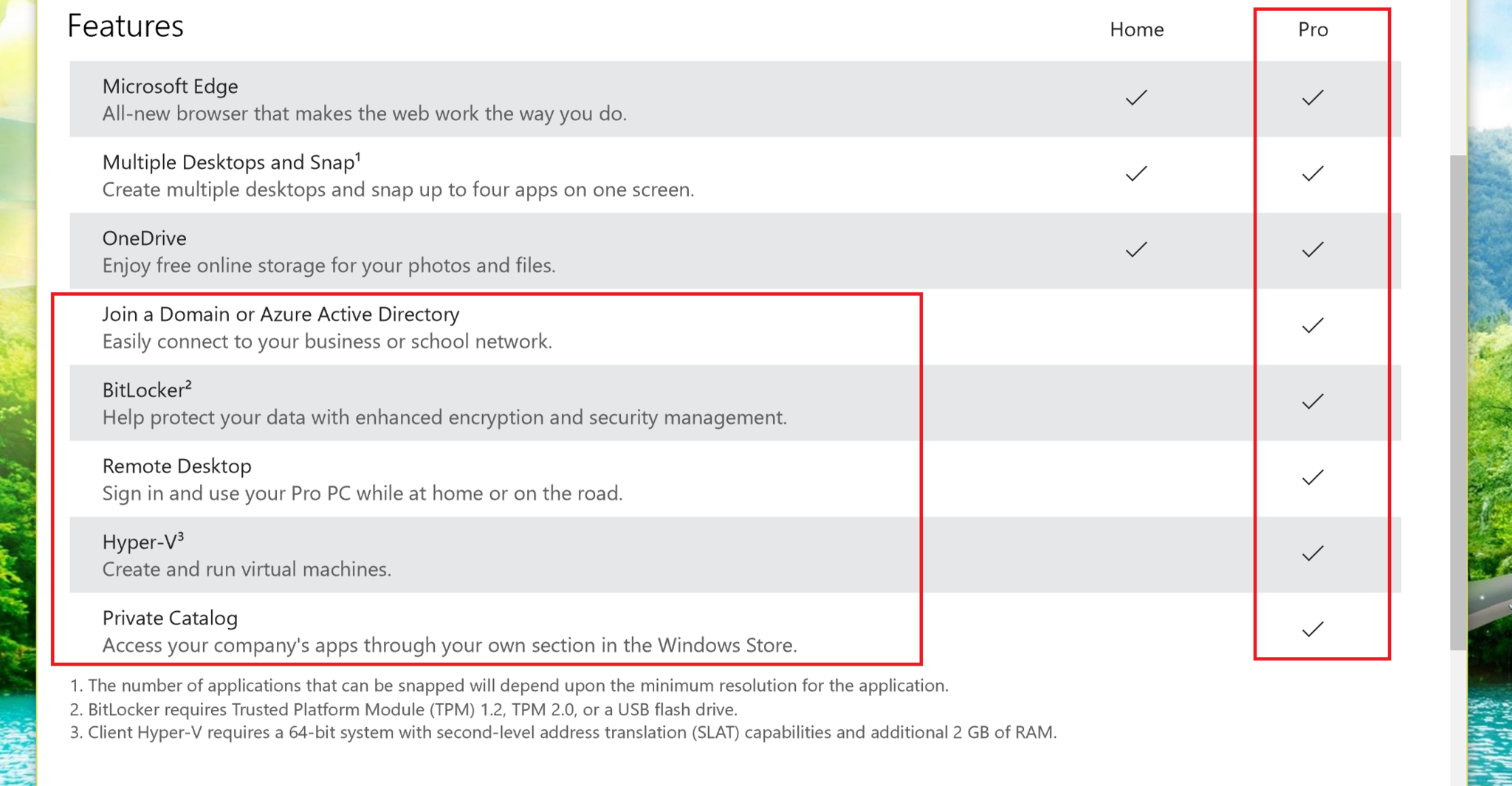
Control Panel > System and Security > Bitlocker Drive Encryption
Updating the BIOS is straight forward.
Download the latest BIOS and run it in Windows after closing all apps. Follow the onscreen instructions and it will be completed in no time at all.
Hope that helps