


1 Message
0
520
July 14th, 2022 19:00
Vostro 7620 international keyboard
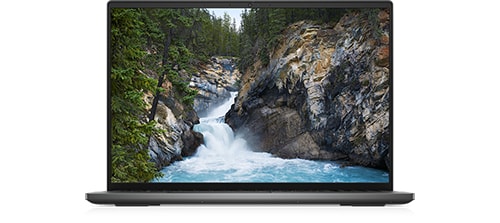
Vostro 7620
Vostro 7620 international keyboard
Hi. I have just received my Vostro 7620 and I have been having an issue with the keyboard. My previous laptop (AsusVivoBook) had the option English United States-International keyboard, which allowed me to write in different languages without switching the keyboard language. However, I can't see this international option on my Vostro 7620. And when I change the language (for example, from English to Portuguese), the symbols shown on the keyboard are not the same as I type, which make things confusing. For example, to write é I have to switch the language to Portuguese and type [ + e. My AsusVivoBook had more options of symbols per key.
Is there a way we can solve this problem?
Thank you.
DELL-Jesse L
Moderator
•
17.8K Posts
0
August 19th, 2022 09:00
Go back on the English(United States) option Then Select English(United States) then click "Options" Under Keyboards > Add a keyboard Select United States-International- Resolved
nyc10036
4 Operator
•
5.6K Posts
0
July 15th, 2022 18:00
This is a Windows issue isn't it?