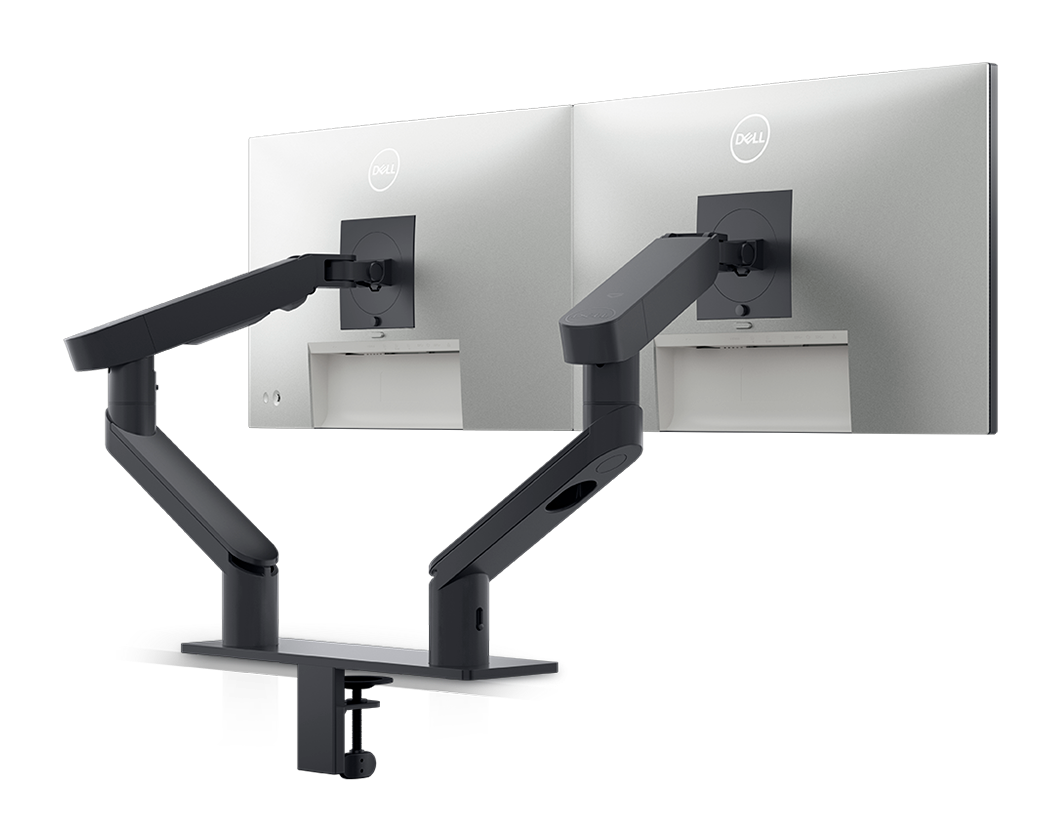
Add the products you would like to compare, and quickly determine which is best for your needs.
Find your perfect computer monitor
Dell 27 Monitor - SE2726H
Dell's Terms and Conditions
Alienware 27 240Hz QD-OLED Gaming Monitor - AW2726DM
Dell's Terms and Conditions
Dell UltraSharp 52 Thunderbolt Hub Monitor - U5226KW
Dell's Terms and Conditions
Dell 24 Monitor - SE2426H
Dell's Terms and Conditions
Dell Pro P 24 16:10 Monitor - P2426
Dell's Terms and Conditions
Dell Pro P 24 16:10 USB-C Hub Monitor - P2426E
Dell's Terms and Conditions
Dell Pro P 34 USB-C Hub Conferencing Monitor - P3426WEB
Dell's Terms and Conditions
Dell Pro 14 Plus Portable Monitor - P1425
Dell's Terms and Conditions
Dell Pro 24 Adjustable Stand Monitor with Speakers - E2426HS
Dell's Terms and Conditions
Dell Pro 24 Plus QHD Monitor - P2425D
Dell's Terms and Conditions
Alienware 27 280hz Gaming Monitor – AW2726DL
Dell's Terms and Conditions
Learn more about our monitor technology
-
Choosing the right monitor: beyond screen sizeWhen shopping for a monitor, it’s crucial to consider not only the great visuals and screen size, but also its overall dimensions, to ensure it fits perfectly in your workspace.
-
Diagonal screen size vs. physical sizeThe screen size, measured diagonally, doesn’t include the adjustable stand and bezel, which add to the monitor’s physical size. Make sure to check both the screen size and full dimensions to find the perfect fit.
Why Dell monitors?
-
Dell Monitors Are #1 Worldwide for 12 Years!As the world's number 1 monitor company*, we take pride in our unyielding commitment to quality and the utmost satisfaction of our customers.
-
A Brand You Can Rely on
-
Energy EfficientWe are committed to energy efficiency and the use of sustainable materials to reduce our environmental impact. Our latest monitors reflect this focus and use up to 33% less power than previous generations*.
-
Smarter Shopping Starts Here
Learn More About Dell Monitors
Dell monitors offer exceptional display quality and reliable performance. Whether you’re looking for a 4K monitor for gaming, a curved monitor for immersive experiences, or a budget-friendly option for everyday use, Dell offers a wide range of choices to meet your needs. With ultra-thin bezels, high refresh rates, and vivid colour accuracy, Dell monitors are perfect for both professional and personal use. Explore our latest computer monitors range and find the best fit for your setup. ...
FAQs:
When choosing a computer monitor, consider screen size, resolution, refresh rate, and connectivity options. At Dell, popular features include UltraSharp displays for colour accuracy, curved screens for immersive viewing, and USB-C ports for easy connectivity.
Dell offers competitive pricing all year round. Contact us for price match if you find a better price advertised online for an identical Dell product. Learn more from our Dell.co.nz/pricematch page. Students and corporate staff members can also access exclusive benefits through our Student Purchase Program and Member Purchase Program.
Yes, Dell offers a range of gaming monitors with high refresh rates and low response times. Models like the Alienware series are particularly popular among gamers for their performance and design.
Curved monitors reduce eye strain by following the natural curve of your eyes, providing a more immersive experience, especially for multitasking and gaming.
Yes, many Dell monitors come with the ability to daisy-chain multiple monitors, allowing for enhanced multitasking without additional graphics card inputs.
Full HD monitor (1920x1080) is great for basic tasks, while 4K monitor (3840x2160) offers sharper images for gaming and design
Consider your primary use case: for general use, a Full HD monitor might suffice; for professional work, a 4K UltraSharp monitor could be ideal; and for gaming, look for high refresh rates and low response times. Dell’s monitor buying guide can also help you make an informed decision.
Yes, Dell provides free standard delivery on most monitors. Be sure to check the specific product page, as additional expedited shipping options may be available for select products and delivery locations. Visit Dell Shipping and Delivery FAQs for more information.
Monitor size is typically measured diagonally across the screen in inches (e.g., 27-inch monitor), but to ensure it fits your desk or mounting setup, you should also check the monitor’s physical dimensions—width, height, and depth—including the stand. These overall dimensions help determine the exact space the monitor will occupy. For example, a monitor with a smaller screen but a bulky stand might take up more desk depth than a larger screen with a small base. For wall mounting, always check the VESA mounting pattern and ensure the monitor’s weight (often listed separately) is supported by the chosen mount. If space-saving is important, look for slim bezel or bezel-less monitors, which reduce the monitor’s footprint without sacrificing screen size. Always review the monitor specifications before buying to ensure compatibility with your workspace or mount.