PowerProtect Data Manager Appliance DM5500: Unable to re-register OTP until LDAP is updated with correct credentials
Summary: An issue occurs when connected Active Directory (AD) bind credentials are changed and not updated on the DM5500 Appliance.
This article applies to
This article does not apply to
This article is not tied to any specific product.
Not all product versions are identified in this article.
Symptoms
Re-register MFA UI will show this error:
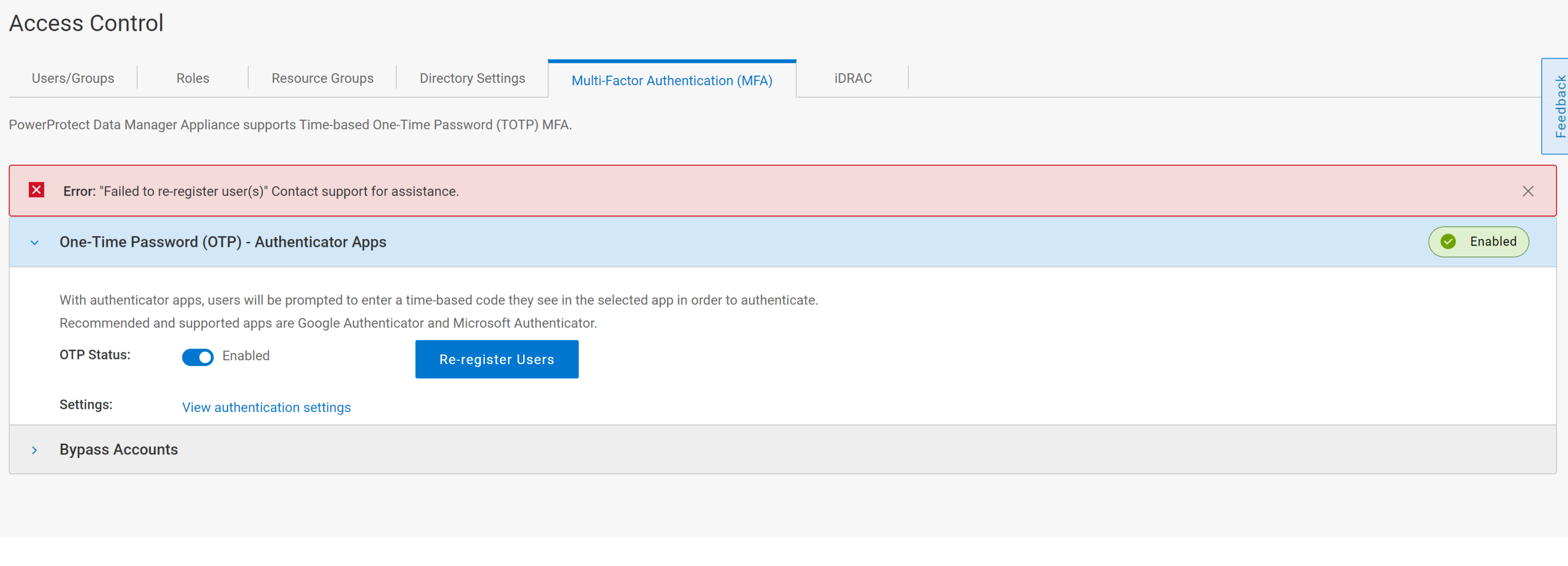
Figure 1. Error: "Failed to re-register user(s)"
Cause
The LDAP credentials, which were added to the setup were changed. When a username is entered for re-registration, keycloak searches internally in the connected user federation (LDAP) for the user. Since there was a credential change within the LDAP, keycloak was unable to connect and hence the registration failed.
Affected versions: DMAS-5.13.0.0 and DMAS-5.14.0.0
Resolution
To resolve, go to the AD settings page -> click on Edit AD -> enter correct bind credential -> click on update.
Affected Products
PowerProtect DM5500Article Properties
Article Number: 000215851
Article Type: Solution
Last Modified: 21 Sep 2026
Version: 5
Find answers to your questions from other Dell users
Support Services
Check if your device is covered by Support Services.