Dell EMC Unity: 업그레이드를 위해 Unity OE 코드를 업로드하는 동안 UI에서 불특정 오류 발생(Dell EMC 수정 가능)
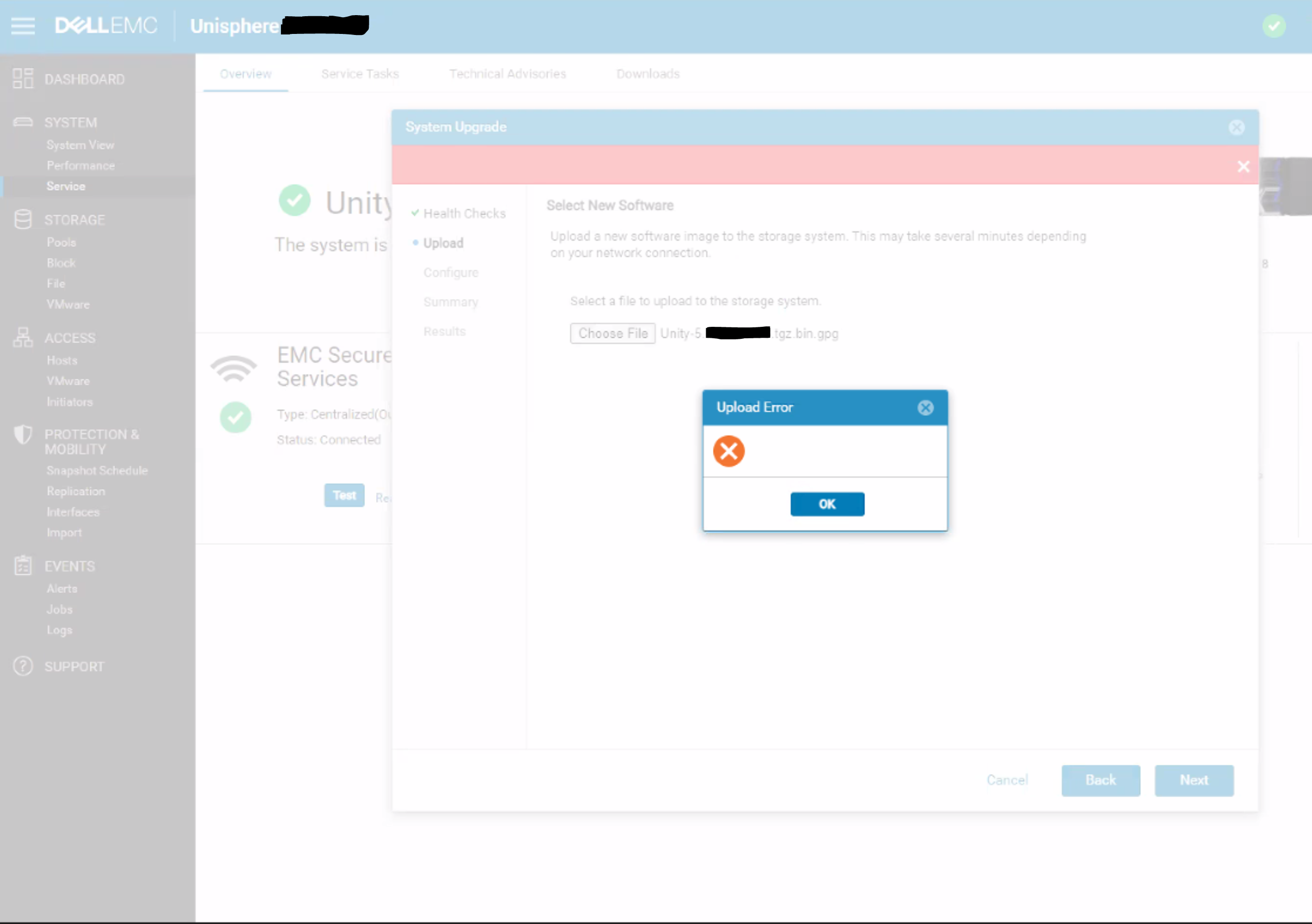
Summary: Unisphere 대화 상자에 특정 오류 메시지나 오류 코드 없이 빈 업로드 오류가 나타납니다.
Αυτό το άρθρο ισχύει για
Αυτό το άρθρο δεν ισχύει για
Αυτό το άρθρο δεν συνδέεται με κάποιο συγκεκριμένο προϊόν.
Δεν προσδιορίζονται όλες οι εκδόσεις προϊόντων σε αυτό το άρθρο.
Symptoms
업그레이드를 위해 OE 코드를 업로드하는 동안 Unity Unisphere에 다음 오류가 표시됩니다.
Cause
UI가 REST 요청에 대한 HTTP 500 또는 HTTP 409 오류를 올바르게 처리하지 못하는 경우 발생하는 UI 문제입니다.
409 Conflict:
This response is sent when a request conflicts with the current state of the server.
500 Internal Server Error:
The server has encountered a situation it doesn't know how to handle.
This response is sent when a request conflicts with the current state of the server.
500 Internal Server Error:
The server has encountered a situation it doesn't know how to handle.
Resolution
해결 방법:
해결 방법:
이 문제는 5.2 릴리스에서 수정될 것으로 예상됩니다.
- UI가 아닌 uemcli 명령을 사용하여 업그레이드 이미지를 업로드합니다.
uemcli -upload -f Unity-xxx.tgz.bin.gpg upgrade
또는
- Unity 어레이와 동일한 서브넷에 있는 시스템에서 업그레이드 이미지를 업로드합니다.
해결 방법:
이 문제는 5.2 릴리스에서 수정될 것으로 예상됩니다.
Επηρεαζόμενα προϊόντα
Dell EMC UnityΙδιότητες άρθρου
Article Number: 000190184
Article Type: Solution
Τελευταία τροποποίηση: 11 Μαΐ 2026
Version: 5
Βρείτε απαντήσεις στις ερωτήσεις σας από άλλους χρήστες της Dell
Υπηρεσίες υποστήριξης
Ελέγξτε αν η συσκευή σας καλύπτεται από τις Υπηρεσίες υποστήριξης.