PowerEdge: How To Gather TSR with Debug logs using Rocky Linux Based SLI Image
Summary: This article is a guide to How to collect the Dell SupportAssist Log/TSR report from the Rocky Linux based Live Environment Support Live Image (SLI)
Instructions
This version of the SLI Media is not available for download by the public.
This guide aims to aid in any steps advised by Dell technical support.
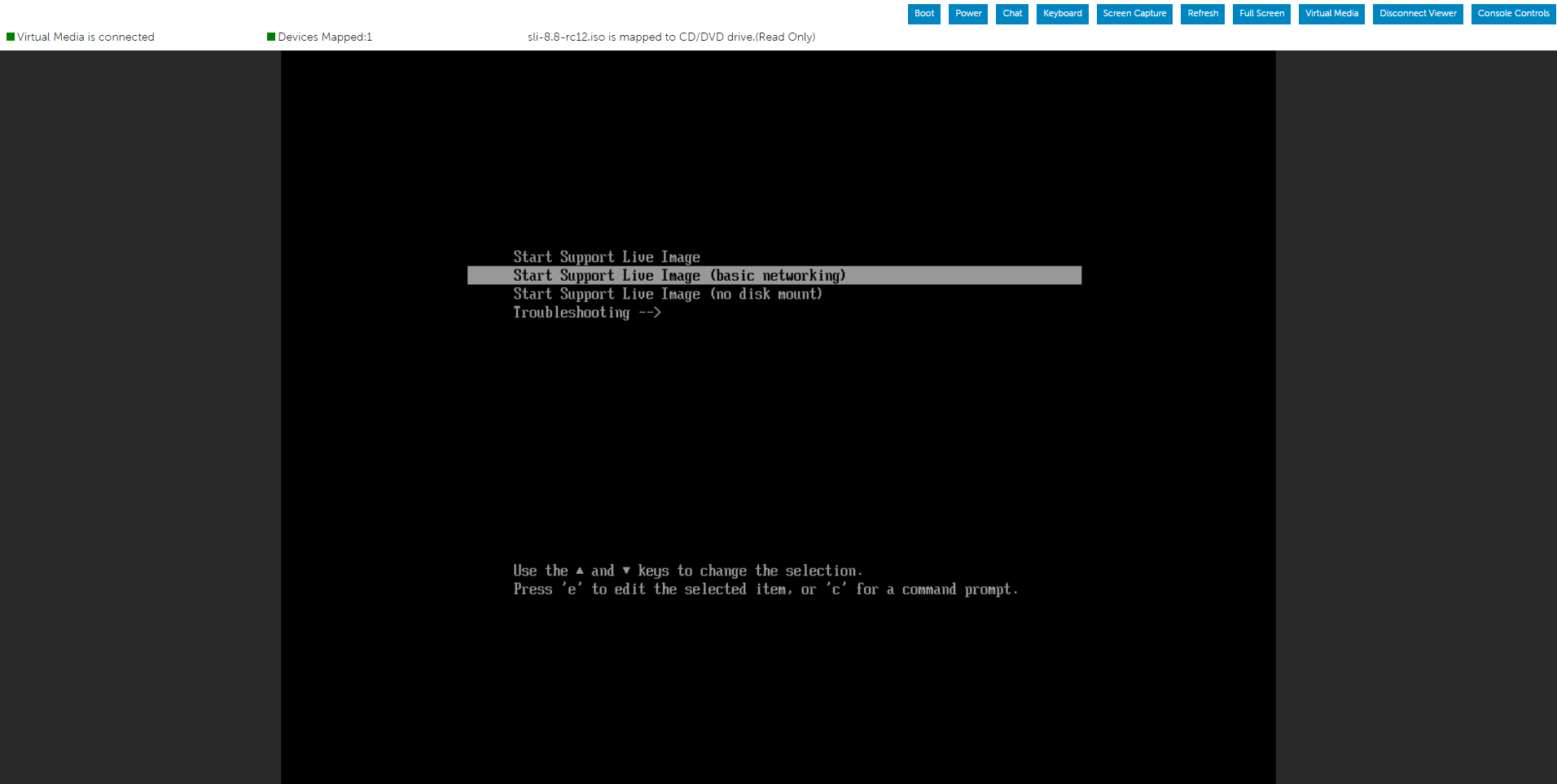
Below options while booting the server from Rocky Linux based Live OS Environment
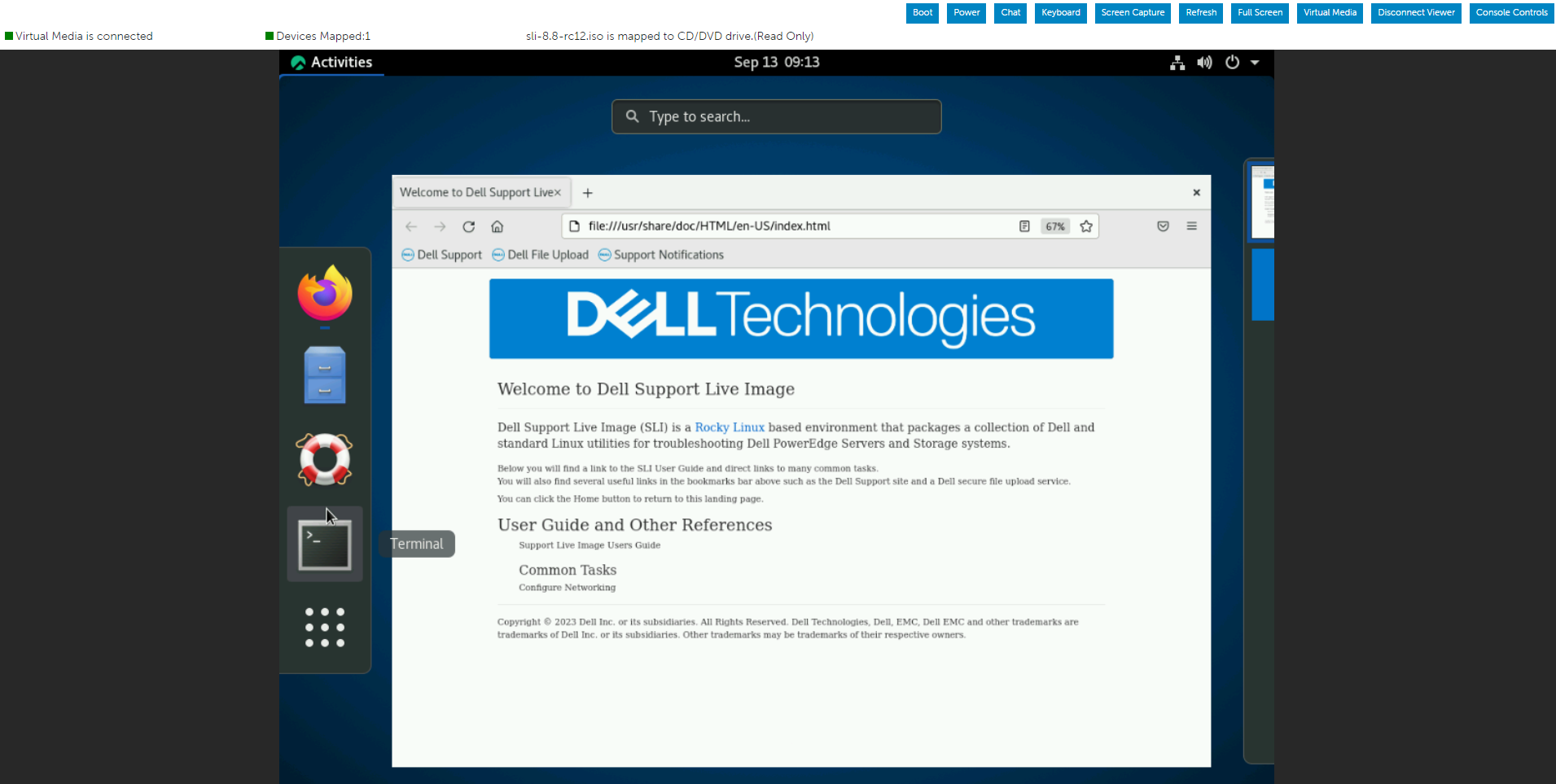
Run the below command to initiate a Dell SupportAssist log/TSR report with debug log enabled.
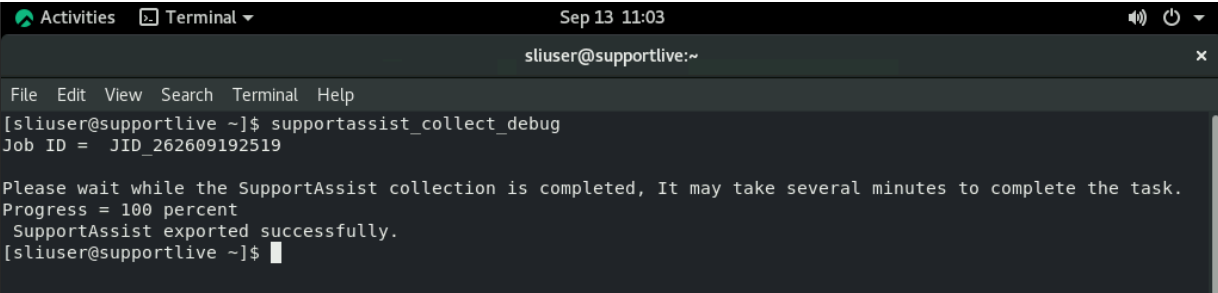
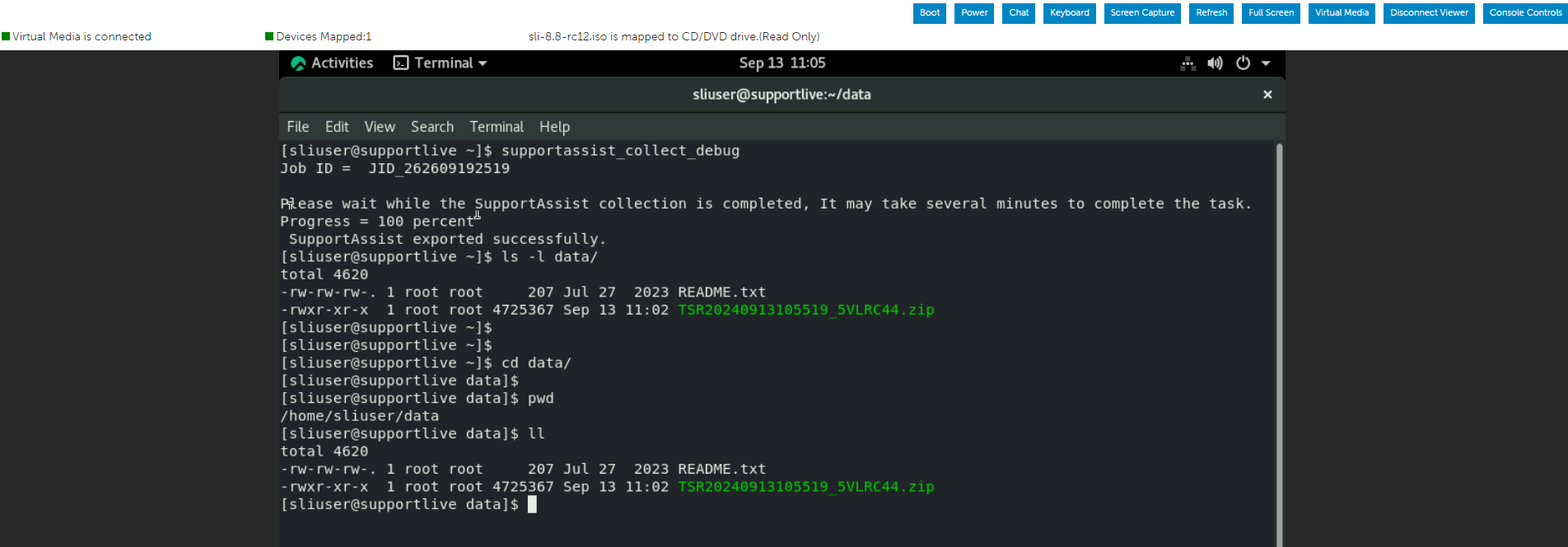
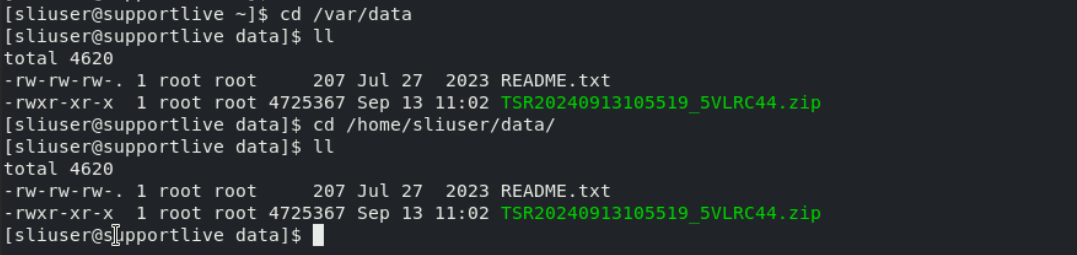
Once the Dell SupportAssist collection is completed, may go to /var/data folder to review or transfer the TSR report.
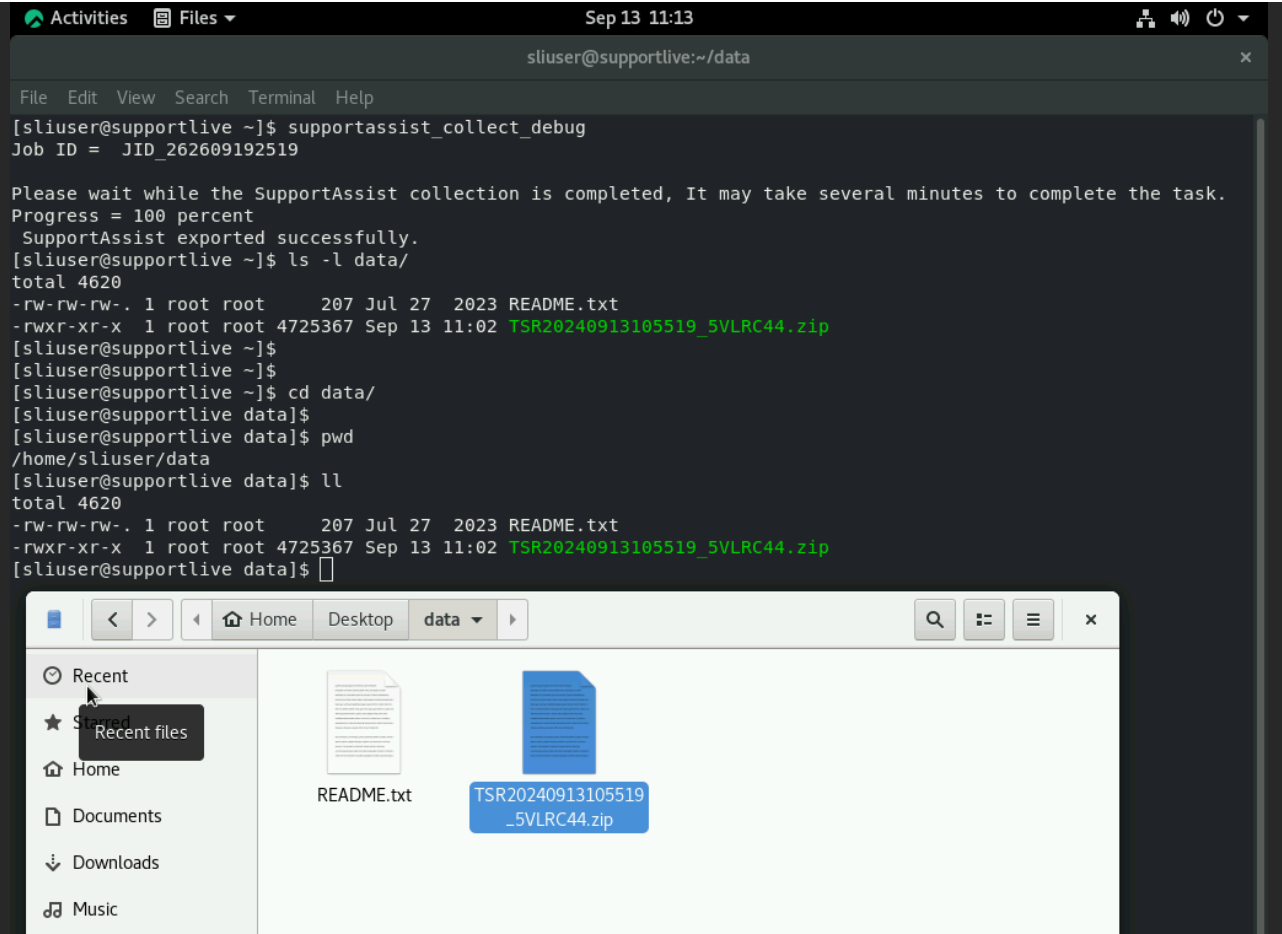
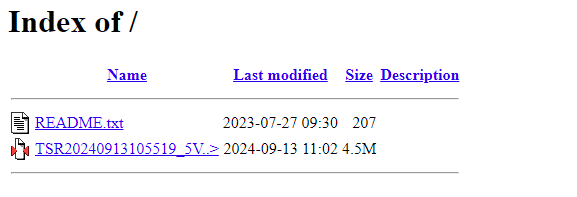
The TSR report can be transferred to any connected USB stick or share using Network.