Alienware Command Center Version 6.6.14.0 Installation Issues on the Dell G15 5530 and G16 7630
Summary: Information about the Dell G15 5530 and G16 7630 having installation issues with Alienware Command Center (AWCC) version 6.6.14.0.
This article applies to
This article does not apply to
This article is not tied to any specific product.
Not all product versions are identified in this article.
Symptoms
You may experience an installation failure of AWCC version 6.6.14.0 on the Dell G15 5530 and G16 7630. They get the following error message, "Something went wrong. System still booting up, Not to worry! Wait a few minutes and try again."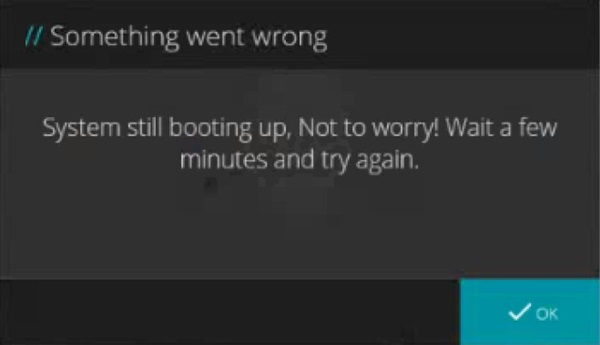
Affected Systems:
- Dell G15 5530
- Dell G16 7630
Affected Software:
- Windows 11
- Alienware Command Center Version 6.x
Cause
No cause information is available.
Resolution
Updating to SupportAssist version 4.8.2 or later on the computer resolves the issue. To download and install SupportAssist:
- Connect to the Internet and wait for SupportAssist to automatically update to 4.8.2.
- Manually download SupportAssist from SupportAssist for Home PCs.
Affected Products
Alienware Command Center, Dell G15 5530, Dell G16 7630Article Properties
Article Number: 000291664
Article Type: Solution
Last Modified: 07 May 2025
Version: 5
Find answers to your questions from other Dell users
Support Services
Check if your device is covered by Support Services.