PowerScale OneFS: HTTP file access in a non-system zone returns a 403 forbidden error.
Summary: When using HTTP file access to a non-system zone IP, you receive a "403 Forbidden error" while access in the System zone works as expected.
This article applies to
This article does not apply to
This article is not tied to any specific product.
Not all product versions are identified in this article.
Symptoms
When using HTTP file access to a non-system zone IP, you receive a "403 Forbidden error" while access in the System zone works as expected. 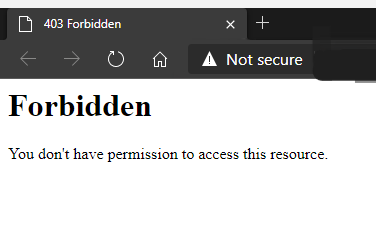
This knowledge article only applies to HTTP file access and would not be related to any issues with the OneFS WebUI.
Cause
By default, HTTP file access is only allowed in the System Zone.
Resolution
To allow access to non-system zones, the below value must be changed.
To see the current value, which is false by default:
# isi_gconfig -t http-config http_multi_zone
Set the value to true:
# isi_gconfig -t http-config http_multi_zone=true
HTTP file access should now work when attempting to access a non-system zone IP.
Note: It may be necessary to clear the browser cache.
Affected Products
PowerScale OneFSArticle Properties
Article Number: 000231970
Article Type: Solution
Last Modified: 30 Dec 2025
Version: 2
Find answers to your questions from other Dell users
Support Services
Check if your device is covered by Support Services.