PowerStore: Migration session sync status is failed
Summary: Migration session sync will get into Failed state when iSCSI connection between appliances is not established.
This article applies to
This article does not apply to
This article is not tied to any specific product.
Not all product versions are identified in this article.
Symptoms
PowerStore Manager will display migration session status as Failed, with details as:
Transit object with Handle 96f91040-09bd-46c3-b47a-a516d21a7a75:751:686 : status not available.
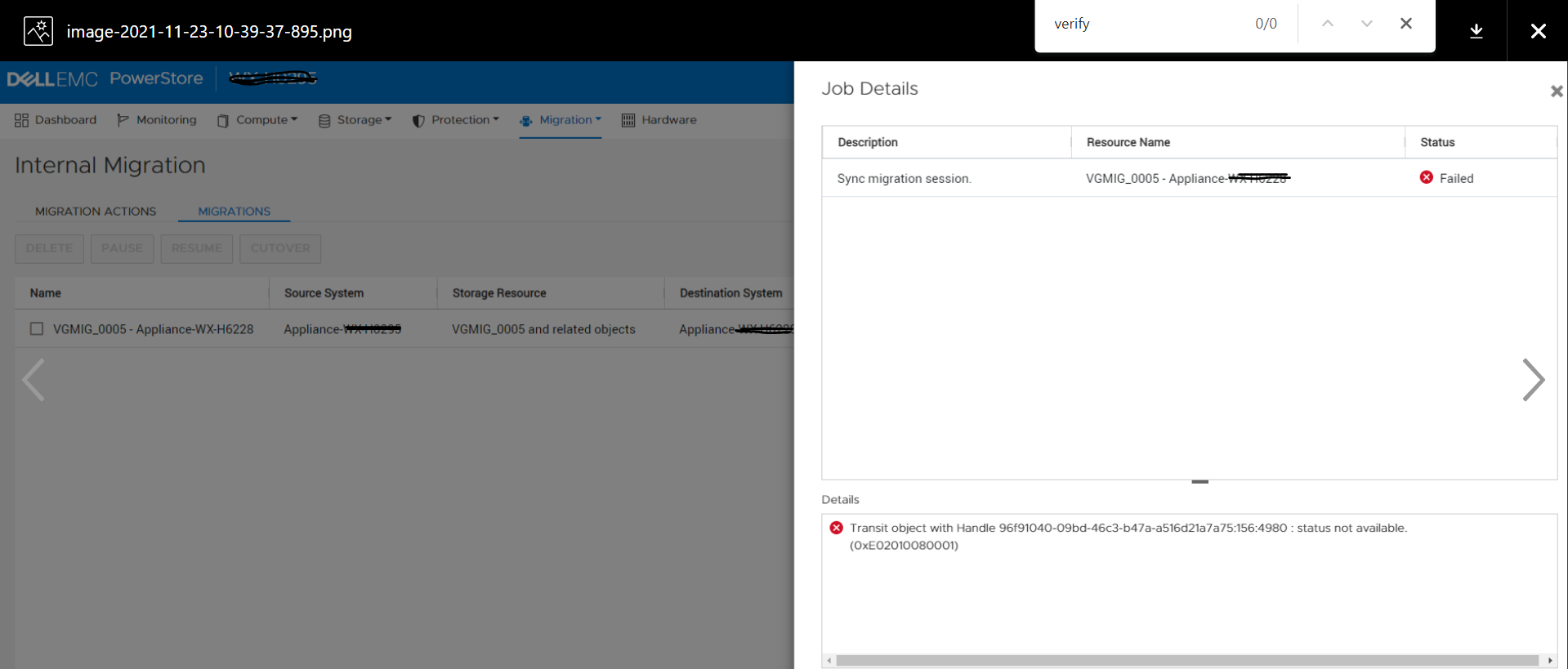
![]()
Transit object with Handle 96f91040-09bd-46c3-b47a-a516d21a7a75:751:686 : status not available.
Cause
iSCSI connection between appliances may not be established if the appliances (belonging to the same cluster) are not brought up at the same time or if there was a network connectivity issue between appliances. In this scenario if migration session sync is attempted, it's status will change to Failed.
Resolution
The issue of this KB article is planned to be fixed in a future release. Please contact Technical Support for further assistance.
Affected Products
PowerStoreArticle Properties
Article Number: 000195834
Article Type: Solution
Last Modified: 23 Feb 2022
Version: 1
Find answers to your questions from other Dell users
Support Services
Check if your device is covered by Support Services.