How to Get Support for Dell Command Configure
Summary: This article covers how to obtain support for Dell Command | Configure.
This article applies to
This article does not apply to
This article is not tied to any specific product.
Not all product versions are identified in this article.
Instructions
Affected Products:
- Dell Command | Configure
Affected Operating Systems:
- Windows 7
- Windows 8
- Windows 8.1
- Windows 10
- Windows Preinstallation Environment (Windows PE)
- Red Hat Enterprise Linux 7
- Red Hat Enterprise Linux 8
- Ubuntu Desktop 16.04
- Ubuntu Desktop 18.04
- Ubuntu Server 18.04
- Ubuntu Desktop 20.04
Dell Command | Configure consists of a Command Line Interface (CLI) and Graphical User Interface (UI) to configure various BIOS features.
Self-Help Options
Most technical information can be found by referencing the:
To obtain support:
- Go to https://www.dell.com/support/home.
- To the right of the page, select Contact Us and then click either:
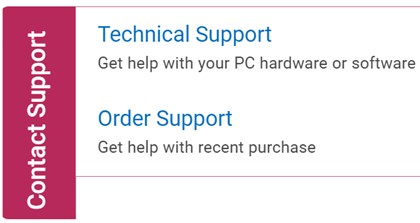
Figure 1: (English Only) Click Contact Us
- Click Enter service tag.

Figure 2: (English Only) Identify your device
- Type your Service Tag and then click Submit.
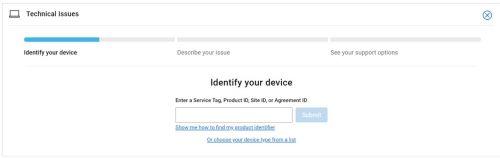
Figure 3: (English Only) Enter your Service Tag and click Submit
- Confirm your model and Service Tag and click Next.
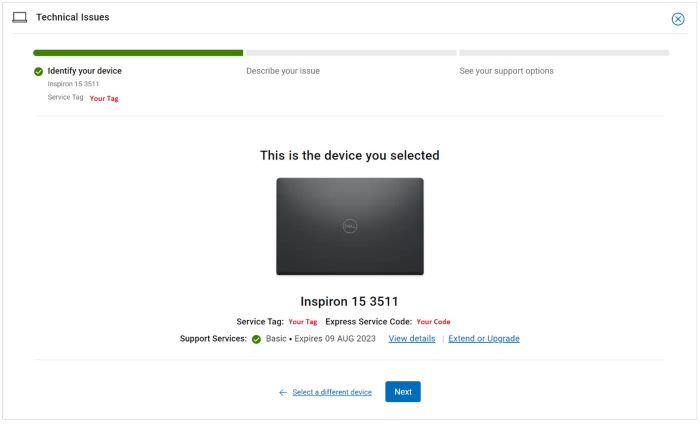
Figure 4: (English Only) Confirm your model and service tag
- From the drop-down menu, select Software and 3rd party applications and then click Next.
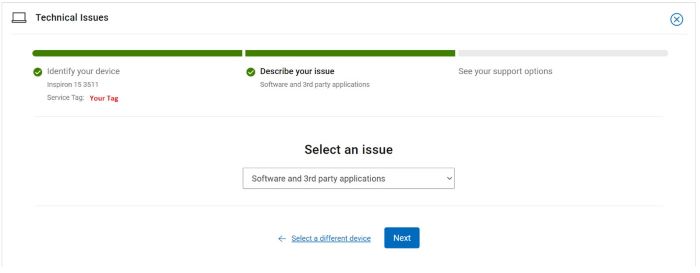
Figure 5: (English Only) Select Software and 3rd party applications
- Select an available contact option.
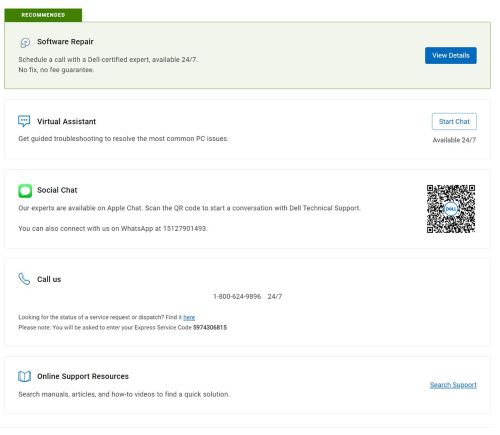
Figure 6: (English Only) Select contact option
- Type your Order Number and then click Find My Order.

Figure 7: (English Only) Click Find My Order
- To the right of the page, click Contact Customer Support.
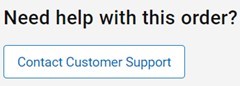
Figure 8: (English Only) Click Contact Customer Support
- From the drop-down, select Missing Items.

Figure 9: (English Only) Select Missing Items
- Select an available contact option.
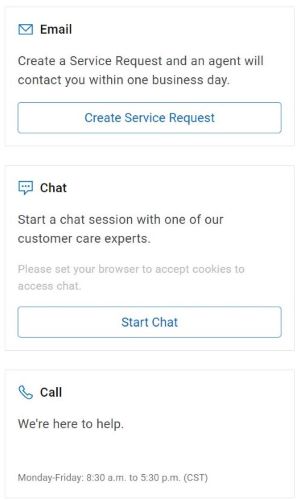
Figure 10: (English Only) Select contact option
Note:
- Contact options may differ by your region.
- Reference this article (000186116) when contacting technical support.
Affected Products
Dell Command | ConfigureArticle Properties
Article Number: 000186116
Article Type: How To
Last Modified: 08 May 2024
Version: 19
Find answers to your questions from other Dell users
Support Services
Check if your device is covered by Support Services.