Dell U3415W Monitor PIP/PBP Mode and Dell Picture in Picture Features
Summary: Information about the Picture by Picture (PBP) mode on the U3415W monitor. Discover how to set up and use Dell's PBP feature for side-by-side personal computer sources with automatic scaling. ...
This article applies to
This article does not apply to
This article is not tied to any specific product.
Not all product versions are identified in this article.
Symptoms
Cause
No cause information is available.
Resolution
Picture By Picture
Picture By Picture (PBP) operation puts two different personal computer sources side by side. The images can be set to PBP full which stretches both images vertically to fit the screen. The images can also be set to PBP Aspect Ratio where both images are side by side and the 21x9 aspect ratio is maintained.
Vertical Fit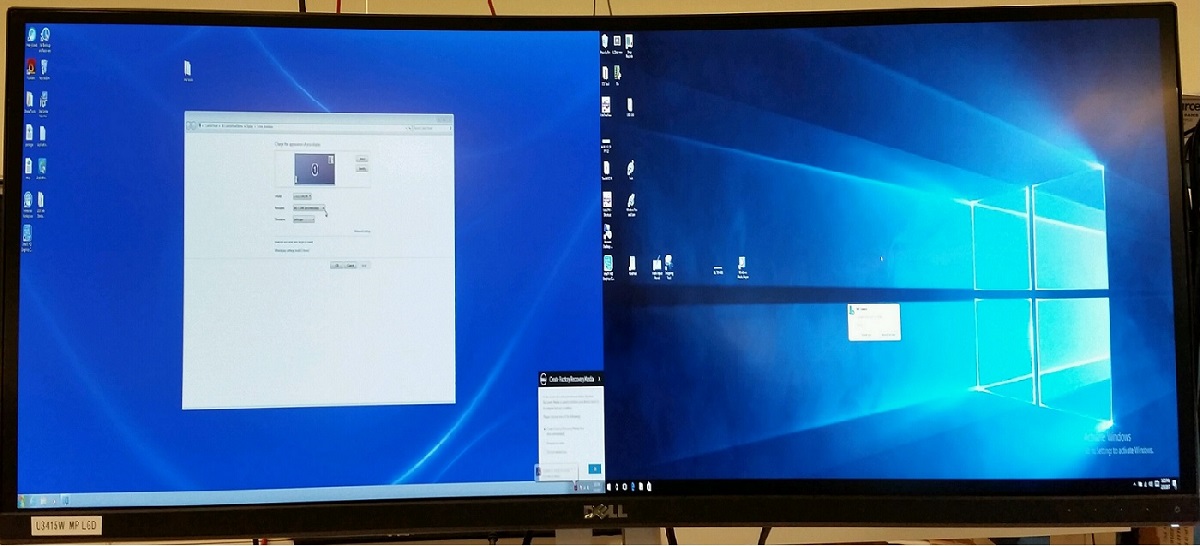
Side by Side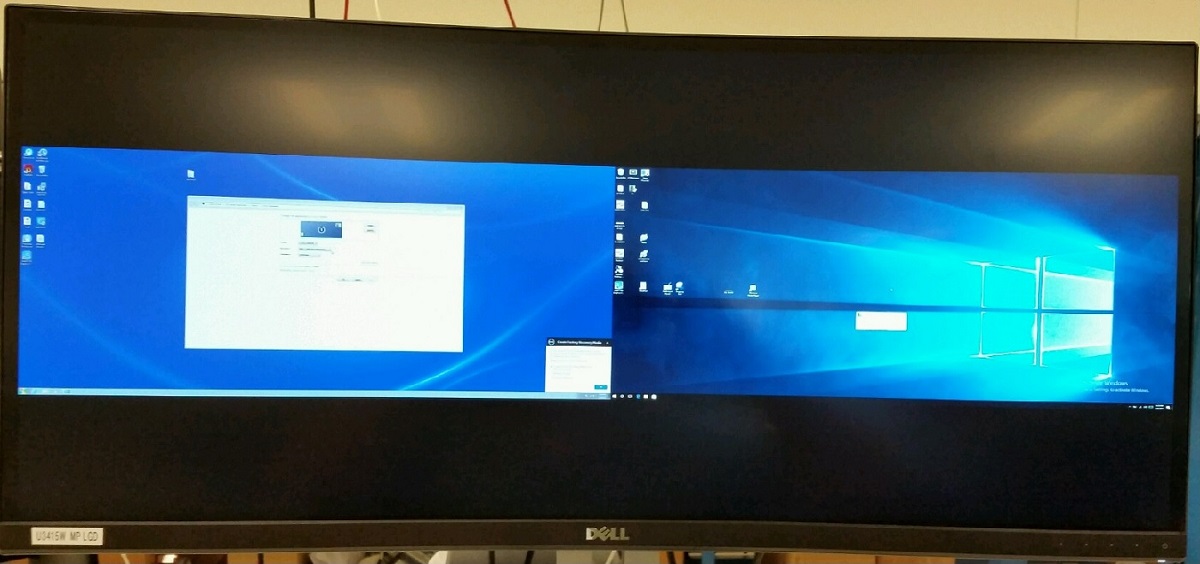
When the video resolutions are changed, the U3415W does automatic scaling. If you are running prime mode of 3440x1440, this resolution fills the entire screen. When you change to a lower resolution, the image area gets smaller than the prime mode image of 3440x1440. At the lower resolutions, the correct aspect ratio for a given resolution is maintained.
Using the Dell Display Manager (DDM), the screen position can be changed for both images when the monitor is set to PBP or PIP. The images shrink as you lower the video resolutions and are smaller than the prime mode 3440x1440. Third-party software (AMD Catalyst for example) must configure the profiles for a quick one-click switch of resolutions.
- The monitor does not auto adjust resolutions in Windows when the PBP mode is changed.
- When PBP is active the native resolution of each half of the screen becomes 1720x1440.
- Two separate input sources must be used.
Use the following article has more information about Dell Display Manager and how to use it: What is Dell Display Manager
Affected Products
Dell U3415WArticle Properties
Article Number: 000132573
Article Type: Solution
Last Modified: 12 Aug 2025
Version: 6
Find answers to your questions from other Dell users
Support Services
Check if your device is covered by Support Services.