PowerStore: Upgrade failed with error message: the following commands cannot be running during upgrade
Summary: Upgrade failed with error message "the following commands cannot be running during upgrade".
This article applies to
This article does not apply to
This article is not tied to any specific product.
Not all product versions are identified in this article.
Symptoms
The upgrade fails with the following error message:
Examples:
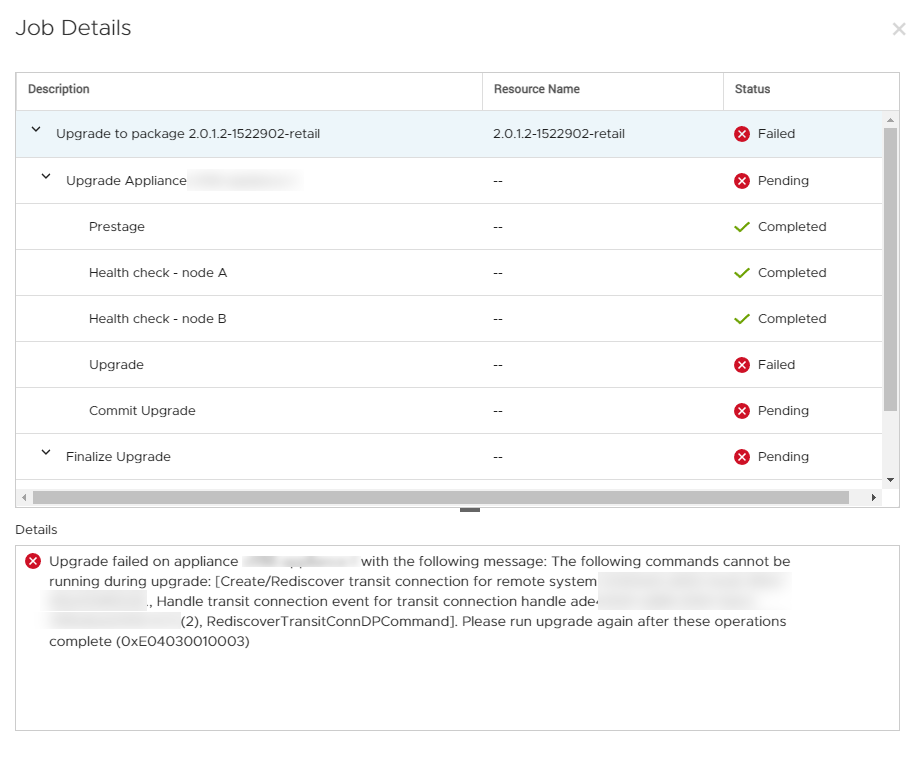
As seen from the PowerStore Manager user interface (UI):
And:
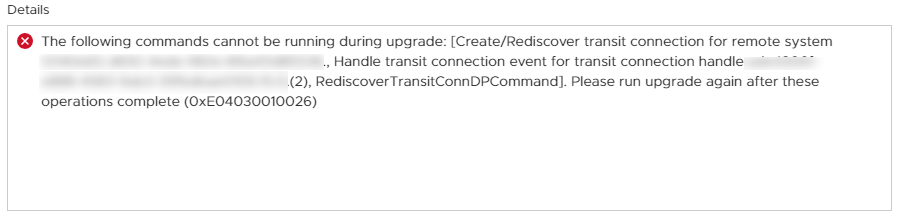
The following commands cannot be running during upgrade: [Create/Rediscover transit connection for remote system yyyyyy., Handle transit connection event for transit connection handle zzzzzz.(2), RediscoverTransitConnDPCommand]. Please run upgrade again after these operations complete (0xE04030010026)
Upgrade failed on appliance xxxxxx with the following message: The following commands cannot be running during upgrade: [yyyyyyyyy]. Please run upgrade again after these operations complete (0xE04030010003)
Examples:
Upgrade failed on appliance xxxxxx with the following message: The following commands cannot be running during upgrade: [Create/Rediscover transit connection for remote system yyyyyy., Handle transit connection event for transit connection handle zzzzzz.(2), RediscoverTransitConnDPCommand]. Please run upgrade again after these operations complete (0xE04030010003)
The following commands cannot be running during upgrade: [Check For Updates]. Please run upgrade again after these operations complete
As seen from the PowerStore Manager user interface (UI):
And:
The following commands cannot be running during upgrade: [Create/Rediscover transit connection for remote system yyyyyy., Handle transit connection event for transit connection handle zzzzzz.(2), RediscoverTransitConnDPCommand]. Please run upgrade again after these operations complete (0xE04030010026)
Cause
The upgrade failure is caused by running or pending or in-progress jobs in the management database.
Resolution
In PowerStoreOS v3.2.x and later, this issue does not result in a failed upgrade attempt. Instead, the upgrade is blocked after the issue is detected by the Pre Upgrade Health Check (PUHC).
These jobs must be manually removed from the management database.Contact Dell Technical Support or your Authorized Service Representative, and quote this knowledge base article ID.
Additional Information
The specific commands that are listed above may differ from your specific scenario, as this issue may occur with different commands.
Affected Products
PowerStore, PowerStore 1000X, PowerStore 1000T, PowerStore 3000X, PowerStore 3000T, PowerStore 5000X, PowerStore 5000T, PowerStore 500T, PowerStore 7000X, PowerStore 7000TProducts
PowerStore 9000X, PowerStore 9000TArticle Properties
Article Number: 000195081
Article Type: Solution
Last Modified: 06 Jan 2023
Version: 7
Find answers to your questions from other Dell users
Support Services
Check if your device is covered by Support Services.