PowerStore: UCS UEFI Boot From SAN Not Working As Expected
Summary: UCS Unified Extensible Firmware Interface (UEFI) boot from SAN not working
This article applies to
This article does not apply to
This article is not tied to any specific product.
Not all product versions are identified in this article.
Symptoms
UEFI SAN boot LUN failed with host error message:
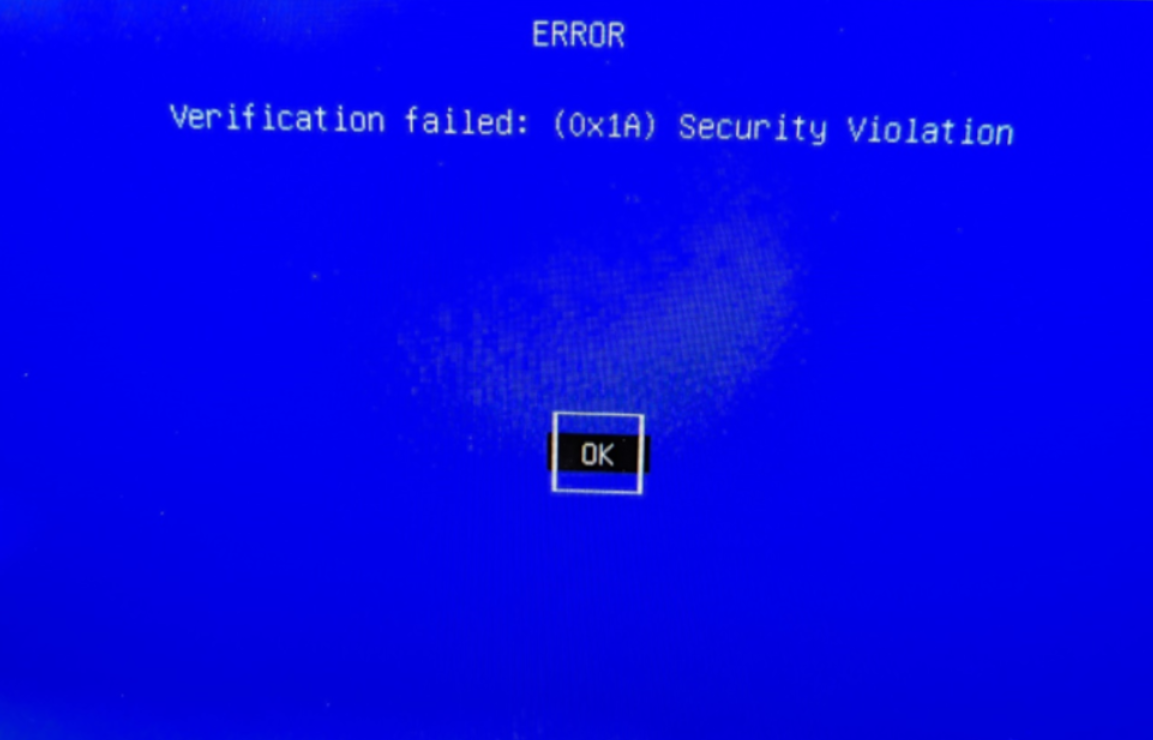
Verification failed: (0x1A) Security Violation
Cause
The PowerStore
Disk.DiskMaxIOSize parameter is set to 1MB in the current code. The UEFI code sent out 2MB read I/Os, which PowerStore does not support, and I/Os failed.Resolution
Workaround:
Use BIOS SAN boot instead of UEFI SAN boot.
Fix:
A future PowerStoreOS release is expected to contain support for a 4MB maximum I/O size.
Use BIOS SAN boot instead of UEFI SAN boot.
Fix:
A future PowerStoreOS release is expected to contain support for a 4MB maximum I/O size.
Affected Products
PowerStoreArticle Properties
Article Number: 000220023
Article Type: Solution
Last Modified: 07 Mar 2024
Version: 2
Find answers to your questions from other Dell users
Support Services
Check if your device is covered by Support Services.