Live Optics | NetApp | Completing a filer Profile
Summary: This article describes the Live Optics options for completing a NetApp Profile.
This article applies to
This article does not apply to
This article is not tied to any specific product.
Not all product versions are identified in this article.
Instructions
It is widely known that NetApp has a fair share of the storage filer market, and it only makes sense that Live Optics supports the ability to profile this technology.
There are two options to gather data from NetApp; configuration and performance.
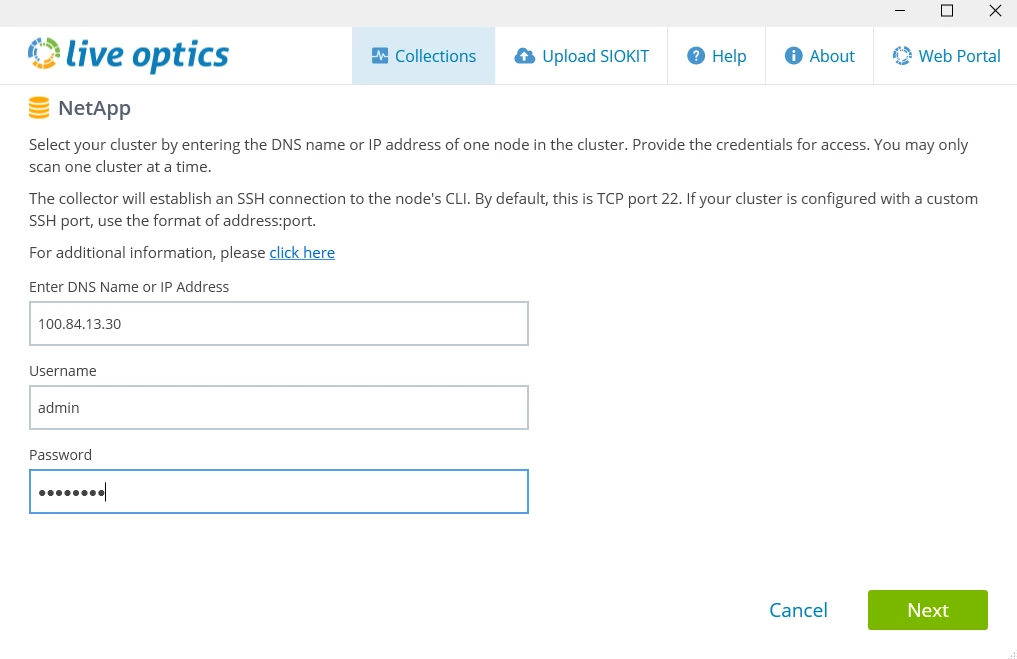
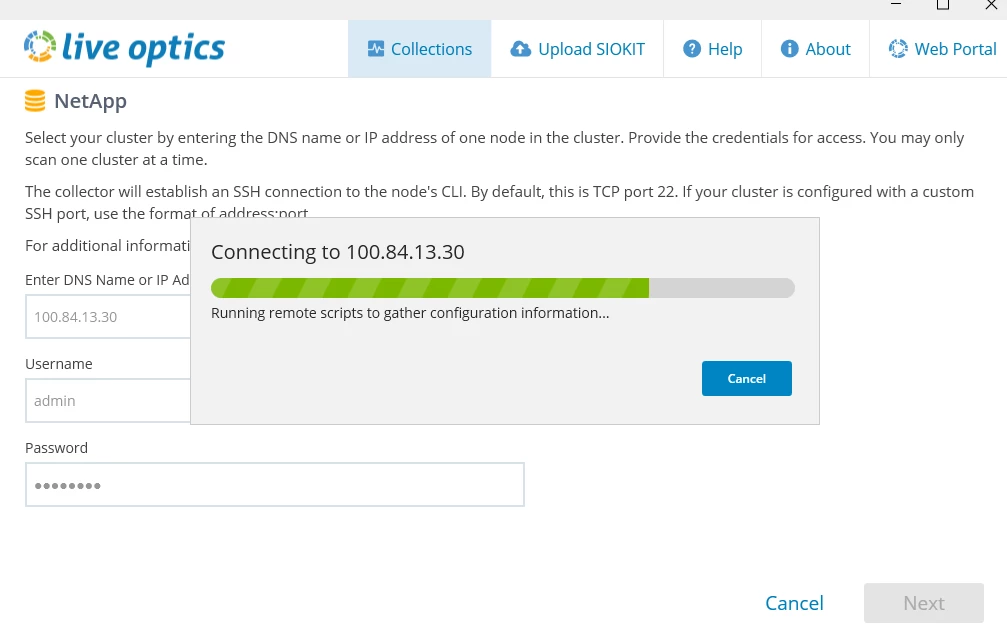
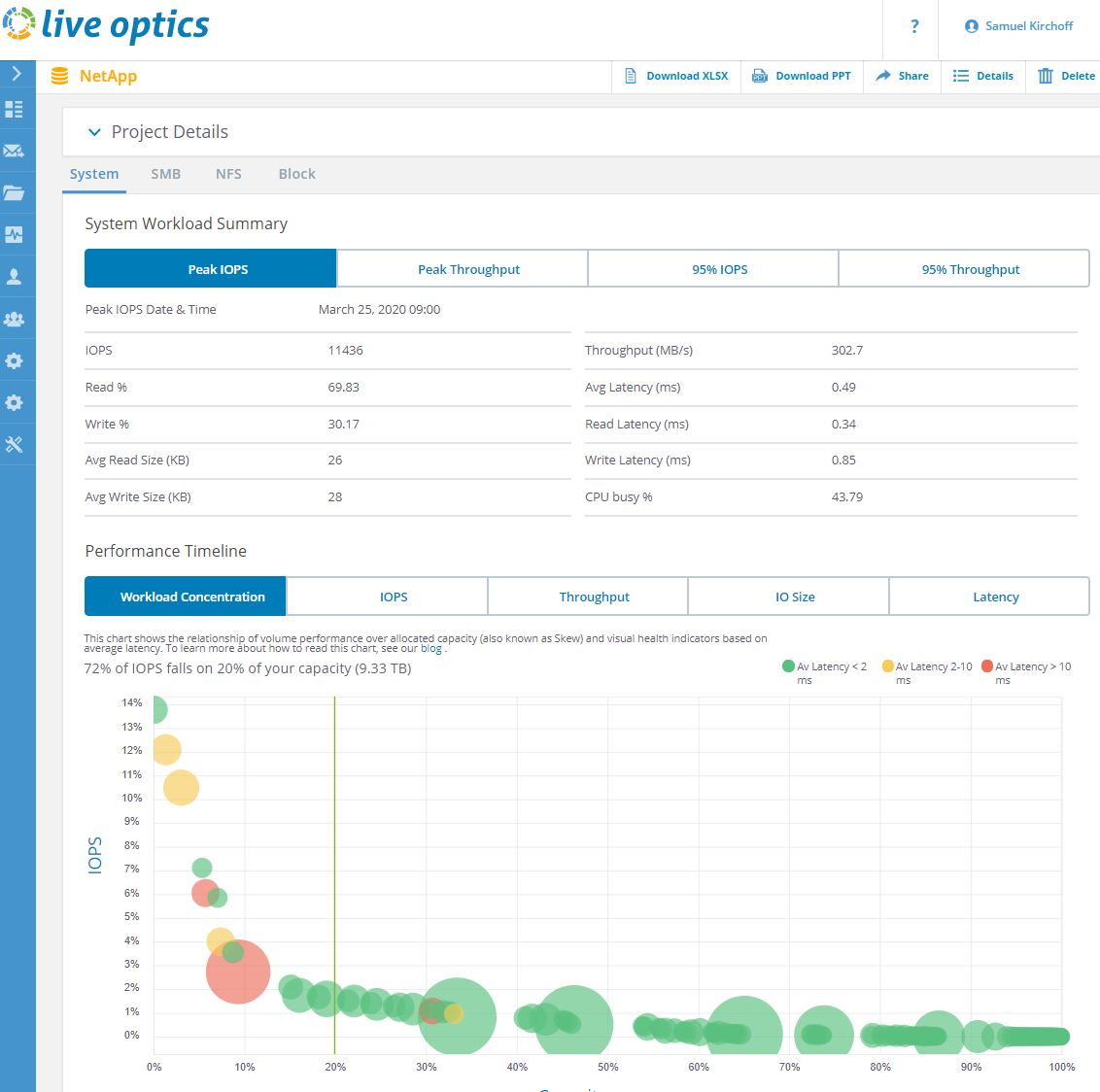
It does so by establishing an SSH connection to the CLI on the NetApp array and running CLI commands to collect the data. The data is then transmitted back to the Live Optics Viewer Portal for analysis and display.
The SSH commands grab data through various files and for those of you that are curious, here are some of the sample commands that would be issued. The entire process takes about 1 min or less from start to finish for configuration.
If you elect to gather performance, then the total duration is what you select.
Command list: df, df –S, cluster image show, system node show, volume show, disk show, lun show, node external-cache show, system feature-usage show-summary, cf partner, sysconfig –a, aggr show space, vol status -r
Note: Live Optics does not support versions 8.0-8.2. However, this is being addressed in a subsequent release.
Here are some screenshots from the collector and viewer:
 |
 |
 |
|
Here is a list of fields to be provided (this might not be the final list)
Node Name
Model Name
NetApp Release/Installation date
# Shelves
Drive Size
Drive Type
# Drives
Flash Cache
Total Cache
Raw Capacity
Total Raw Capacity
Volume Name
Volume Size
Volume Used
Volume Free
Snapshot Size
Snapshot Used
Snapshot Free
Total size for aggregate name
Total used for aggregate name
Total free for aggregate name
Total Size of Node Volume
Total Used of Node volume
Total Free of Node Volume
Total Snapshot size of Node Volume
Total Snapshot used of Node Volume
Total Snapshot free of Node Volume
Total Deduplication
Total Compression
Total Deduplication of Volume
Total Compressed of Volume
Aggregate Name
Total Size of Cluster
Total Used of Cluster
Total Free of Cluster
Total # Drives of Cluster
Total # shelves
Node total
Node used
Node free
Total Node total
Total Node used
Total Node free
Shelf.disk
Block Present
Additional Information
If you have any questions, please reach out to Live Optics Support at liveoptics.support@dell.com.
Affected Products
Container Storage Modules FamilyArticle Properties
Article Number: 000299103
Article Type: How To
Last Modified: 25 Mar 2025
Version: 1
Find answers to your questions from other Dell users
Support Services
Check if your device is covered by Support Services.