Live Optics | Download the Live Optics collector
Summary: This article describes how to download the Live Optics Corporate Edition collector. This collector version requires registration with a corporate email address for access to all Live Optics' options. ...
This article applies to
This article does not apply to
This article is not tied to any specific product.
Not all product versions are identified in this article.
Instructions
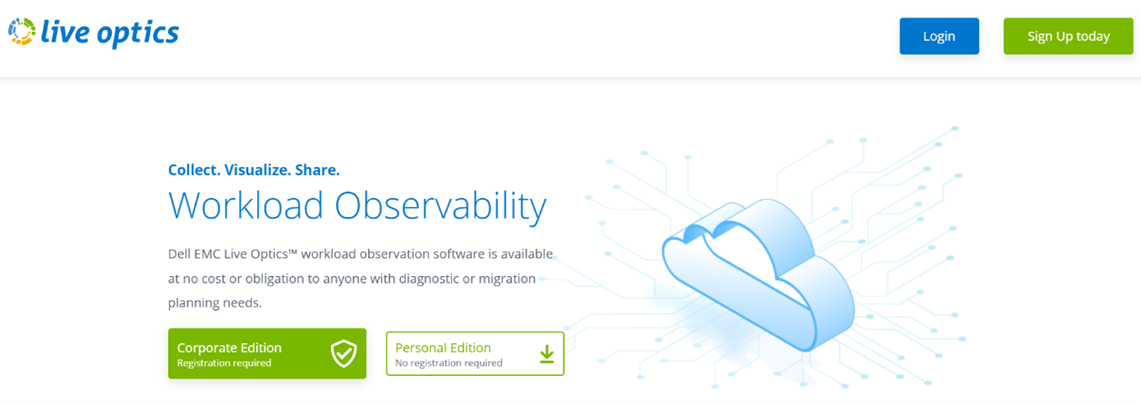
- Navigate to https://www.liveoptics.com. The software download screen displays.
- Select Corporate Edition to access the full range of Live Optics data collection options.
NOTE: For Personal Edition, registration is not required, but data collection is limited to Optical Prime and Rapid Discovery Inventory Mode collections only.
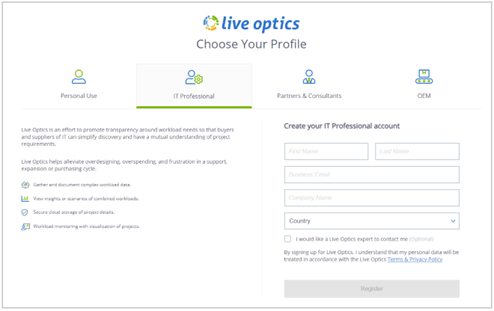
- On the Choose Your Profile page, enter your details to register. An email is delivered within 24 hours to complete the registration of your account by creating your account password. The link expires after 30 days if registration is not completed. The email contains a link to the Live Optics dashboard to download the Live Optics collector.
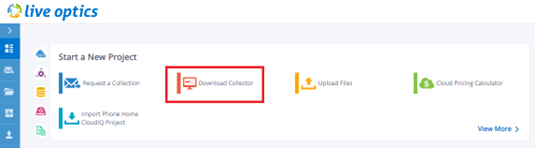
- Log on to the Live Optics dashboard. From the main dashboard screen, select Download Collector. You can also expand the blue menu panel on the left of the screen and select Collectors > Download Collector to access the Live Optics collector download page.
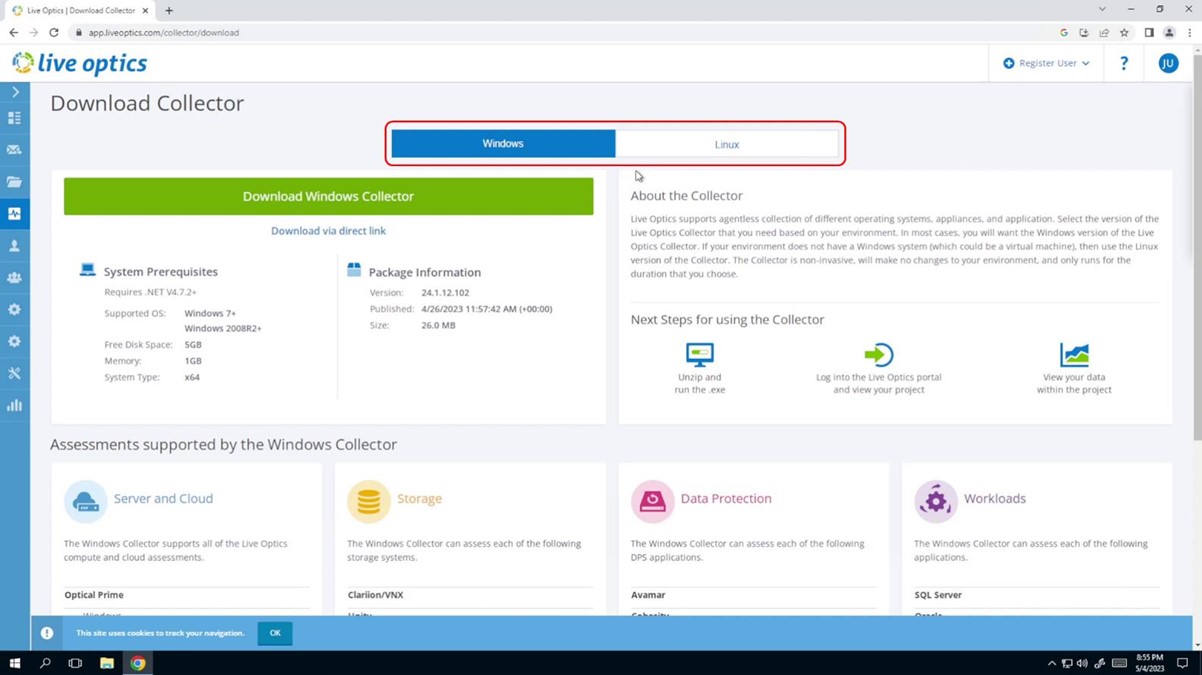
- Select the Windows or Linux collector version. Users generally choose the Windows collector as it collects data from both Windows and Linux environments. Select the Linux collector if your environment does not have an available Windows system.
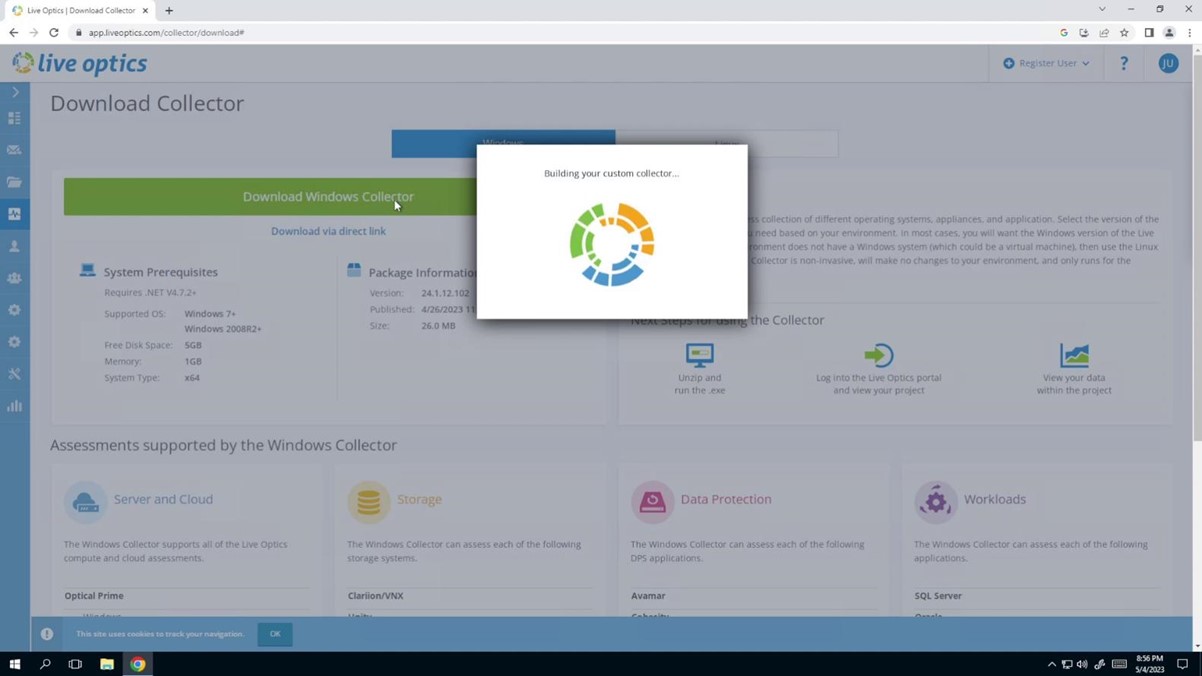
A “Building your custom collector” pop-up message displays on screen before the software downloads.
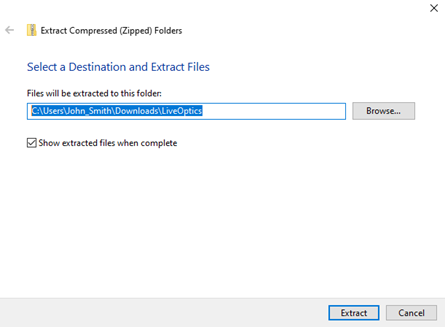
- Once the collector is downloaded, locate the LiveOptics.zip file (Downloads folder) and extract the contents to your selected location. The collector does not need to be installed. It runs from the location in which it was extracted.
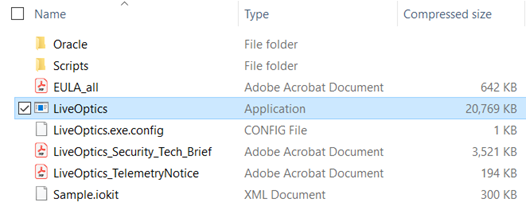
- From the list of extracted items, double click the LiveOptics application to get started.
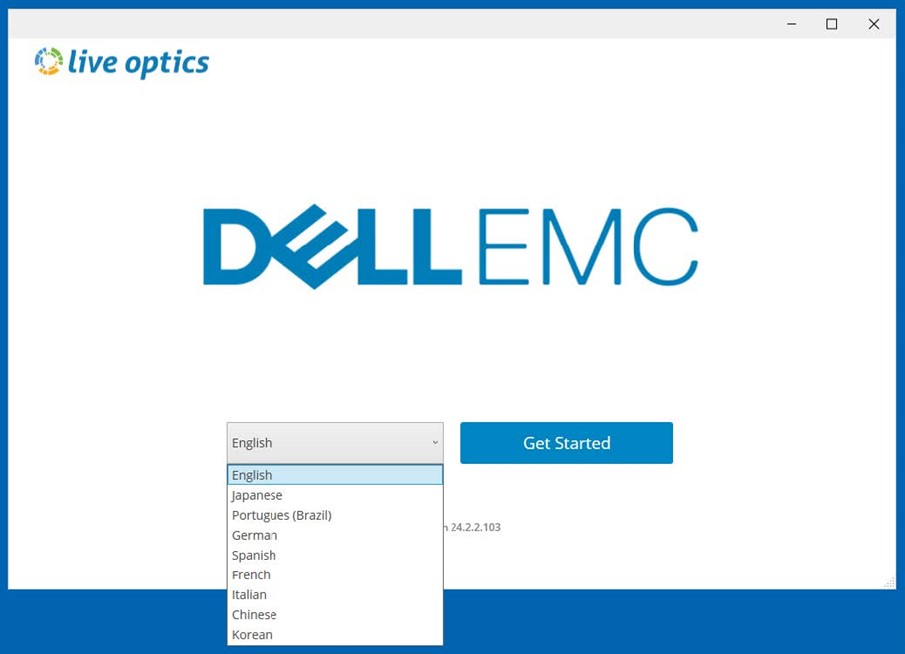
- The following screen appears. Select your preferred language and click Get Started.
- Accept the EULA agreement by clicking Yes, I Agree to continue.
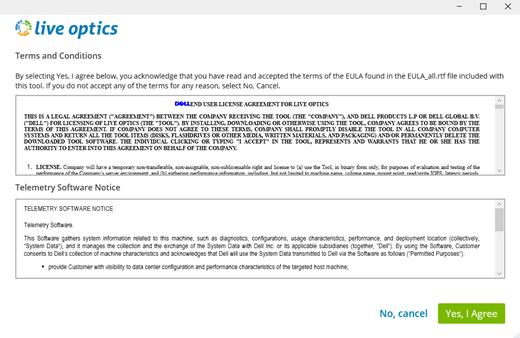
- Confirm your registration information on the Your Account Information screen, and click Yes, it is correct to continue, or No, cancel to quit.
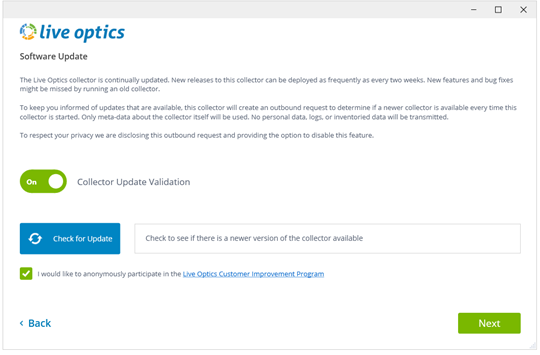
- On the following screen, confirm if you want the collector to update automatically. The checkbox to participate in the customer improvement program is checked by default. Uncheck this box if you do not wish to participate. Click Next to continue.
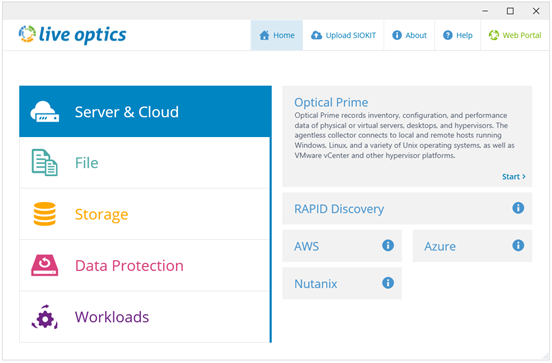
- The Live Optics collector opens. Select an asset type from the left panel to start a collection. For more information on Live Optics collection options, see About Live Optics.
A video tutorial showing how to download the Live Optics Collector is also available.
Additional Information
If you have any questions, please reach out to Live Optics Support at liveoptics.support@dell.com.
Affected Products
LiveOpticsArticle Properties
Article Number: 000228748
Article Type: How To
Last Modified: 21 May 2026
Version: 5
Find answers to your questions from other Dell users
Support Services
Check if your device is covered by Support Services.