How to Get Support for ChromeOS
Riepilogo: This article covers how to obtain support for ChromeOS Enterprise and ChromeOS Education products.
Questo articolo si applica a
Questo articolo non si applica a
Questo articolo non è legato a un prodotto specifico.
Non tutte le versioni del prodotto sono identificate in questo articolo.
Istruzioni
Affected Operating Systems:
- ChromeOS Enterprise (on select Latitude platforms)
- ChromeOS Education (Chromebook)
Dell offers ChromeOS Enterprise on select Latitude (for example Latitude 14-5400/7410 and Latitude 13-5300 2-in-1 so forth) and ChromeOS Education on Chromebook computers (Chromebook, 3100, 3100 2-in-1, 3400, 5190, 5190 2-in-1, 7310, 3189, 3180, Inspiron Chromebook so forth). Both are offered with Basic and ProSupport Entitlements.
Self-Help Options
Most technical information can be found by referencing the:
To obtain support:
- In a web browser, go to Dell Support
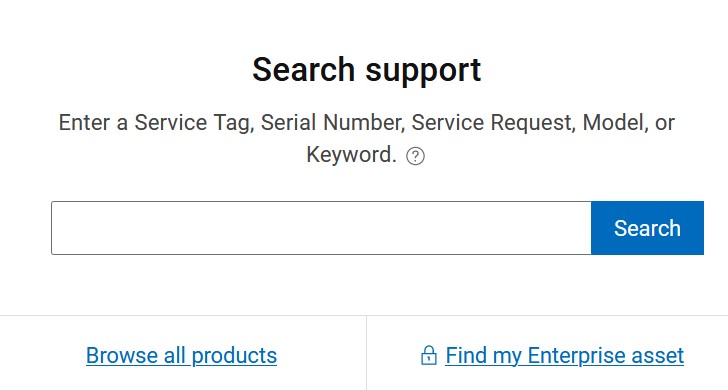
- Under Search support, type your hardware Service Tag and click Search.
Note:
- For more information, see Locate your Service Tag or Serial Number.
- If you are unable to locate the appropriate service tag, reach out to your sales agent for assistance.
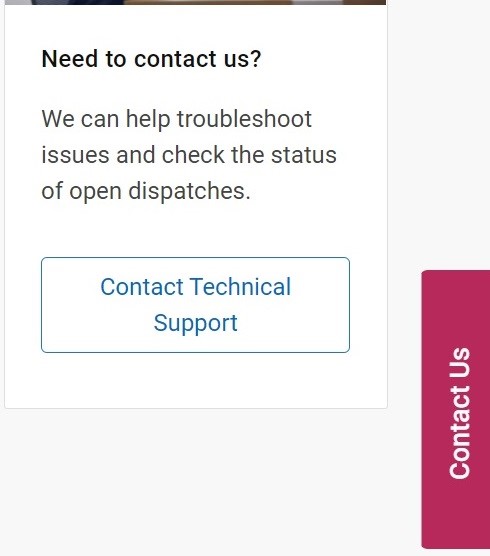
- To the right of the page, click Contact Technical Support.
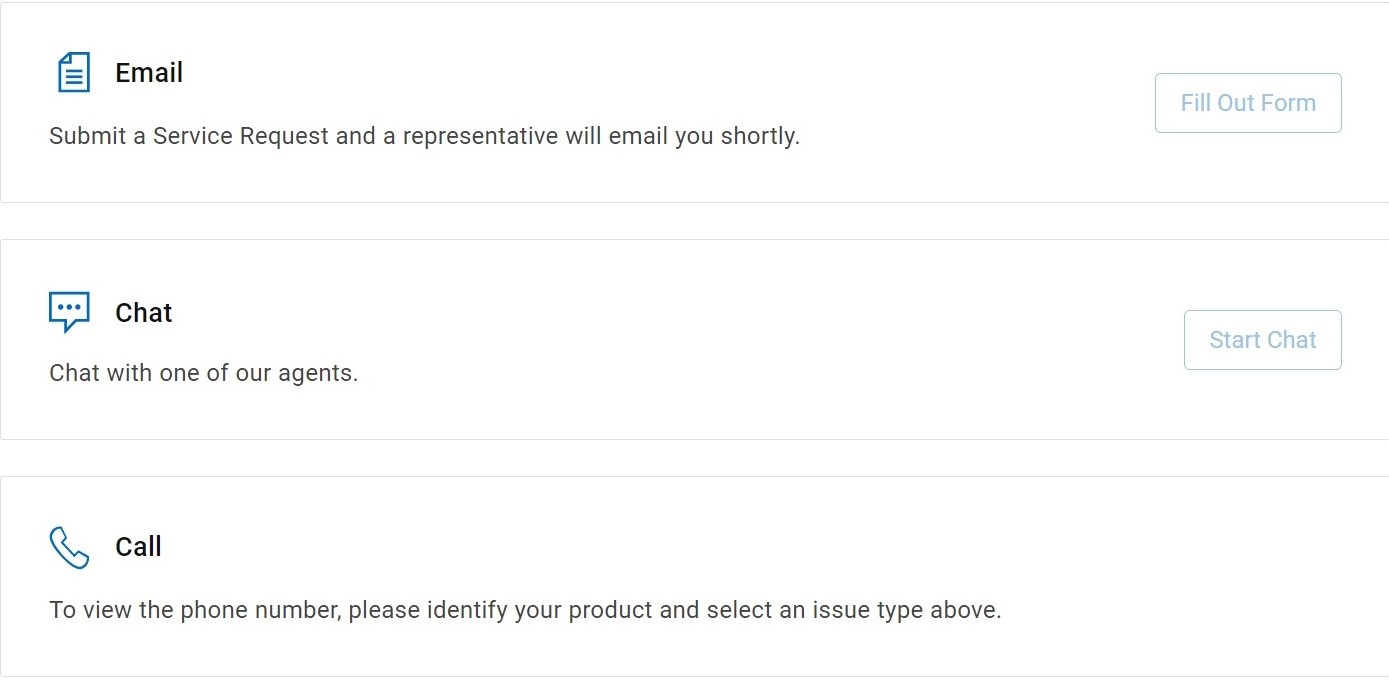
- Scroll to the bottom of the page for available contact options.
Note:
- Contact options may differ by your region.
Prodotti interessati
Chromebook, ChromebookProprietà dell'articolo
Numero articolo: 000191202
Tipo di articolo: How To
Ultima modifica: 26 ago 2025
Versione: 4
Trova risposta alle tue domande dagli altri utenti Dell
Support Services
Verifica che il dispositivo sia coperto dai Servizi di supporto.