How To Access .AMDX and .ADML Files for Use with Dell Command Update
Riepilogo: This article provides information about how to obtain the .ADMX and .ADML templates for managing Dell Command | Update (DCU) settings using group policy.
Questo articolo si applica a
Questo articolo non si applica a
Questo articolo non è legato a un prodotto specifico.
Non tutte le versioni del prodotto sono identificate in questo articolo.
Istruzioni
Affected Products:
- Dell Command | Update
How to find .ADMX and .ADML files:
- Run DCU application package with administrator rights
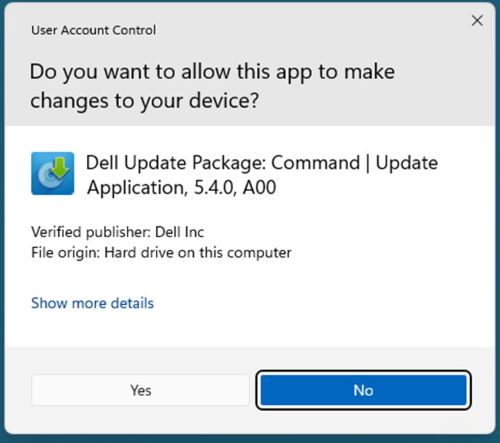
- Click extract

- Choose the destination folder
 Note: Our example uses the DCU directory.
 - Once finished, click CLOSE

- Go to where the files were extracted location

- DCU .ADMX files are found in the
\Templatesdirectory
- DCU .ADML files are found in the
\Templates\en-USdirectory
Prodotti interessati
Dell Command | UpdateProprietà dell'articolo
Numero articolo: 000293701
Tipo di articolo: How To
Ultima modifica: 11 mar 2025
Versione: 1
Trova risposta alle tue domande dagli altri utenti Dell
Support Services
Verifica che il dispositivo sia coperto dai Servizi di supporto.