RHEL: How to install or reinstall RPM packages in Red Hat Linux's rescue mode
요약: The instructions below explain how to install or reinstall the RPM package in Red Hat Enterprise Linux's rescue mode by booting the server from a RHEL ISO image. If the server cannot boot, log in to the operating system or is unable to install any RPM packages, this step below would be helpful. ...
이 문서는 다음에 적용됩니다.
이 문서는 다음에 적용되지 않습니다.
이 문서는 특정 제품과 관련이 없습니다.
모든 제품 버전이 이 문서에 나와 있는 것은 아닙니다.
지침
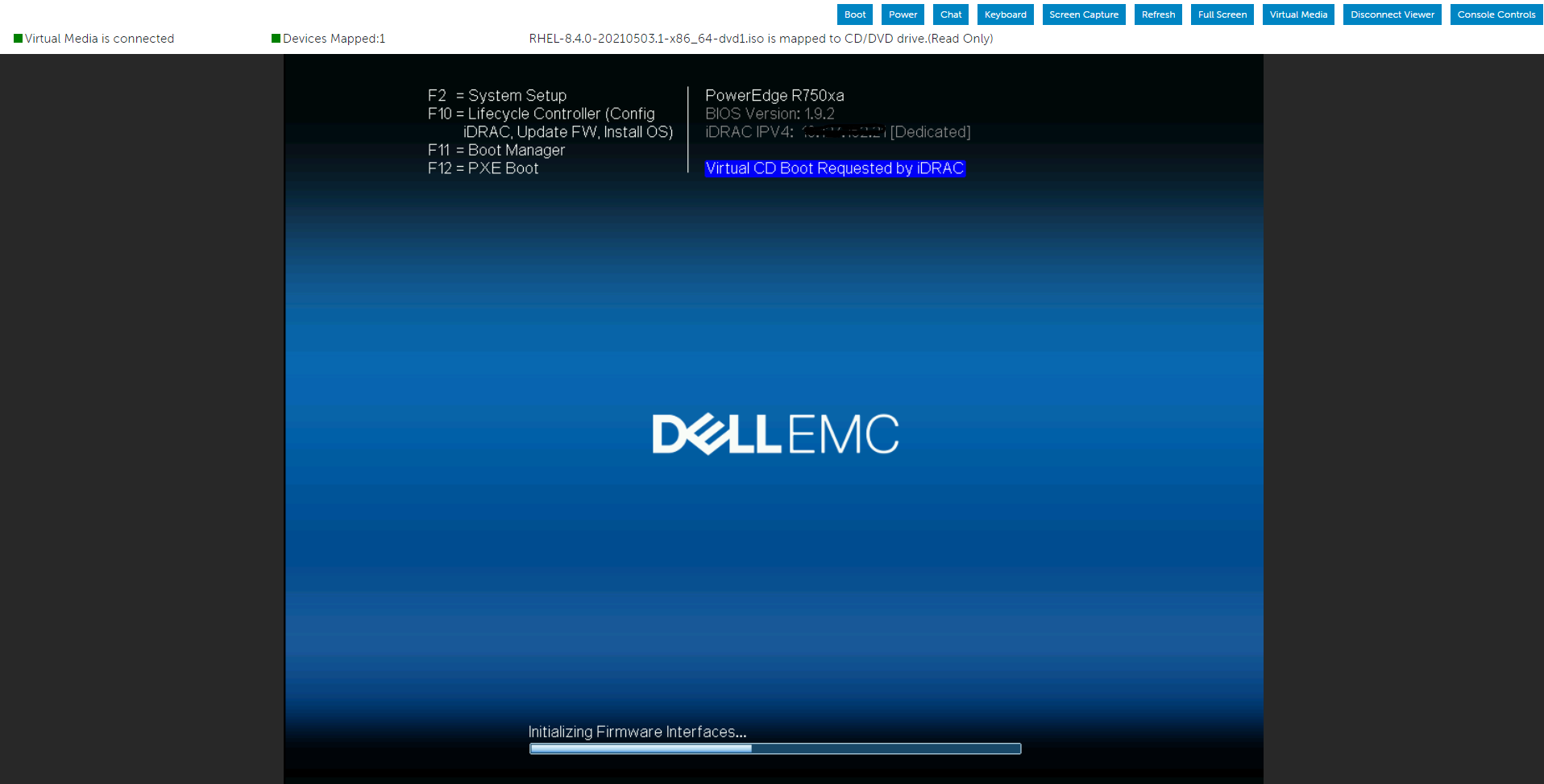
Let us use IDRAC’s virtual media to mount the operating system iso image and then boot the server from a virtual optical drive.
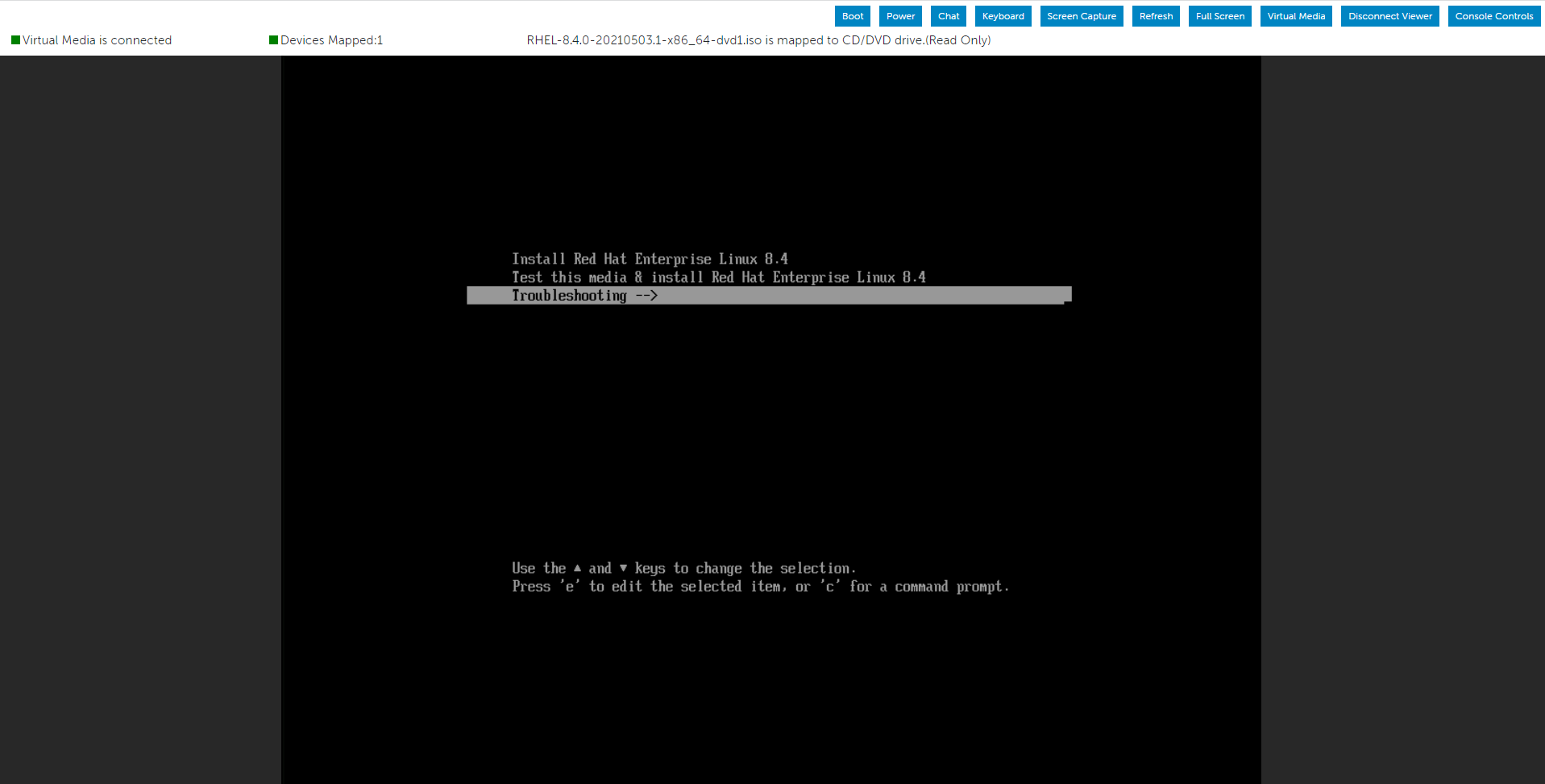
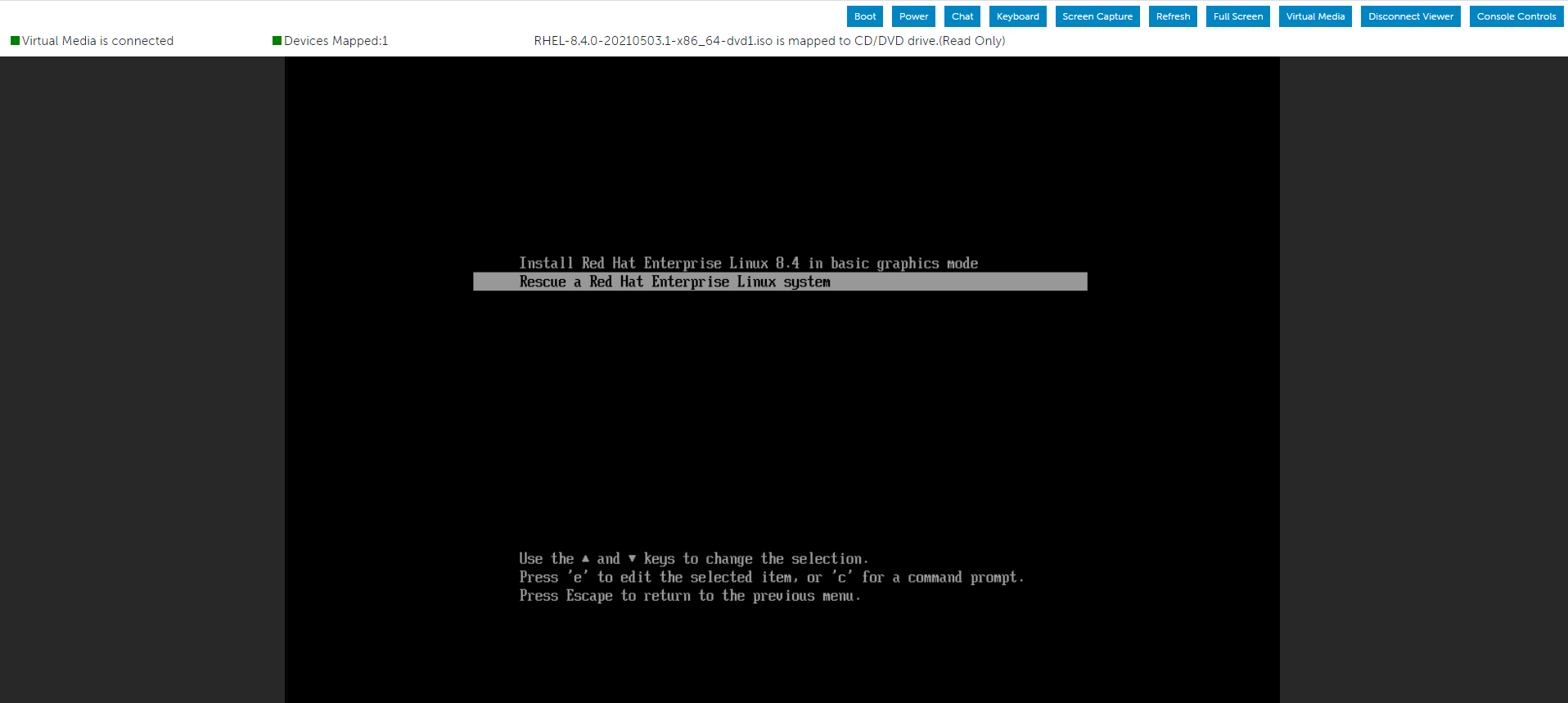
Select the Troubleshooting option from the menu, and then choose the Rescue option.
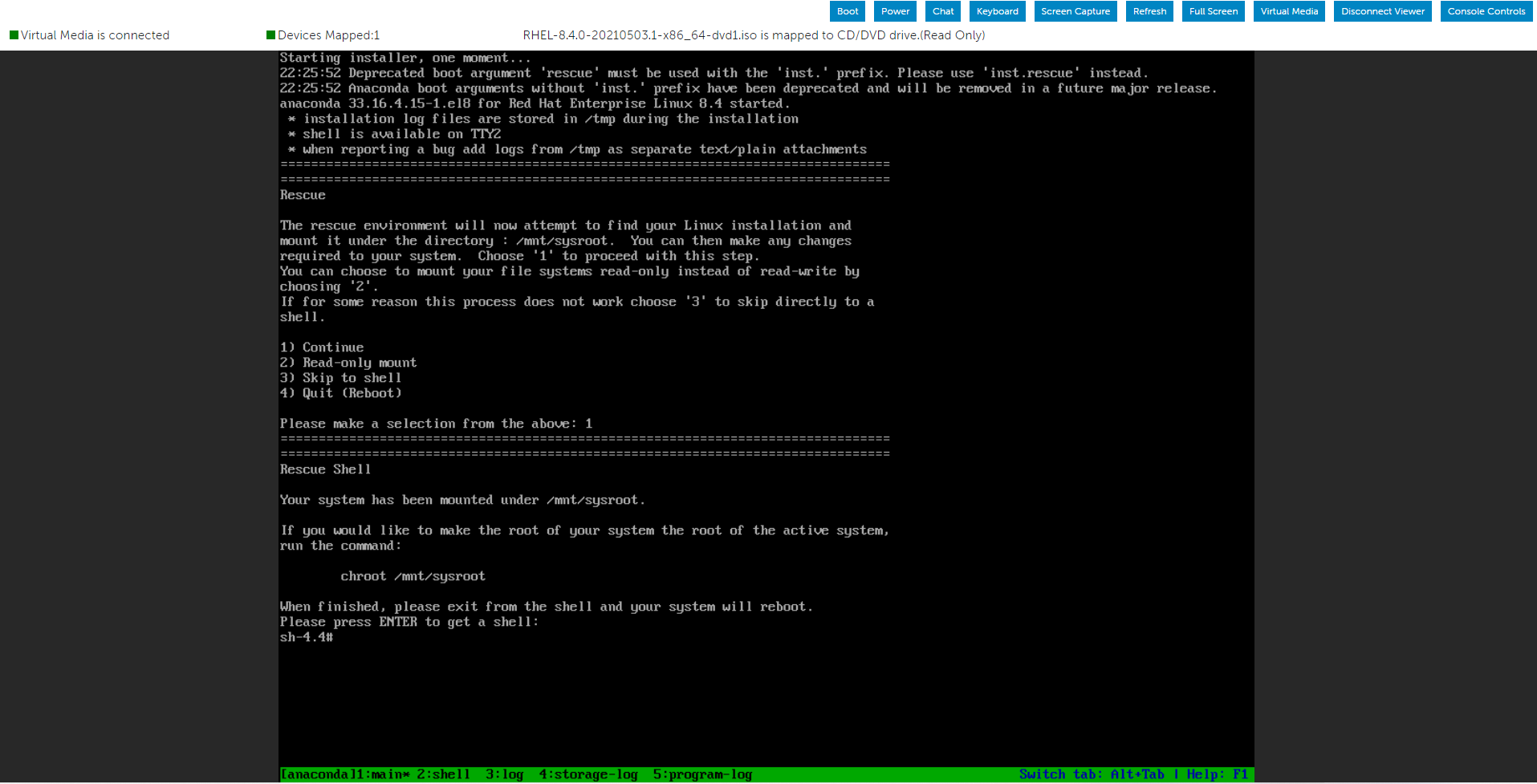
After the system has entered the Rescue environment, create a directory and mount the ISO image inside it.

You can now use the Packages folder that we mounted using the Operating System ISO image to look for the necessary RPM file.

As a demonstration, I could locate the wanted place when I searched for the "openssl-libs" RPM packages in both the Packages folders.
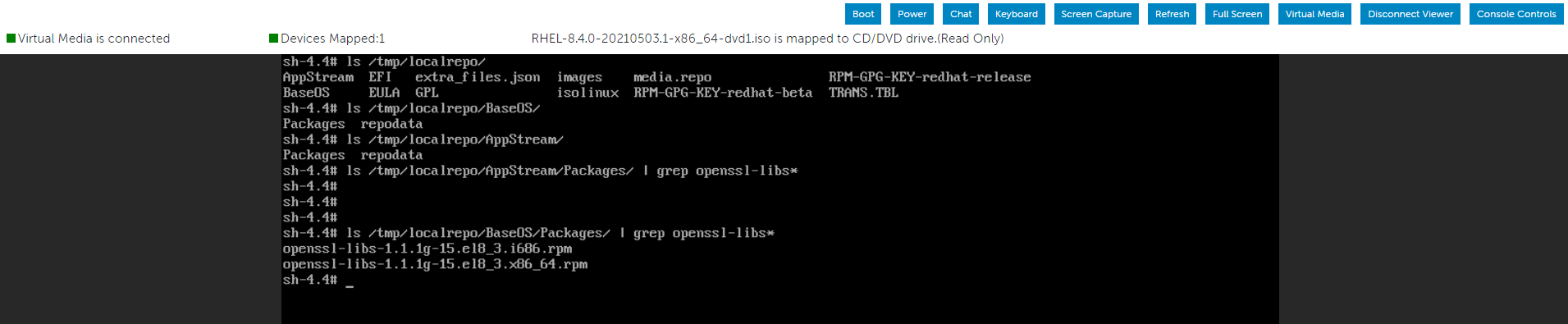
The option below allows installing the RPM package inside the root partition:
After installing the RPM packages, use the below command to exit the current environment and restart the server.
Select the Troubleshooting option from the menu, and then choose the Rescue option.
After the system has entered the Rescue environment, create a directory and mount the ISO image inside it.
You can now use the Packages folder that we mounted using the Operating System ISO image to look for the necessary RPM file.
As a demonstration, I could locate the wanted place when I searched for the "openssl-libs" RPM packages in both the Packages folders.
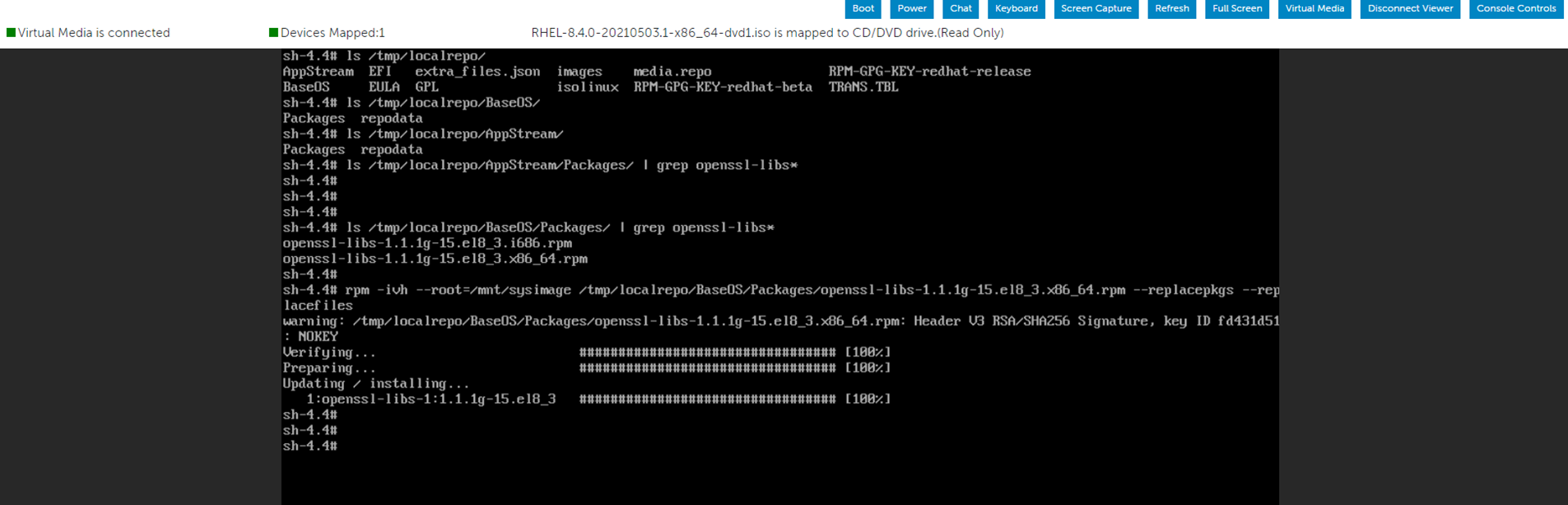
The option below allows installing the RPM package inside the root partition:
"--root=/mnt/sysimage"
After installing the RPM packages, use the below command to exit the current environment and restart the server.
# RPM -ivh --root=/mnt/sysimage <Location_Of_RPM_Package> --replacepkgs --replacefiles
# exit
해당 제품
Red Hat Enterprise Linux Version 7, Red Hat Enterprise Linux Version 9, Red Hat Enterprise Linux Version 8문서 속성
문서 번호: 000213359
문서 유형: How To
마지막 수정 시간: 17 12월 2024
버전: 5
다른 Dell 사용자에게 질문에 대한 답변 찾기
지원 서비스
디바이스에 지원 서비스가 적용되는지 확인하십시오.