How to Install the Dell Data Protection Remote Management Console
Summary: Learn step-by-step instructions to install the Dell Data Protection Remote Management Console by following these instructions.
Acest articol se aplică pentru
Acest articol nu se aplică pentru
Acest articol nu este legat de un produs specific.
Acest articol nu acoperă toate versiunile de produs existente.
Instructions
Dell Data Protection Enterprise Edition and Dell Data Protection Virtual Edition servers require the Remote Management Console to manage:
- Policies
- Reports
- Encryption keys
Affected Products:
- Dell Data Protection Enterprise Edition
- Dell Data Protection Virtual Edition
Affected Versions:
- 8.0 to 9.1
Affected Operating Systems:
- Windows
The steps below cover installing the Remote Management Console (RMC) for both Dell Data Protection Enterprise Edition and Dell Data Protection Virtual Edition versions 8.0 to 9.1. Versions 9.2 and newer use a browser-based administration console. For versioning information, reference How to Identify the Dell Data Security Server Version. The RMC installer is located in the Dell Data Protection Virtual Edition package.
- Right-click and Extract the server software.
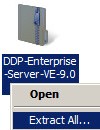 Note: For more information about how to download the server software, reference How to Download Dell Security Management Server.
 - From the extracted installer files, go to either:
- x64 bit:
Installers\Remote Console\x64 - x86 bit:
Installers\Remote Console\x86
- x64 bit:
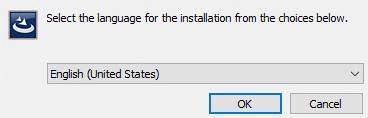
- Double-click setup.exe.

- Select a language and then click OK.
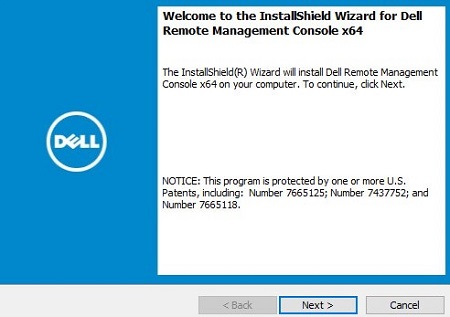
- Click Next.
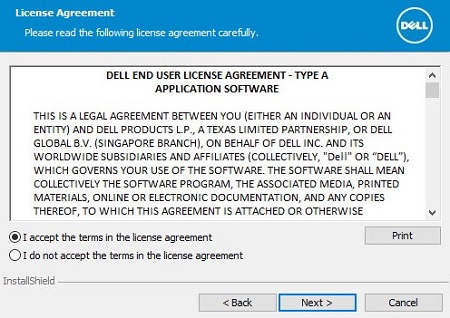
- Select I accept the terms in the license agreement and then click Next.
- Optionally, click Change to change the install location and then click Next.
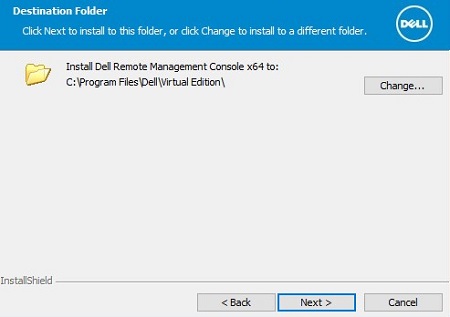
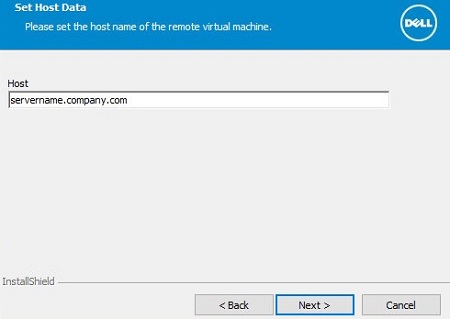
- Populate the Dell Data Protection server fully qualified domain name (FQDN) and then click Next.
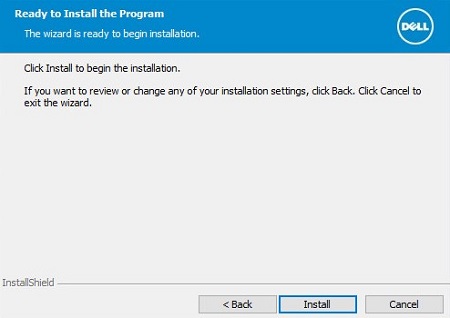
- Click Install.
- Click Finish.
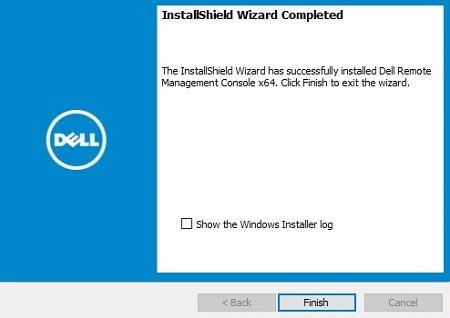
Produse afectate
Dell EncryptionProprietăți articol
Article Number: 000175222
Article Type: How To
Ultima modificare: 07 Jul 2026
Version: 12
Găsiți răspunsuri la întrebările dvs. de la alți utilizatori Dell
Servicii de asistență
Verificați dacă dispozitivul dvs. este acoperit de serviciile de asistență.