Dell Service Coverage for Portable Computer Keyboards
Summary: This article clarifies the conditions for Dell coverage of the laptop keyboards (Worldwide). Contractual and legal warranties in the European Union (EU), the Dell Limited Hardware Warranty (United States and Canada), and or applicable Dell Support Service Agreements are covered in this document. ...
Symptoms
Wear and Tear
Dell keyboards can experience wear and tear over time due to regular use. Wear and tear items include, but are not limited to, these cosmetic issues that have no effect on the functionality of the keyboard. Below are examples of items not covered.
- Fading of the paint or lettering on the keyboard (Figure 1).
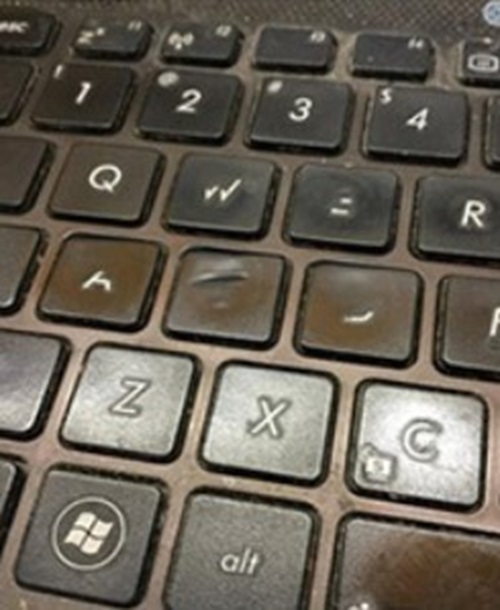
Figure 1: Faded or Worn Lettering on Keys - Worn or shiny keys (Figure 2).
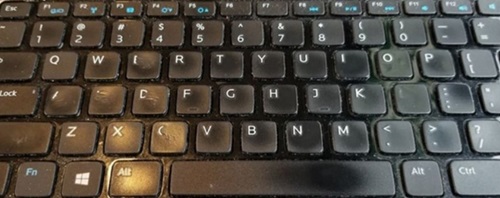
Figure 2: Worn or Shiny Keys - Minor wear, scratches, or chipping of the paint on key edges (Figure 3).
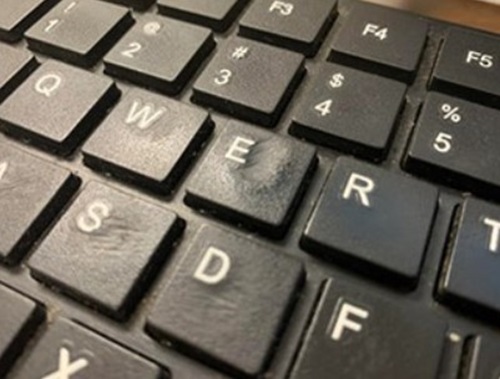
Figure 3: Keys with Minor Wear - Keyboard issues caused by debris accumulated in the keyboard.
Accidental Damage
Keyboards are also subject to accidental damage during use. Damaged laptop keyboards may be replaced with Accidental Damage coverage. Accidental Damage coverage is additional coverage (unless purchased with ProSupport Plus or Premium Support Plus).
Below are examples of items only covered by Dell Accidental Damage.
- Liquid spills (Figure 4).
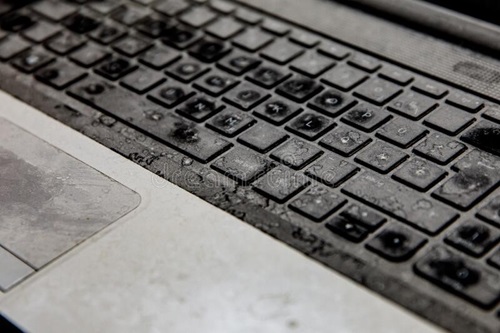
Figure 4: Liquid Spilled on the Keyboard - A single key or multiple keys are mechanically separated from the keyboard by accidental damage (Figure 5 and 6).
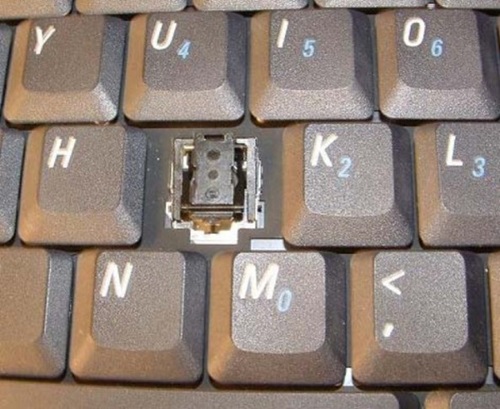
Figure 5: A Single Key Popped Off the Keyboard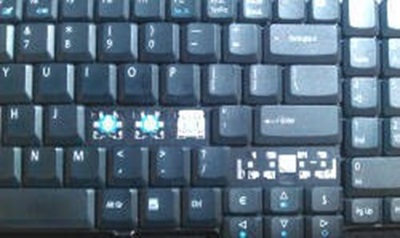
Figure 6: Multiple Keys Popped Off the Keyboard
Cause
No cause information is available.
Resolution
Computer Material
Material failures include:
- Specific keys may stop working or get stuck.
- The keyboard backlight may malfunction or stop working.
Customer-induced laptop keyboard damage is not covered under the Dell Support Service Agreements. Non-intentional damage is covered through Dell Accidental Damage coverage.