Dell Unity: Nonspecific error in UI while uploading Unity OE code for upgrade (Dell Correctable)
Сводка: A blank upload error appears in the Unisphere dialog with no specific error message or error code.
Данная статья применяется к
Данная статья не применяется к
Эта статья не привязана к какому-либо конкретному продукту.
В этой статье указаны не все версии продуктов.
Симптомы
Below error is seen on Unity Unisphere while uploading OE code for upgrade:
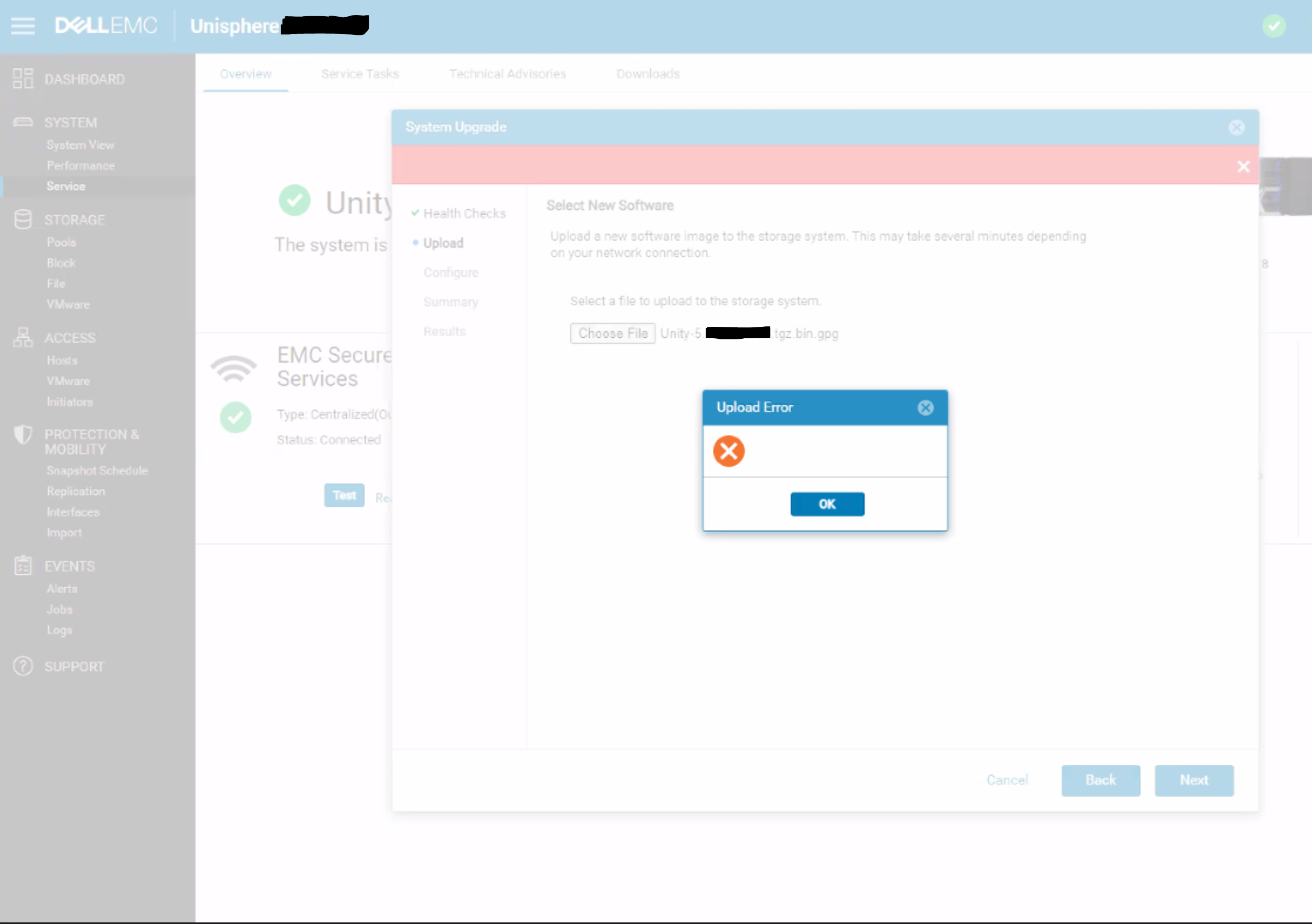
Причина
This is a UI issue where the UI does not correctly handle HTTP 500 or HTTP 409 errors for the REST request.
409 Conflict:
This response is sent when a request conflicts with the current state of the server.
500 Internal Server Error:
The server has encountered a situation it doesn't know how to handle.
Разрешение
Workaround:
- Upload the upgrade image using uemcli command rather than from UI:
uemcli -upload -f Unity-xxx.tgz.bin.gpg upgrade
Or
- Upload the upgrade image from a system that is on the same subnet as the Unity array.
Resolution:
The fix for this issue is expected to be in the 5.2 release.
Затронутые продукты
Dell EMC UnityСвойства статьи
Номер статьи: 000190184
Тип статьи: Solution
Последнее изменение: 11 May 2026
Версия: 5
Получите ответы на свои вопросы от других пользователей Dell
Услуги технической поддержки
Проверьте, распространяются ли на ваше устройство услуги технической поддержки.