How to Get Support for Dell Command Update
摘要: This article covers how to obtain support for Dell Command | Update.
本文适用于
本文不适用于
本文并非针对某种特定的产品。
本文并非包含所有产品版本。
说明
Affected Products:
- Dell Command | Update
Dell Command | Update is a one-to-one stand-alone utility that enables a simplified process to manage updates for Dell client computers. With Dell Command | Update, devices can stay-up-to-date and secure with the latest drivers, BIOS, firmware, and applications.
Dell Command | Update provides:
- An easy-to-use UI, which helps to identify, apply, and schedule the required updates for client computers.
- An easy-to-use CLI, which can be used to automate driver installations and updates.
Self-Help Options
Most technical information can be found by referencing the:
Self-Help Options
Most technical information can be found by referencing the Dell Knowledge Base.
To obtain support:
- Go to https://www.dell.com/support/home
- To the right of the page, select Contact Support and then click either:
- Contact Technical Support: If you have a Dell service tag available
- Contact Order Support: If you do not have a Dell service tag, and need assistance gaining access to the software.
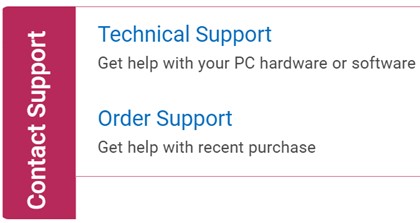
(English Only)
- Click Enter service tag.
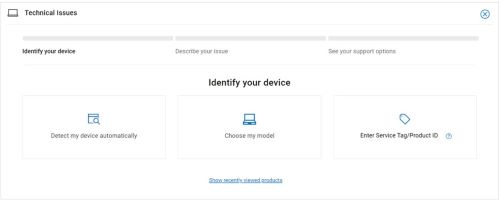
(English Only)
- Type your Service Tag and then click Submit.
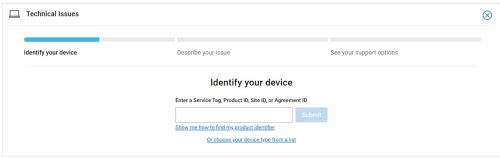
(English Only)
- Confirm your model and Service Tag and click Next.
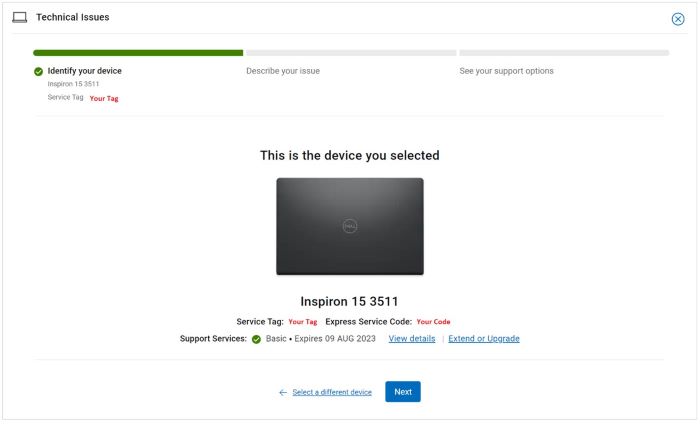
(English Only)
- From the drop-down menu, select Software and 3rd party applications and then click Next.
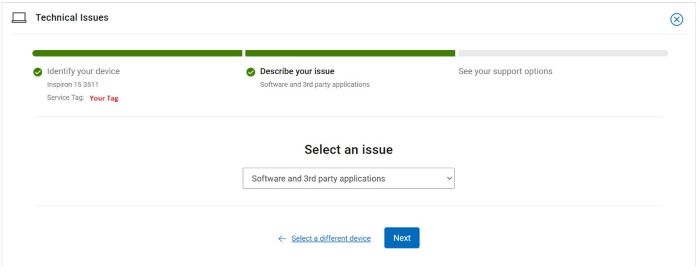
(English Only)
- Select an available contact option.
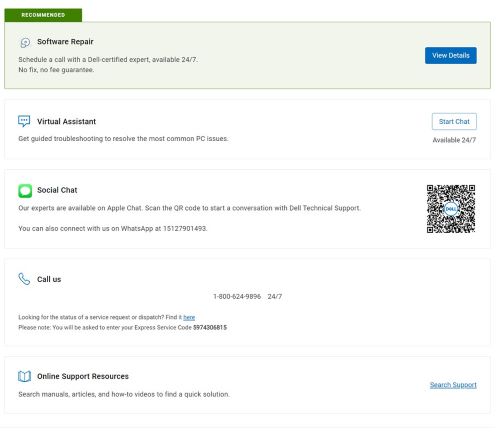
(English Only)
- Type your Order Number and then click Find My Order.
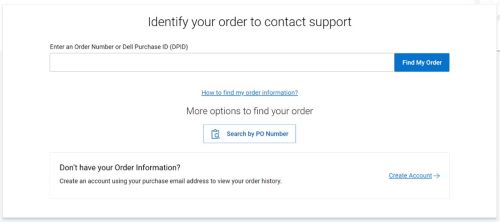
(English Only)
- To the right of the page, click Contact Customer Support.
(English Only)
- From the drop-down, select Missing Items.
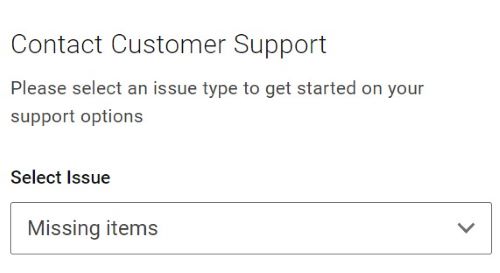
(English Only)
- Select an available contact option.
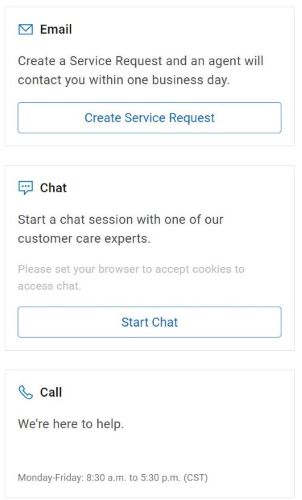
(English Only)
Note:
- Contact options may differ by your region.
- Reference this article (000188829) when contacting technical support.
受影响的产品
Dell Command | Update文章属性
文章编号: 000188829
文章类型: How To
上次修改时间: 06 10月 2025
版本: 17
从其他戴尔用户那里查找问题的答案
支持服务
检查您的设备是否在支持服务涵盖的范围内。