How to use WinSCP to upload large files to the VMware ESXi Datastore
摘要: This article describes how to use WinSCP to upload large files to the VMware ESXi Datastore.
本文适用于
本文不适用于
本文并非针对某种特定的产品。
本文并非包含所有产品版本。
说明
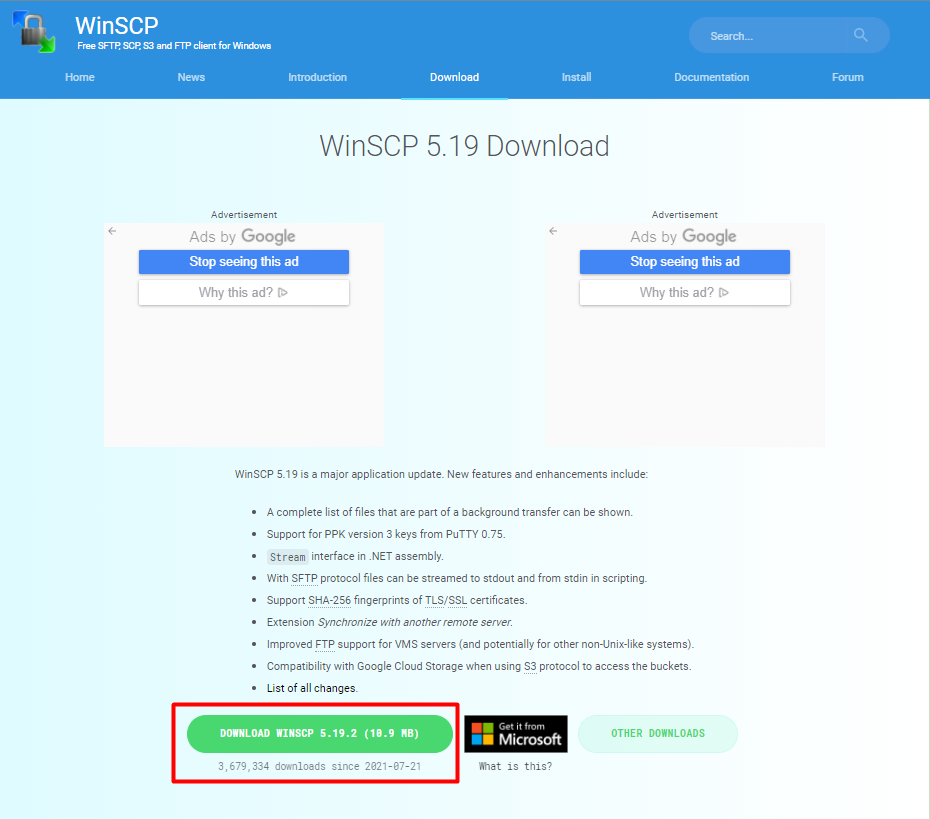
- Visit https://winscp.net/eng/download.php
(external link) to download and install the WinSCP software.
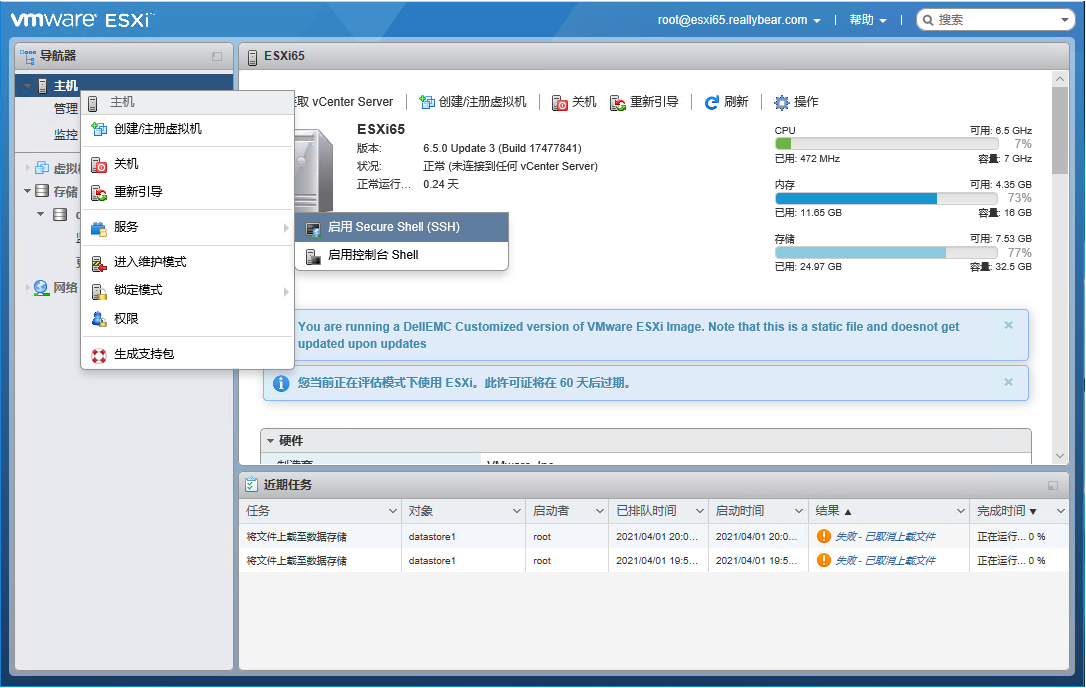
- Log in to the vSphere Host Client and turn on the SSH service for the host.
- Log in to the ESXi host using WinSCP.
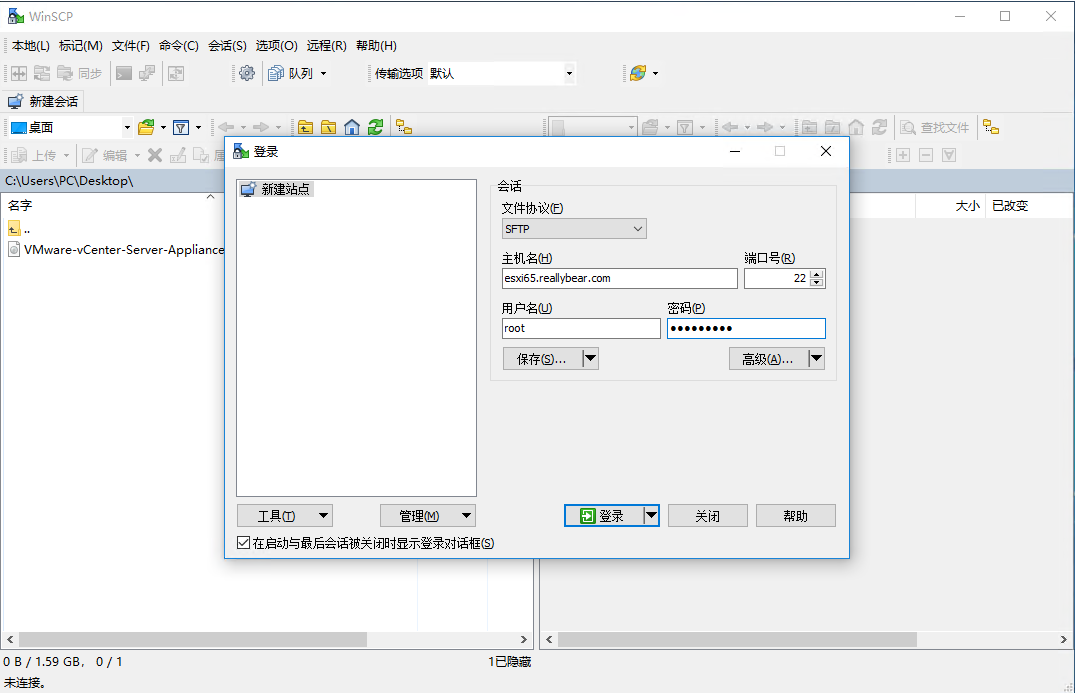
- Select the file to upload on the left, then select the path of the ESXi Datastore on the right.

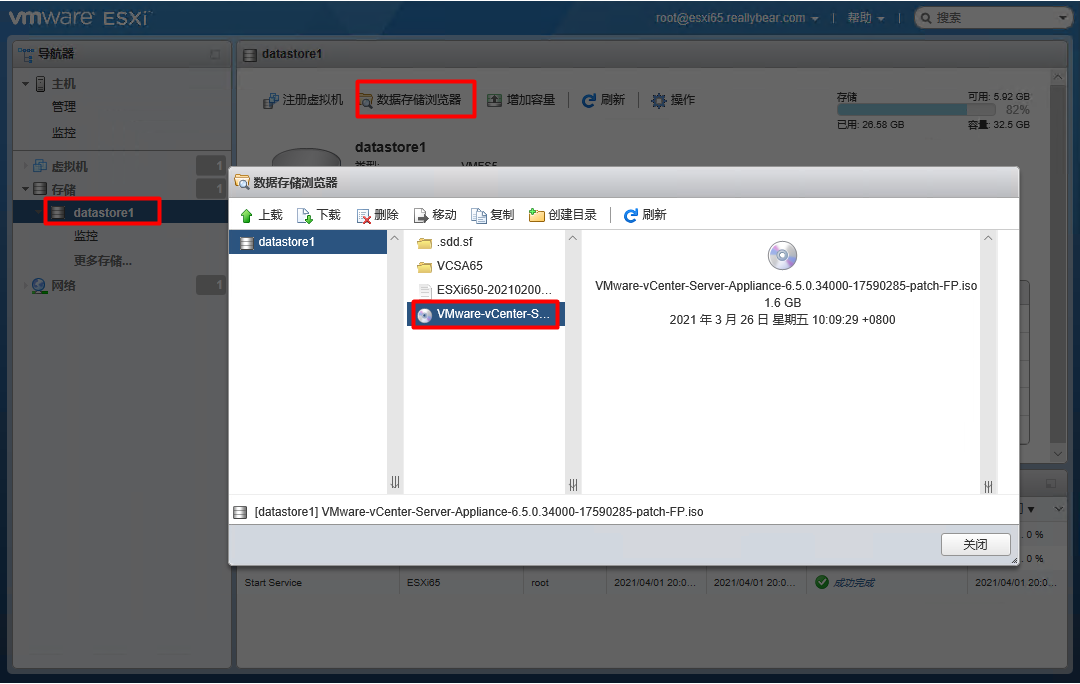
- Log in to the vSphere Host Client and check whether the file exists in the Datastore.
受影响的产品
VMware ESXi 7.x, VMware ESXi 8.x文章属性
文章编号: 000191967
文章类型: How To
上次修改时间: 13 2月 2025
版本: 5
从其他戴尔用户那里查找问题的答案
支持服务
检查您的设备是否在支持服务涵盖的范围内。