Windows Server: Error in RDS Workgroup Environment
摘要: The article resolves error in RDS Workgroup Environment
本文适用于
本文不适用于
本文并非针对某种特定的产品。
本文并非包含所有产品版本。
症状
Remote desktop licenses not working in workgroup environment.
The user receives the below error:
There is a problem with your Remote Desktop license, and your session will be disconnected in 60 minutes. Contact your System Administrator to fix this problem.
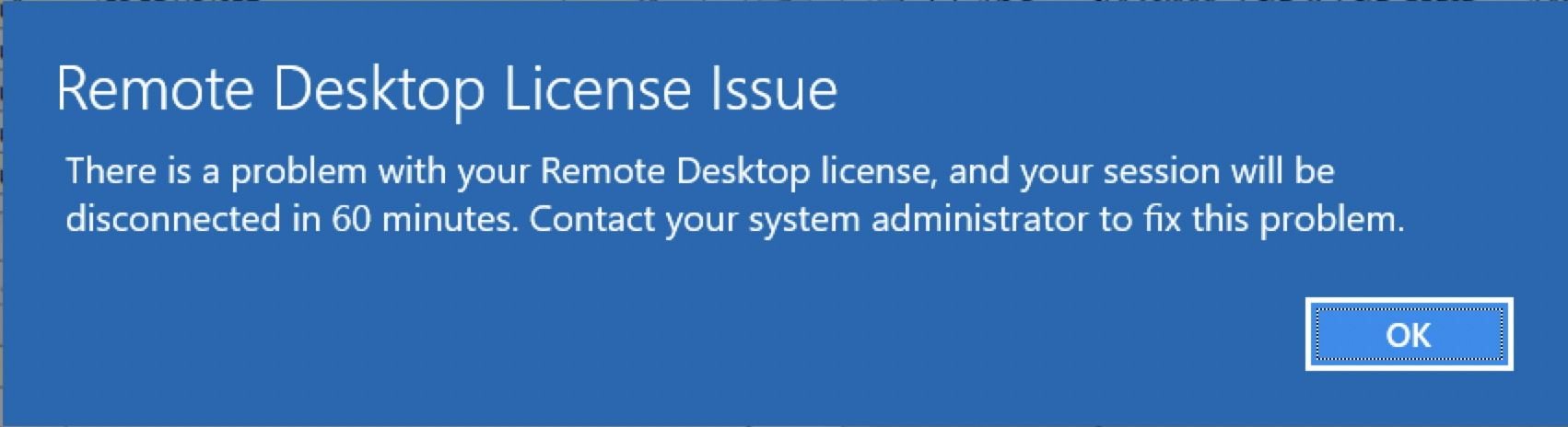 <
<
原因
Only Per Device remote desktop licenses are supported in a workgroup environment.
解决方案
Change the remote desktop licenses to Per Device. This can be done in Remote Desktop License manager by right-clicking the Per User licenses and choosing to convert to Per Device.
If Per User licenses are required, then a domain must be created and all the servers joined to the domain.
In a workgroup environment, the license mode of the server should be set to 2 for Per Device and the license server name should be configured to allow remote desktop licenses to be issued.
This can be configured in the following registry locations by going to Start > Run then type regedit then press enter.
4 = Per user
2 = Per Device
The license server can also be set through the registry here:
If Per User licenses are required, then a domain must be created and all the servers joined to the domain.
In a workgroup environment, the license mode of the server should be set to 2 for Per Device and the license server name should be configured to allow remote desktop licenses to be issued.
This can be configured in the following registry locations by going to Start > Run then type regedit then press enter.
HKEY_LOCAL_MACHINE\SYSTEM\CurrentControlSet\Control\Terminal Server\RCM\Licensing Core
DWORD LicensingMode
4 = Per user
2 = Per Device
The license server can also be set through the registry here:
HKEY_LOCAL_MACHINE\SYSTEM\CurrentControlSet\Services\TermService\Parameters\LicenseServers

REG_MULTI_SZ SpecifiedLicenseServers = Servername
受影响的产品
Microsoft Windows Server 2019, Microsoft Windows 2008 Server R2产品
Microsoft Windows Server 2016, Microsoft Windows 2008 Server Service Pack 2, Microsoft Windows 2012 Server, Microsoft Windows 2012 Server R2文章属性
文章编号: 000203627
文章类型: Solution
上次修改时间: 05 9月 2025
版本: 7
从其他戴尔用户那里查找问题的答案
支持服务
检查您的设备是否在支持服务涵盖的范围内。