PowerVault: ML6000 License Key Replacement
摘要: PowerVault ML6000 missing tape slots due to a factory reset of change of the Control Module.
本文章適用於
本文章不適用於
本文無關於任何特定產品。
本文未識別所有產品版本。
說明
If you have reset your ML6000 to factory defaults, or Support has replaced the Command Module (CM) on an ML6000 you may not have access to your full tape slots or your encryption licenses.
The license key for Capacity on Demand (COD) or EKM must be replaced by Dell Support.
Information needed to generate the license key:
1. Customer Name
2. Service tag for new and original system
3. Serial number for new and original system
4. Case number
5. Reason for key replacement
6. Order number for any COD license purchased after the fact
You need a snapshot from the original Command Module and a snapshot from the replacement Command Module. If for some reason you are not able to get a snapshot from the original Command Module, have the EFD tech read the information off from the chassis.
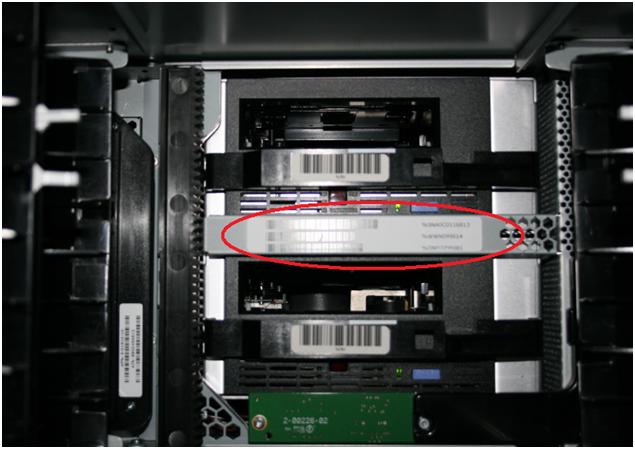
This is from the Command Module on the bracket inside the ML6000 between the drive bays.
Verify the information by going Here, click Capacity on Demand or Library-Managed Encryption and enter the Service Tag and Serial Number of the original chassis to verify the library is listed.
Have the EFD technician gather a snapshot from the replacement Command Module and upload to the case. Check the website to see if the new Service Tag and Serial Number have been updated.
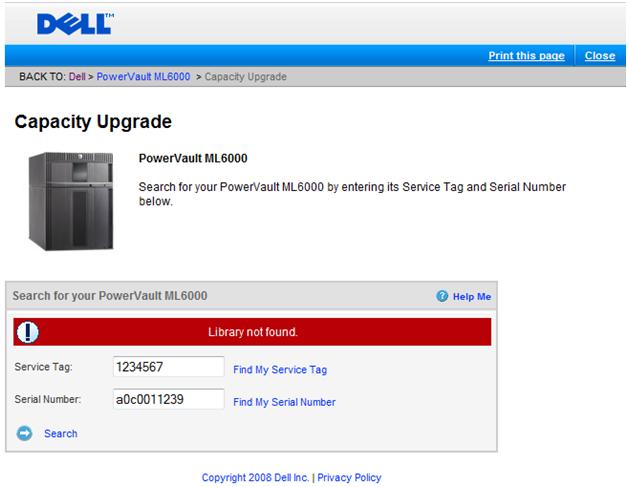
If you see that Library not found, an analyst must engage Quantum to update the database. During business hours, this is usually within one hour. If outside of business hours the process could take longer.
Once the database is updated and the ML6000 is listed, an analyst can generate the license key. Quantum does not generate license keys, they only update the database.
When the license keys are generated, you can add the license to the ML6000 using the web interface. This is located under > Setup > License.

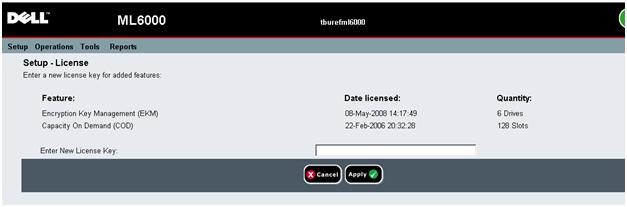
Once the license is entered, click apply.
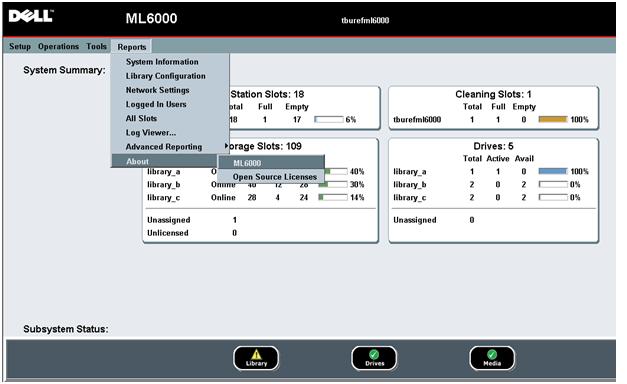
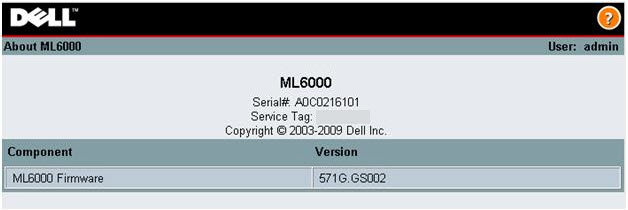
If for some reason you are not able to get a snapshot, have the EFD tech get a print screen from:
> Reports >About >ML6000 (This lists the Service Tag and Serial number)
受影響的產品
PowerVault ML6000文章屬性
文章編號: 000140120
文章類型: How To
上次修改時間: 28 4月 2025
版本: 4
向其他 Dell 使用者尋求您問題的答案
支援服務
檢查您的裝置是否在支援服務的涵蓋範圍內。