


1 Rookie
•
1 Message
13
8934
August 25th, 2023 18:28
Dell Command Update v5 Unable to retrieve System inventor information
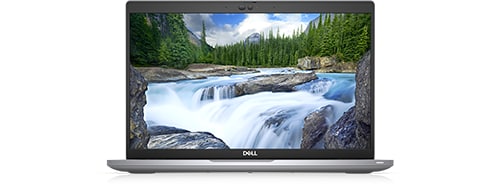
Latitude 5420
I was experiencing some weird behavior from my laptop that hinted at a need for a driver or BIOS update and went to Dell Command Update to address. Unfortunately, I got the "Unable to retrieve system inventory information" error. So I uninstalled (completely and using Revo) the program and reinstalled the most current version. However, the problem persists. The online driver scan on the Dell support page also does not work anymore either. I have restarted the laptop several times. Nothing seems to work.
No Events found!
dRossP
3 Posts
0
August 28th, 2023 16:33
Dell Update is working for me now
Brad L (retired)
9 Legend
•
2.7K Posts
0
August 28th, 2023 18:01
If you're still having trouble using Dell Command Update, as a workaround, please use Dell SupportAssist. We're still looking into this on our end.
With that being said, since it is now working for some users, please retry using Command Update/Alienware Update and let us know if anything has changed. We just retested this now and it seems to be working, but we just wanted to confirm it's working for everyone.
(edited)
Husked0056
1 Message
0
August 28th, 2023 20:43
Dell Command Update still doesn't work for me. I get an error with Dell SupportAssist also, so that workaround doesn't work for me either.
RomoSouthAm
1 Rookie
•
5 Posts
0
August 28th, 2023 21:36
Both Alienware Update works (both searching for updated and seeing system information) and also SupportAssist searches OK for updates and lists in the history no updates without errors.
I did get an OS recovery update on Alienware Update, but since I cannot see a history of updates, I cannot provide the exact version.
ricooooo
1 Rookie
•
5 Posts
1
August 29th, 2023 12:16
We received information from Dell that the issue is fixed. After a reboot we test it and the updates are working again for the following devices types:
Latitude 5420
Latitude 5530
MBinFL
1 Rookie
•
1 Message
2
August 30th, 2023 21:12
@Dell-Brad L Thank You for your efforts and the Others employees that worked to fix this issue with e DCU not working. I appreciate it.Sincerely, MMB in FL
MPAshton
1 Rookie
•
3 Posts
1
September 14th, 2023 06:21
@Dell-Brad L yes, that worked