How To Access .AMDX and .ADML Files for Use with Dell Command Update
Summary: This article provides information about how to obtain the .ADMX and .ADML templates for managing Dell Command | Update (DCU) settings using group policy.
Αυτό το άρθρο ισχύει για
Αυτό το άρθρο δεν ισχύει για
Αυτό το άρθρο δεν συνδέεται με κάποιο συγκεκριμένο προϊόν.
Δεν προσδιορίζονται όλες οι εκδόσεις προϊόντων σε αυτό το άρθρο.
Instructions
Affected Products:
- Dell Command | Update
How to find .ADMX and .ADML files:
- Run DCU application package with administrator rights
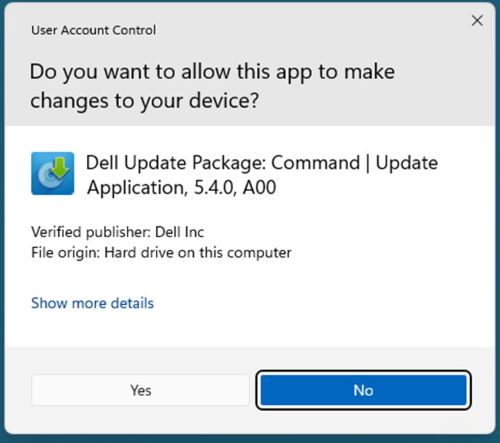
- Click extract

- Choose the destination folder
 Note: Our example uses the DCU directory.
 - Once finished, click CLOSE

- Go to where the files were extracted location

- DCU .ADMX files are found in the
\Templatesdirectory
- DCU .ADML files are found in the
\Templates\en-USdirectory
Επηρεαζόμενα προϊόντα
Dell Command | UpdateΙδιότητες άρθρου
Article Number: 000293701
Article Type: How To
Τελευταία τροποποίηση: 11 Μαρ 2025
Version: 1
Βρείτε απαντήσεις στις ερωτήσεις σας από άλλους χρήστες της Dell
Υπηρεσίες υποστήριξης
Ελέγξτε αν η συσκευή σας καλύπτεται από τις Υπηρεσίες υποστήριξης.