Dell Automation Platform: NativeEdge Endpoint IP Address Incorrectly Reported
Summary: This article describes a condition with a NativeEdge Endpoint incorrectly reporting its IP address. The situation may be observed after the Endpoint's provisioning, or after a reboot.
Symptoms
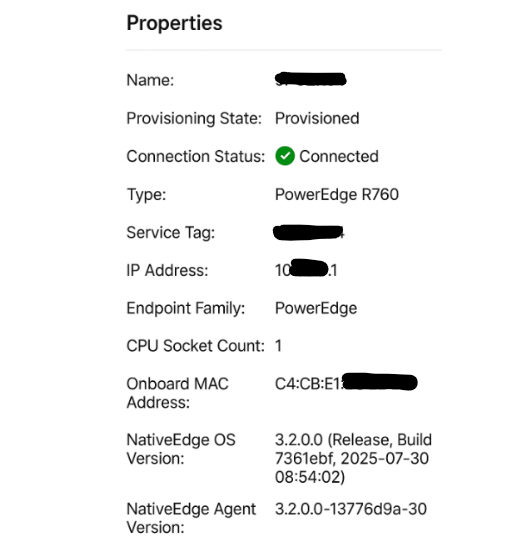
During normal operation, a NativeEdge Endpoint may appear with an IP address that is not used within the networking environment.
Cause
The Automation Platform UI populates the IP address at runtime during the Endpoint’s boot process, using the first LAN‑on‑Motherboard (LOM) port. If a valid IP address is not available, the system uses the next available interface to populate the IP address attribute in the Automation Platform UI. In rare cases, it was observed that an internal IP address (used by the internal VM NAT network) may be displayed.
Common causes for this behavior include an unreachable DHCP server, a disconnected network cable on the first LOM port, or the Endpoint being connected to a different network segment after initial provisioning.
Resolution
This behavior does not affect functionality and is considered a cosmetic issue.
Solution
A future release of Dell Automation Platform is planned to correct this cosmetic error found in the UI.