ECS: ECS GUI에서 Migration 탭으로 이동하는 방법
Summary: ECS GUI에서 Migration 탭으로 이동하는 방법
This article applies to
This article does not apply to
This article is not tied to any specific product.
Not all product versions are identified in this article.
Instructions
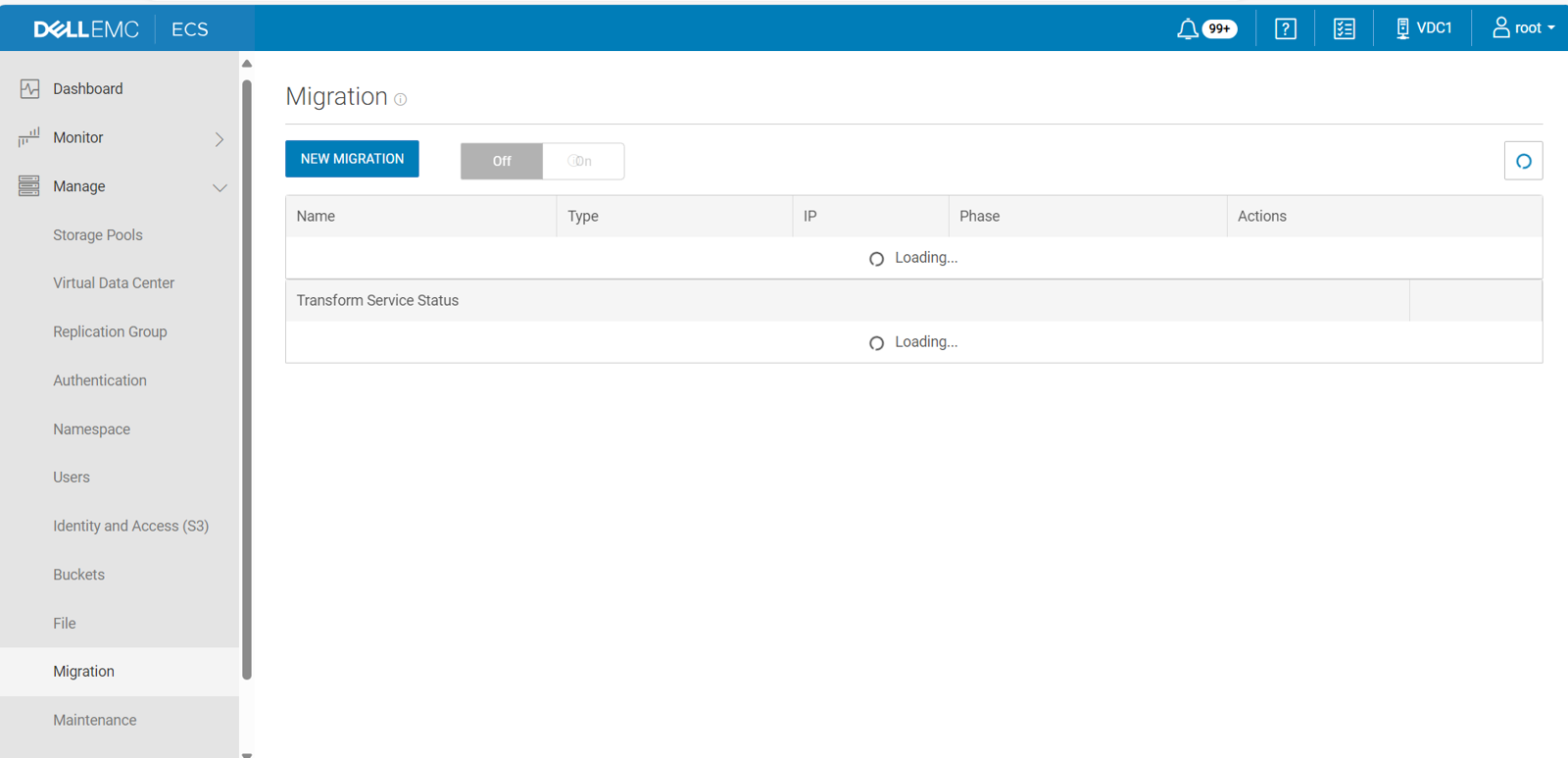
ECS 3.1.0.3 이상에서는 ECS Portal에 Centera 레거시 스토리지의 데이터를 ECS로 변환하는 데 도움이 되는 사용자 인터페이스 옵션이 포함되어 있습니다. Migration 메뉴를 설정하면 ECS Portal의 Manage 메뉴에 나타납니다.
참고: Migration 메뉴는 EMC Professional Services 담당자만 사용하도록 되어 있으므로 기본적으로 표시되지 않습니다.
ECS Portal에 Migration 메뉴를 표시하려면 다음을 수행합니다.
Ctrl + Alt + Shift + M.
참고: 관리 메뉴가 열려 있는 동안 이 명령 시퀀스를 사용하여 마이그레이션 메뉴를 켜는 경우 관리 메뉴를 닫았다가 다시 열어야 마이그레이션 옵션이 표시될 수 있습니다.
Affected Products
ECSArticle Properties
Article Number: 000266553
Article Type: How To
Last Modified: 14 Feb 2025
Version: 2
Find answers to your questions from other Dell users
Support Services
Check if your device is covered by Support Services.