Host nie pojawia się w konsoli Dell Device Management Console po zainstalowaniu agenta Dell Device Management Agent
Summary: Ten artykuł zawiera informacje na temat komputera hosta, który nie pojawia się w konsoli Dell Device Management Console (DDMC) po zainstalowaniu agenta zarządzania urządzeniami Dell (DDMA). ...
This article applies to
This article does not apply to
This article is not tied to any specific product.
Not all product versions are identified in this article.
Symptoms
Dotyczy produktów:
- Konsola zarządzania urządzeniami Dell
Po zainstalowaniu DDMA komputer hosta nie pojawia się w DDMC.
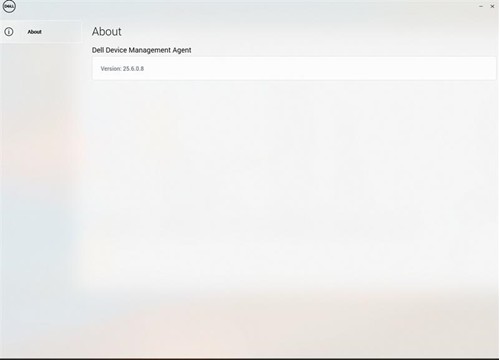
Uwaga: Ikona agenta DDMA w zasobniku systemowym jest pusta.
Cause
- Moduł TPM nie jest włączony w systemie BIOS
- Składnia polecenia instalacji DDMA jest nieprawidłowa
Resolution
- Włącz moduł TPM w systemie BIOS. Patrz Włączanie modułu TPM 2.0 w komputerach firmy Dell w celu zapewnienia zabezpieczeń systemu Windows
- Sprawdź, czy oprogramowanie DDMA jest zainstalowane prawidłowo. Zapoznaj się z tematem Instalowanie agenta zarządzania urządzeniami Dell na komputerze hosta.
Affected Products
Dell Device Management ConsoleArticle Properties
Article Number: 000348677
Article Type: Solution
Last Modified: 24 Jul 2025
Version: 2
Find answers to your questions from other Dell users
Support Services
Check if your device is covered by Support Services.