Dell Device Management Agent Yüklendikten Sonra Ana Bilgisayar Dell Device Management Console'da Görünmüyor
Summary: Bu makalede, Dell Device Management Agent (DDMA) yüklendikten sonra ana bilgisayarın Dell Device Management Console'da (DDMC) görünmemesi hakkında bilgi verilmektedir.
This article applies to
This article does not apply to
This article is not tied to any specific product.
Not all product versions are identified in this article.
Symptoms
Etkilenen Ürünler:
- Dell Device Management Console
DDMA yüklendikten sonra ana bilgisayar DDMC de görünmüyor.
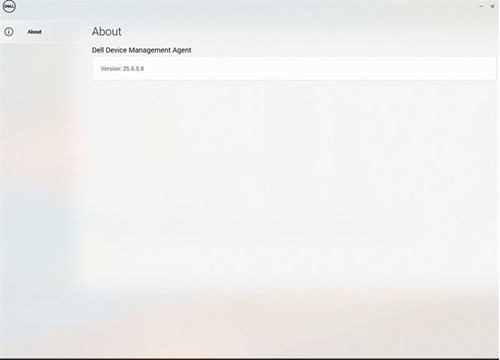
Not: Sistem tepsisindeki DDMA aracısı simgesi boş.
Cause
- TPM, BIOS'ta etkin değil
- DDMA'yı yüklemek için komut söz dizimi hatalı
Resolution
- BIOS'ta TPM'yi etkinleştirin, Windows Güvenliği için Dell Bilgisayarlarda TPM 2.0'ı Etkinleştirme makalesine başvurun
- DDMA'nın doğru şekilde yüklendiğini doğrulayın. Dell Device Management Agent'ı Ana Bilgisayara Yükleme makalesine bakın
Affected Products
Dell Device Management ConsoleArticle Properties
Article Number: 000348677
Article Type: Solution
Last Modified: 24 Jul 2025
Version: 2
Find answers to your questions from other Dell users
Support Services
Check if your device is covered by Support Services.