Data Domain:如何從 DD GUI 收集核心檔案
Summary: 本文說明如何從 Data Domain System Manager (GUI) 收集核心檔案。核心檔可以很大,也可以拆分成較小的塊並收集。
This article applies to
This article does not apply to
This article is not tied to any specific product.
Not all product versions are identified in this article.
Instructions
核心檔案或核心傾印會在特定時間擷取 Data Domain 系統的工作記憶體狀態,通常是在程式或服務(例如檔案系統)當機時。視情況而定,不一定能建立核心檔案。
注意:Core 檔案可能很大,而且在發生當機後,系統可能需要一些時間才能建立檔案。
在最新版本的 DDOS 版本 6.2.1.30 及更新版本中,可直接從 Data Domain System Manger 分割和收集核心傾印。
分割和收集核心檔案的步驟:
- 使用管理員登入資料登入 Data Domain System Manager
- 導覽至維護,按一下支援,然後按一下核心

- 如果核心檔案很大,可以分割成較小的區塊,選取核心檔案,按一下「分割」,選取大小和單位 (MiB/GiB)
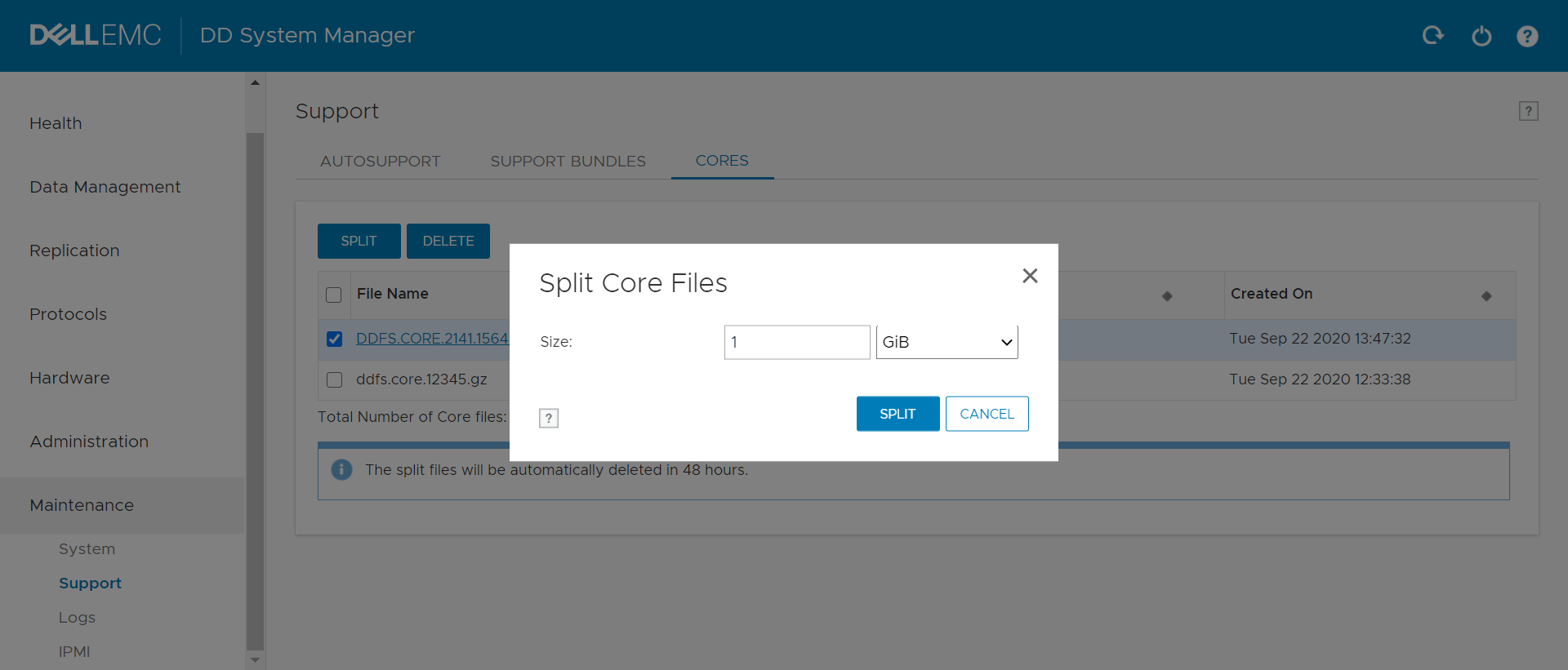
- 核心轉儲會分割成上述區塊
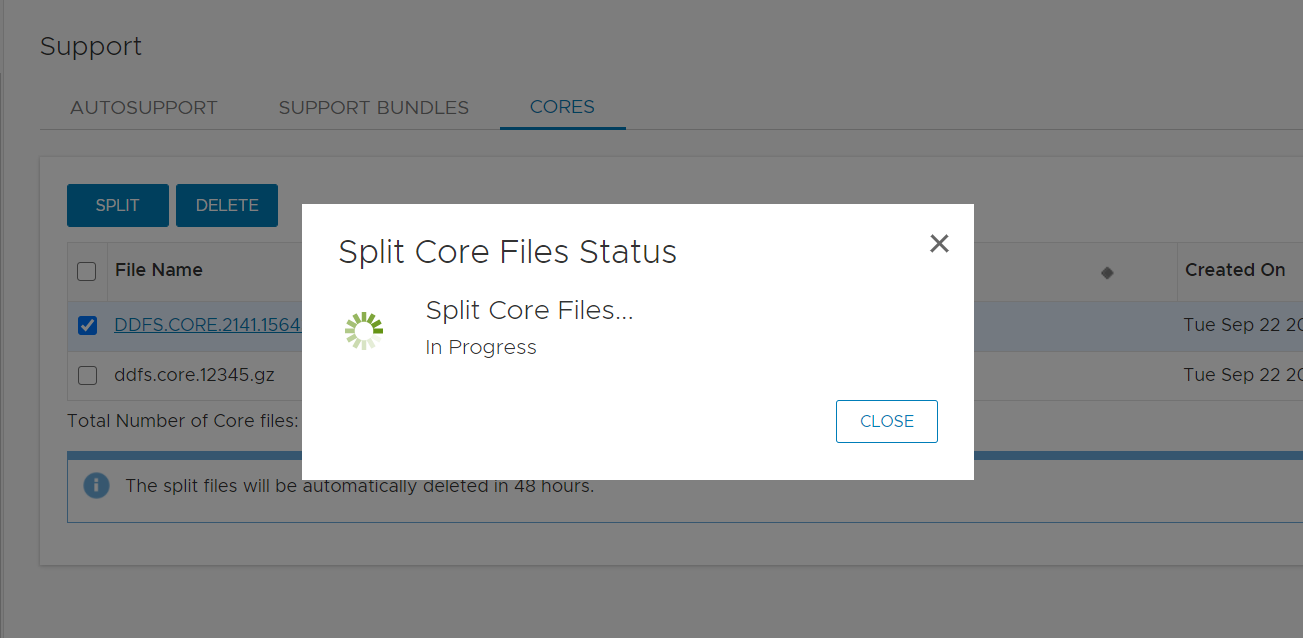
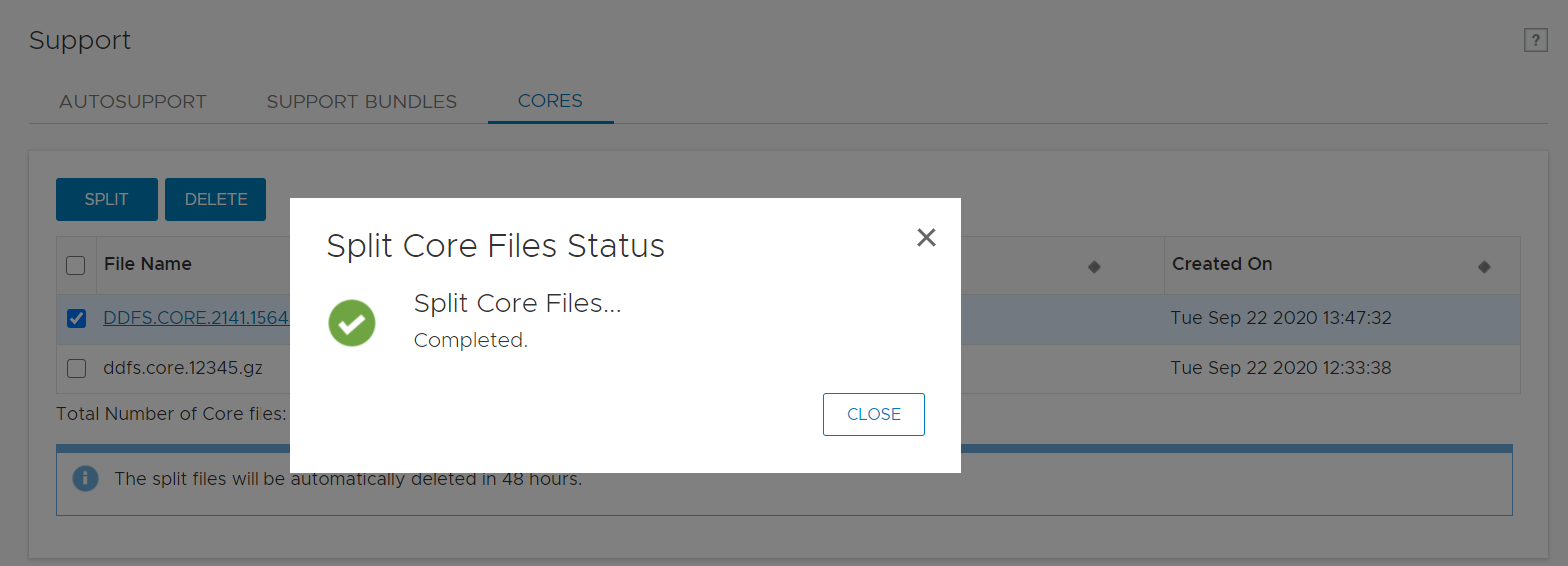
- 成功產生核心
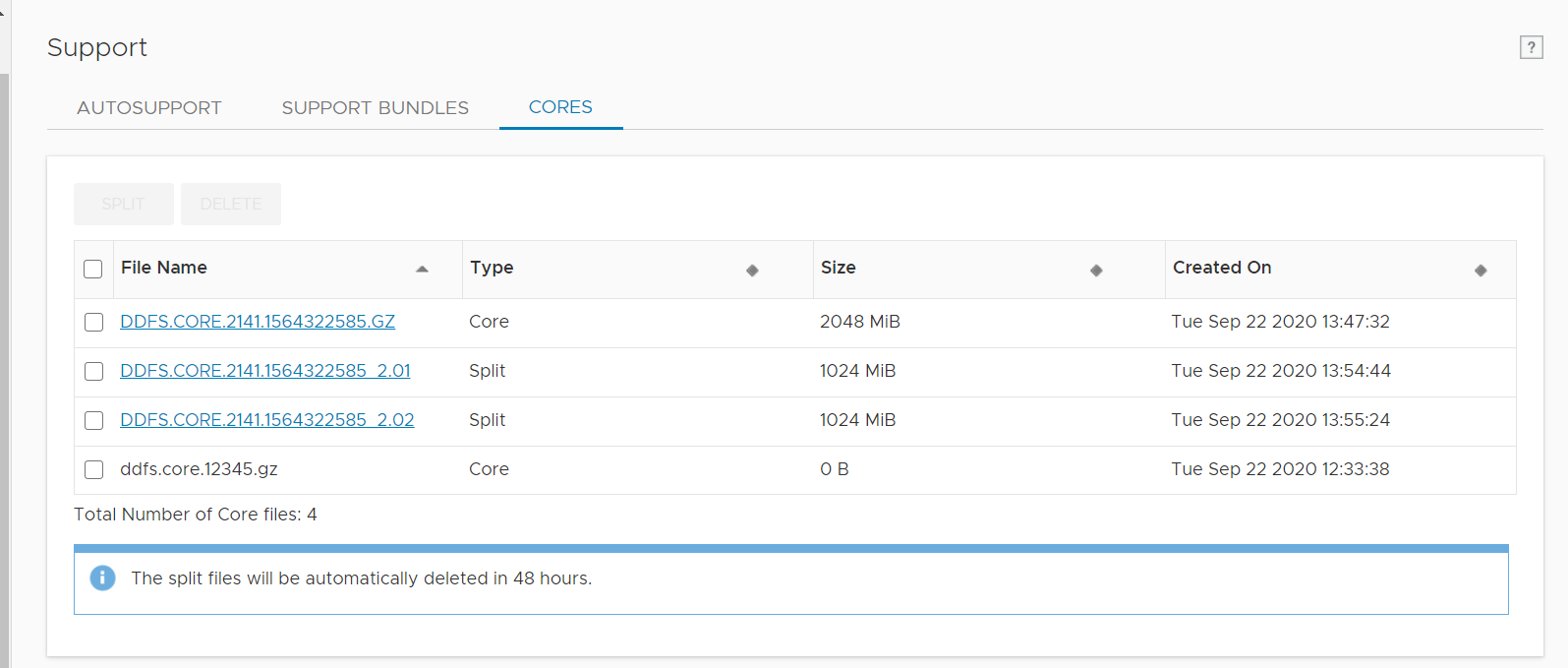
- 按一下檔案並將其下載至本機系統

Affected Products
Data DomainProducts
Data Domain Boost – File SystemArticle Properties
Article Number: 000180231
Article Type: How To
Last Modified: 17 May 2021
Version: 1
Find answers to your questions from other Dell users
Support Services
Check if your device is covered by Support Services.