Sådan forhindres brugere i at deaktivere Netskope-klienten
Summary: I denne artikel dækker vi, hvordan du forhindrer slutbrugere i at deaktivere Netskope-klienten.
This article applies to
This article does not apply to
This article is not tied to any specific product.
Not all product versions are identified in this article.
Instructions
Berørte produkter:
- Netskope Client
Påvirkede operativsystemer:
- Windows 10.0 (32-bit og 64-bit)
- Windows 8
- Windows 8,1
- Windows Server 2019
- Windows Server 2016
- Windows Server 2012 R2 (Windows NT 6.3)
- Windows Server 2008 R2 (Windows NT 6.1)
- macOS
- ChromeOS
- Android
- Gå til Netskope-webkonsollen i en webbrowser:
- Datacenter i USA: https://[TENANT].goskope.com/
- Datacenter i Den Europæiske Union: https://[TENANT].eu.goskope.com/
- Datacenter i Frankfurt: https://[TENANT].de.goskope.com/
Bemærk: [LEJER] = Lejernavnet i dit miljø
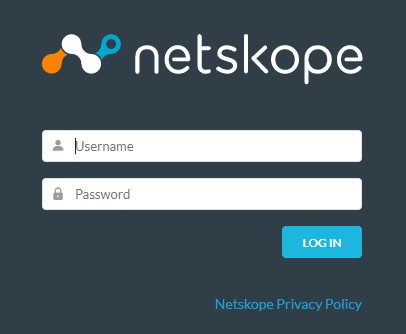
- Log på Netskope-webkonsollen.
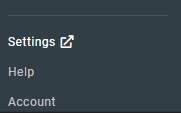
- Klik på Indstillinger.
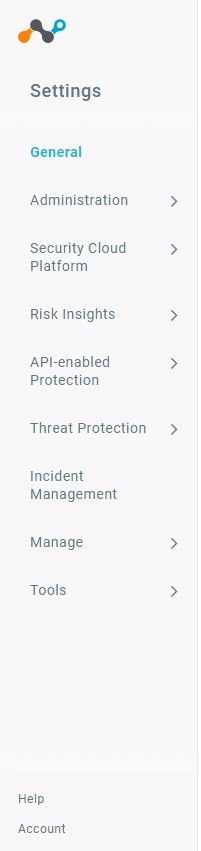
- Klik på Security Cloud Platform.
- Klik på Devices.
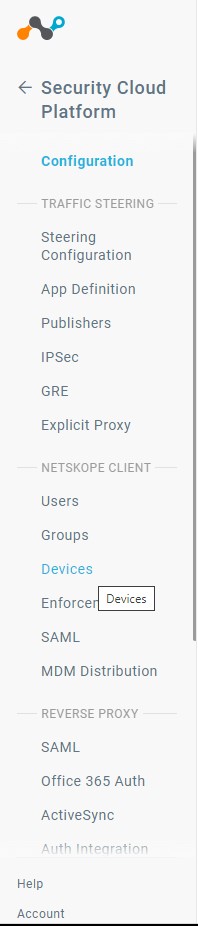
- I Devices skal du klikke på Client Configurations.

- I Klientkonfiguration skal du klikke på Standardlejerkonfiguration.
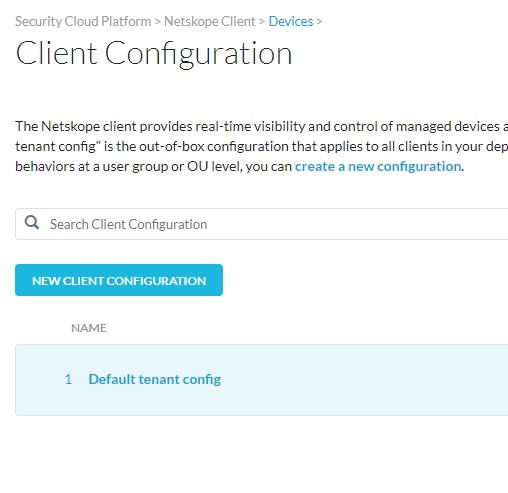 Bemærk: Hvis du har oprettet yderligere klientkonfigurationer, skal du sørge for at vælge den korrekte konfiguration, som du vil angive en afinstallationsadgangskode for.
 - I vinduet Klientkonfiguration skal du rulle ned, indtil du ser afsnittet Manipulation .
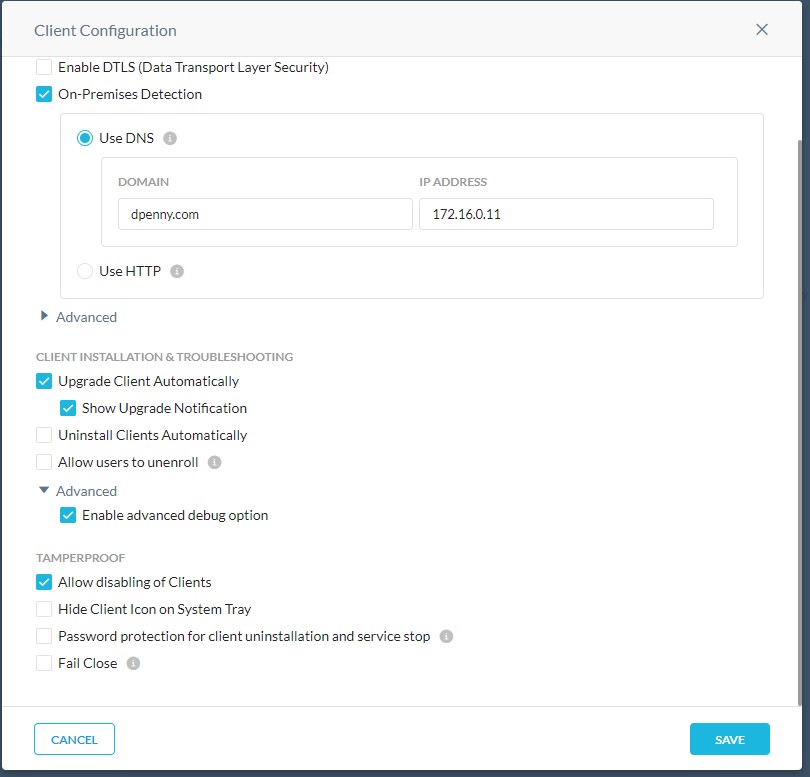
- I afsnittet Manipulationssikker skal du fjerne markeringen i feltet Tillad deaktivering af klienter.
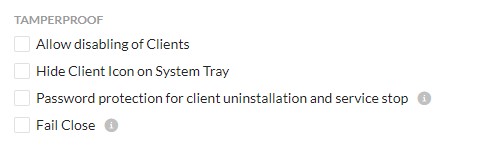
- Klik på Gem.

- Slutbrugere kan ikke længere deaktivere Netskope-klienten. Alle implementerede slutpunkter vil opfange denne politikændring, næste gang de kontakter serveren.
For at kontakte support kan du bruge internationale supporttelefonnumre til Dell Data Security.
Gå til TechDirect for at oprette en anmodning om teknisk support online.
Hvis du vil have yderligere indsigt og ressourcer, skal du tilmelde dig Dell Security Community-forummet.
Affected Products
NetskopeArticle Properties
Article Number: 000180643
Article Type: How To
Last Modified: 09 Dec 2024
Version: 9
Find answers to your questions from other Dell users
Support Services
Check if your device is covered by Support Services.