자동 드라이버 검사 중에 SupportAssist에 재설치하라는 메시지가 표시됨
Summary: 자동 드라이버 검사 중에 SupportAssist를 다시 설치하라는 메시지가 표시되는 경우 어떻게 해야 하는지 알아보십시오.
This article applies to
This article does not apply to
This article is not tied to any specific product.
Not all product versions are identified in this article.
Symptoms
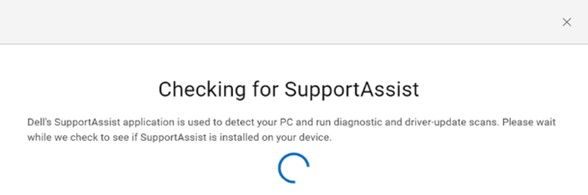
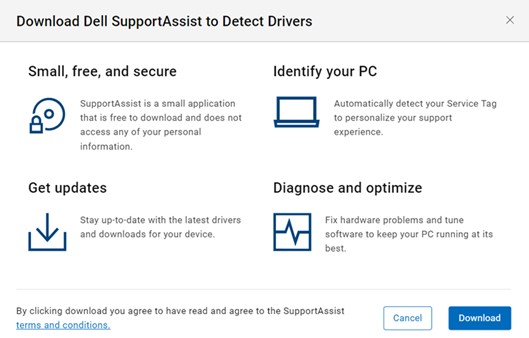
Dell 드라이버 및 다운로드 웹사이트에서 최신 드라이버를 설치합니다. 컴퓨터가 식별되면 업데이트 확인을 클릭합니다. SupportAssist가 이미 컴퓨터에 설치되어 있는지 확인합니다. SupportAssist for Home PCs를 다운로드하려면 EULA(End User License Agreement)에 동의해야 합니다.
SupportAssist는 드라이버 업데이트를 자동으로 찾아 재설치를 시도합니다.
Cause
컴퓨터가 재부팅되거나 재시작된 후 SupportAssist 서비스가 초기화되지 않았습니다. 이는 SupportAssist 서비스의 시작이 기본적으로 지연되기 때문입니다.
Resolution
재부팅/재시작 후 5분 안에 드라이버 업데이트를 확인합니다. 5년 이상 된 컴퓨터의 경우 7분 정도 기다립니다.
Affected Products
SupportAssist for Home PCsArticle Properties
Article Number: 000200054
Article Type: Solution
Last Modified: 22 Apr 2025
Version: 3
Find answers to your questions from other Dell users
Support Services
Check if your device is covered by Support Services.