Dell 快速資源定位器遷移常見問答集
Summary: Dell 快速資源定位器 (QRL) 網站已關閉,且內容已移轉至 Dell 支援網站。QRL 應用程式已無法使用,並已從 Apple App Store 和 Google Play Store 移除。
This article applies to
This article does not apply to
This article is not tied to any specific product.
Not all product versions are identified in this article.
Instructions
快速資源定位器發生了什麼變化?
自 2024 年 10 月起,Dell Technologies 快速資源定位器 (QRL) 網站將關閉,且內容會遷移到 Dell 支援網站。QRL 應用程式已無法使用,並已從 Apple App Store 和 Google Play Store 移除。
內容去哪兒了?
QRL 網站和 QRL 應用程式內容已遷移至 Dell 支援網站。您可以透過下列方式找到 QRL 內容:
- 前往 Dell 支援網站,在識別您的產品或搜尋支援區段中輸入產品識別碼 (產品服務編號) 或系統型號。或從瀏覽所有產品中選取您的系統。
- 請參閱Dell Technologies 17G、16G、15G、14G 和 13G PowerEdge 伺服器錯誤與事件訊息參考指南 或 Dell TechnologiesiDRAC 錯誤與事件訊息參考指南,查閱 PowerEdge 錯誤代碼。對於所有其他產品,請查看產品型號的文件,以查找錯誤代碼
- 在 Integrated Dell Remote Access Controller 9 屬性登錄 中查閱 iDRAC9 屬性,或尋找 Integrated Dell Remote Access Controller 9 (iDRAC9) 的其他支援。
所有內容都遷移了嗎?
是,所有內容已遷移到 Dell 支援網站。
系統上的 QRL 是否仍可正常運作?
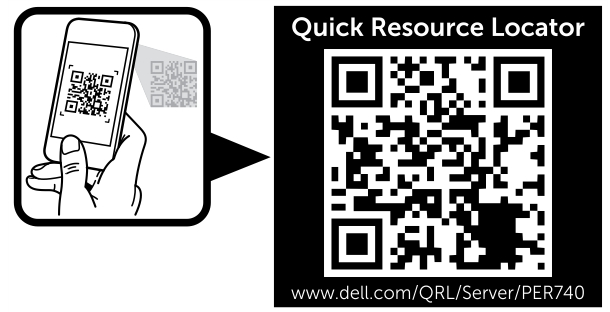
是,掃描包裝盒上的 QRL QR 碼會載入提供相同內容的掃描模型的 Dell 支援網站。
- 掃描系統資訊標籤上的 QRL QR 碼模型即會載入 Dell 支援網站產品頁面,該頁面提供掃描模型的安裝、設定、服務及說明知識庫文章、手冊及影片。
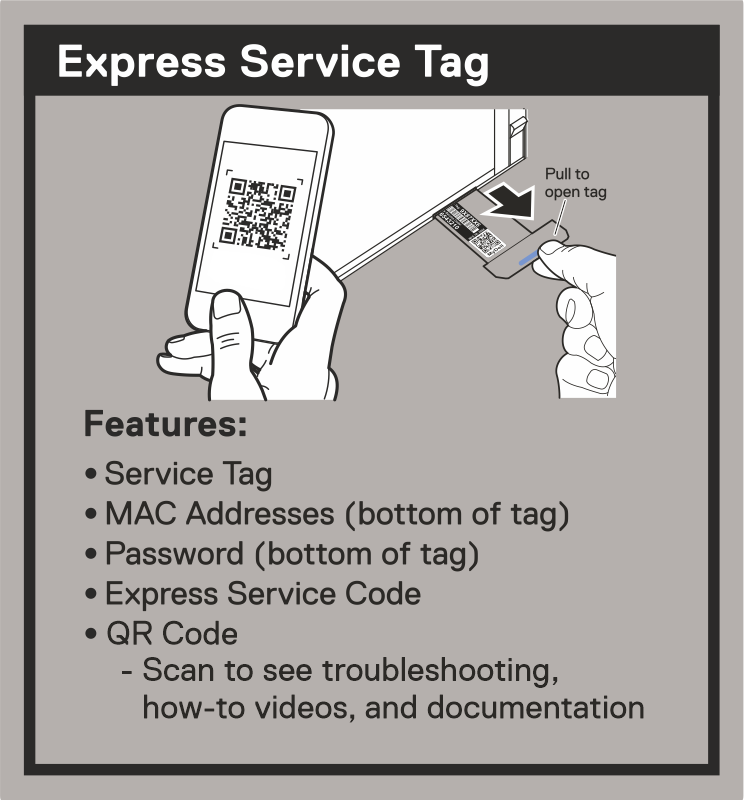
- 直接從拉出式行李標籤掃描快速產品服務編號標籤 QRL,會載入掃描產品服務編號的 Dell 支援網站產品頁面。對於基於許可權的序列化產品,將需要使用公司帳戶登錄。
Article Properties
Article Number: 000237246
Article Type: How To
Last Modified: 29 Aug 2025
Version: 6
Find answers to your questions from other Dell users
Support Services
Check if your device is covered by Support Services.