AC Adapter Not Inserted Properly Causing Latitudes to Not Charge or Have No Power
Summary: This article provides more information about Latitudes not charging and having no power due to AC adapter not being fully inserted into the charging port.
This article applies to
This article does not apply to
This article is not tied to any specific product.
Not all product versions are identified in this article.
Symptoms
Affected Platforms:
- Latitude 3450
- Latitude 3550
- Latitude 3440
- Latitude 3540
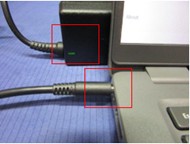
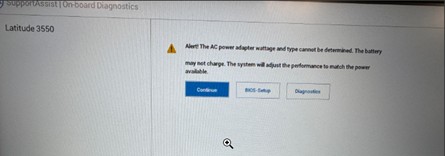
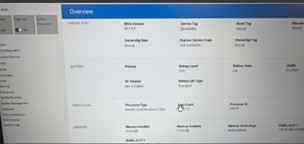
When the AC adapter is not inserted properly:
- LED stays luminated
- There is an alert in the BIOS
- Battery state is Idle in the BIOS
Cause
AC adapter not inserted properly
Resolution
To resolve, unplug the AC adapter and reinsert it into the charging port, ensure to insert the barrel completely into the port.
AC adapter not inserted properly: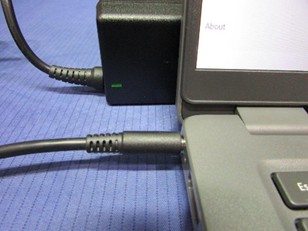
AC adapter inserted properly: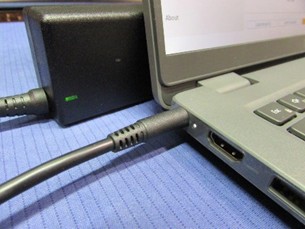
When inserted properly, the BIOS shows that the Battery state is Charging.
Affected Products
Latitude 3440, Latitude 3450, Latitude 3540, Latitude 3550Article Properties
Article Number: 000355513
Article Type: Solution
Last Modified: 15 Sept 2025
Version: 2
Find answers to your questions from other Dell users
Support Services
Check if your device is covered by Support Services.