Abnormal behaviour when accessing the oneFS webui using SC zone name or node ip address
Summary: When opening the oneFS webui, symptoms which are shown below, will be seen due to http settings on the cluster.
This article applies to
This article does not apply to
This article is not tied to any specific product.
Not all product versions are identified in this article.
Symptoms
Without specifying port 8080, when entering the smartconnect zone name or node ip address to any browser, it will bring up the following page:
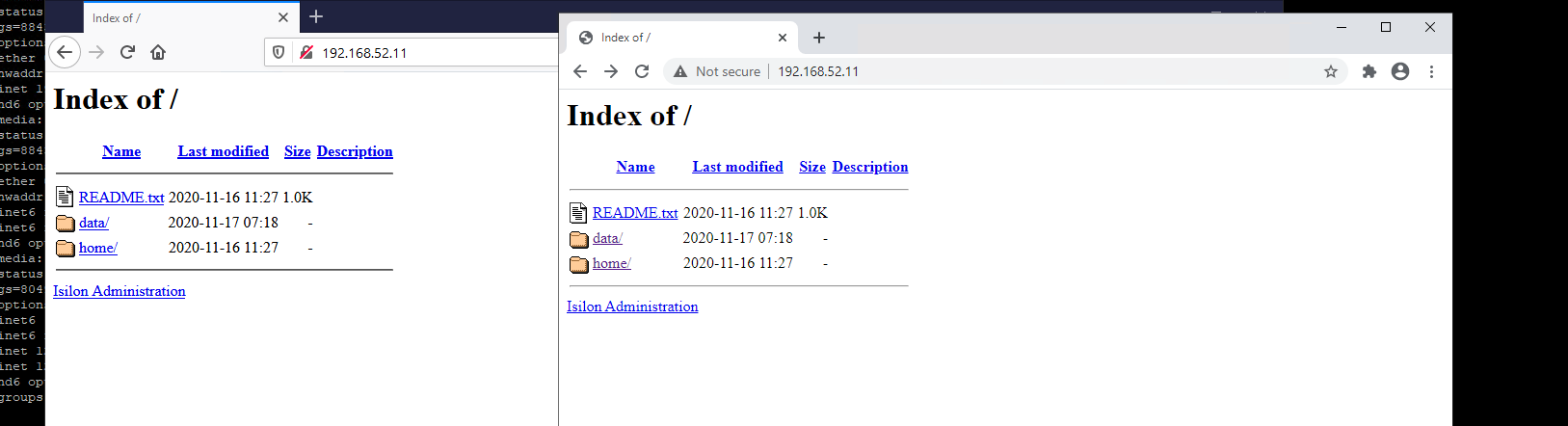
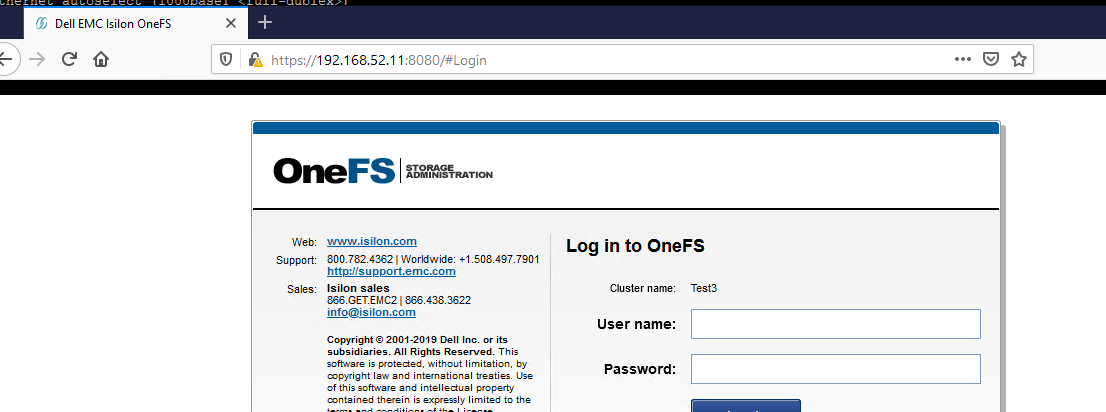
To access the oneFS webui, the user will need to either click on the 'Isilon Administration' on this page, or, specify port 8080.
Access to the webui should then behave as normal.
Cause
This behaviour is due to the http service setting on the cluster.
The change, seen here, will cause the behavior documented above.
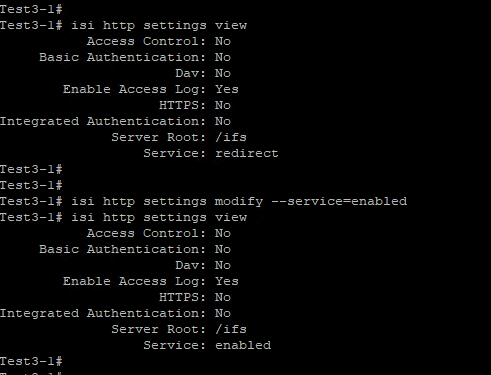
The change, seen here, will cause the behavior documented above.
Resolution
To resolve this, the http setting should be reverted to default, which is redirect:
isi http settings modify --service=redirect
isi http settings modify --service=redirect
Affected Products
PowerScale OneFSArticle Properties
Article Number: 000180120
Article Type: Solution
Last Modified: 07 Jul 2025
Version: 4
Find answers to your questions from other Dell users
Support Services
Check if your device is covered by Support Services.