VNX: VNX2: How to use Unisphere with Google Chrome (User Correctable)
Resumen: Newer versions of Chrome does not allow java. As a work around, you can install a chrome extension to allow Unisphere or the VNX client to run within Chrome.
Este artículo se aplica a
Este artículo no se aplica a
Este artículo no está vinculado a ningún producto específico.
No se identifican todas las versiones del producto en este artículo.
Síntomas
Customer prefers or requires Chrome.
There is a need to run Unisphere within Google chrome.
There is a need to run Unisphere within Google chrome.
Causa
Java is no longer supported with Google Chrome.
Resolución
Installing the Google Chrome IE Tab extension allows chrome to emulate IE; which continues to support Java.
- Click the link below, bringing you to the Chrome store:
https://chrome.google.com/webstore/detail/ie-tab/hehijbfgiekmjfkfjpbkbammjbdenadd
- At the bottom of the page, there is a command button stating add to Chrome. Click the button.
- You see it download to the bottom left of the browser.
- Right click the file and select view in folder location. The file name is Ietabhelper.exe. Right click the file and select run as administrator.
- Once installed you should see an icon in the upper right as such

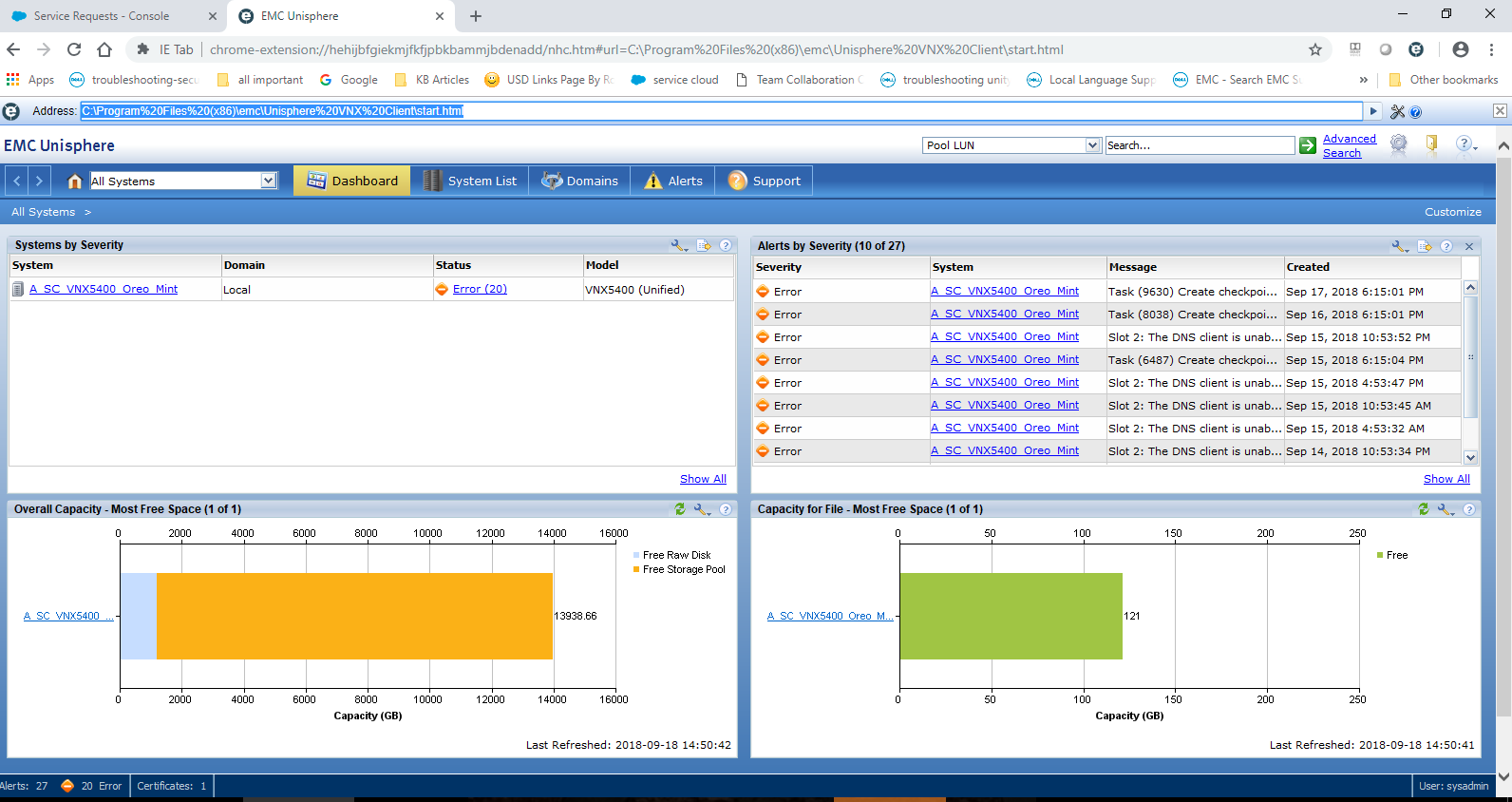
- Click the icon adds an additional URL address input. Here you can type the IP of the array or the path to the VNX Client locally. For example:
Productos afectados
VNX/VNXePropiedades del artículo
Número del artículo: 000054856
Tipo de artículo: Solution
Última modificación: 29 sept 2025
Versión: 4
Encuentre respuestas a sus preguntas de otros usuarios de Dell
Servicios de soporte
Compruebe si el dispositivo está cubierto por los servicios de soporte.