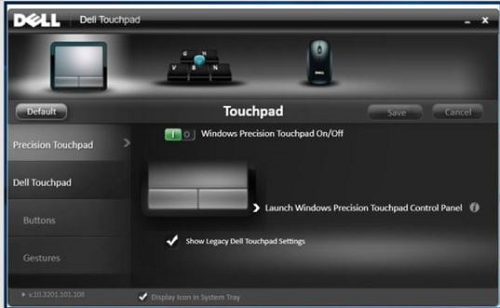
Support for Touchpad Drivers and Applications Alienware Gaming Laptops
Summary: The following article clarifies which touchpad applications can be used with our Dell Alienware gaming laptops.
Instructions
Table of Contents:
- Can I improve the function of the touchpad on my Alienware laptop?
- Support for Alienware touchpad drivers and applications
Can I improve the function of the touchpad on my Alienware laptop?
Alienware laptops use different touchpad driver and application solutions depending on the laptop type.
In some Alienware products, a touchpad driver is available and downloadable from the Dell support page. However, there are other Alienware laptops where no touchpad driver is required and those laptops use the default Microsoft drivers instead.
This article lists the requirements and options for our Alienware gaming laptops.
Affected Products:
- Alienware 15 and 17
- Alienware Area 51m
- Alienware m15, m15 R2, m17, and m17 R2
Support for Alienware touchpad drivers and applications
Alienware m15, m15 R2, m17, and m17 R2
The touchpad on these laptops uses the Microsoft inbox drivers by default and there is no support application which allows gesture control.
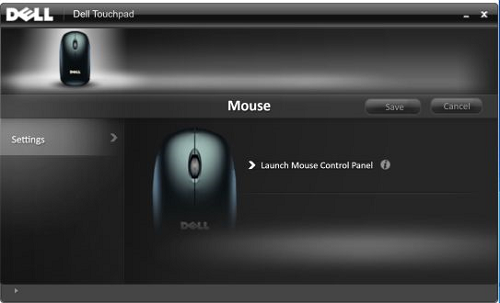
Alienware Area 51m
The Alienware Area 51m touchpad driver is available from the Dell support downloads page. You can also download the Alienware Pointing Devices application from the Dell support downloads page if you want to customize your touchpad further. (For example: Gesture control.)
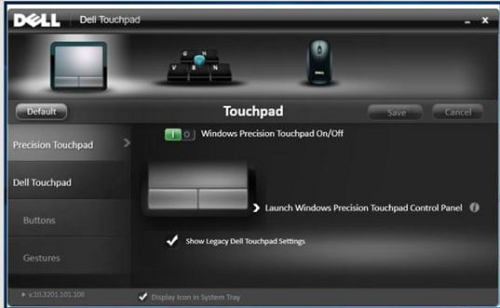
Alienware 15 and 17
The Alienware 15 and 17 laptop touchpad driver is available from the Dell support downloads page. You can also download the Alienware Pointing Devices application from the Dell support downloads page if you want to customize your touchpad further. (For example: Gesture control.)