IDPA: Failed to create Protection Software checkpoint while performing post upgrade tasks
Summary: During post 2.7 upgrade tasks, the Avamar and Appliance Configuration Manager (ACM) both trigger Avamar maintenance tasks which may cause one of them to fail.
Symptoms
CASE 1: The ACM attempts to override the Avamar maintenance scheduler to create the checkpoint on Avamar. Any Avamar maintenance activities that may be in progress at the time may be terminated because of the override.Avamar: failed hfscheck maintenance with error MSG_ERR_KILLED or similar message related to the failure of a maintenance activity is displayed on the Avamar UI Events page.
CASE 2: If ACM is unable to override the Avamar maintenance activities, then the following warning is displayed in the Appliance Upgrade Progress Page: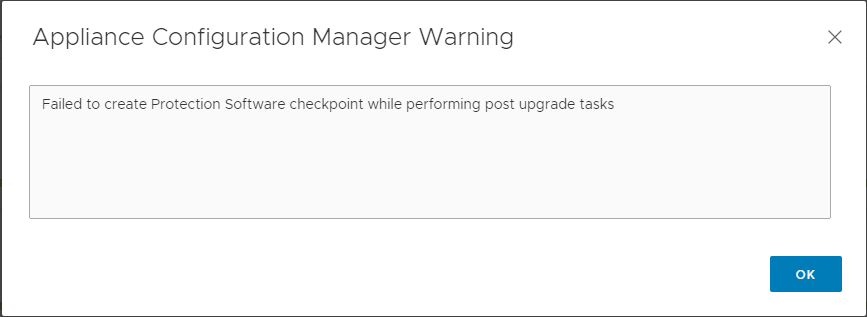
Cause
As part of the post upgrade tasks, the ACM attempts to take a checkpoint on Avamar. This is to protect against data loss that may occur due to an abrupt shutdown or similar disruption. This may lead to one of the following failure cases.
CASE1:
ACM successfully overrides Avamar maintenance scheduler to create a checkpoint:
2021-08-13 12:15:55,621 INFO  [Thread-118]-avadapter.AvamarUtil: takeAvamarCheckPoint -->  Starting to execute:mccli checkpoint create --override_maintenance_scheduler
2021-08-13 12:15:55,621 INFO  [Thread-118]-util.SSHUtil: Creating session using SSH parameters:          Host     : [10.198.1.79]        User     : [admin]      Password : [**********]
2021-08-13 12:15:55,621 INFO  [Thread-118]-util.SSHUtil: Connecting to host [10.198.1.79] using provided credentials.
Overriding the maintenance scheduler stops any Avamar maintenance tasks in progress, like HFSCheck, which results, in this case, error MSG_ERR_KILLED.
CASE 2:
ACM is not successful in overriding the Avamar maintenance scheduler to create a checkpoint because Avamar has already started a checkpoint task. In this case, a warning is displayed in the ACM Appliance Upgrade Progress page as follows: 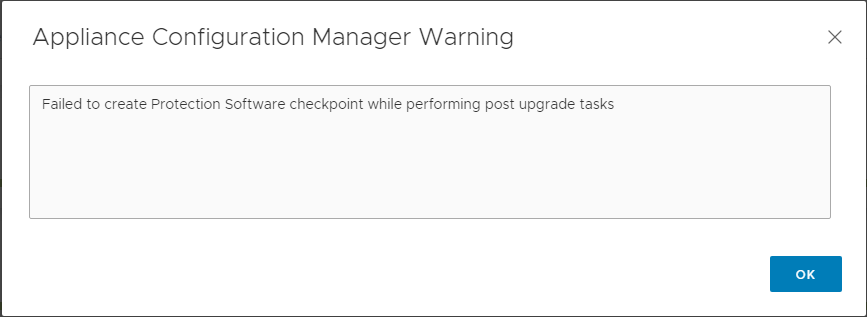
NOTE: In this case, connect to Avamar server and verify that a latest checkpoint is created after the upgrade completed successfully.
Resolution
RESOLUTION FOR CASE 1:
The failure of the Avamar triggered maintenance activities is expected behavior. Ignore and acknowledge this error in the Avamar AUI Events page.
Should the Avamar then also report a Data Integrity Alert, due to the failed (killed) hfscheck, contact support and reference this and KB:000174970.
RESOLUTION FOR CASE 2:
Connect to the Avamar server using SSH with admin credentials and use the following command to verify that a latest checkpoint is successfully created:
cplist --full
Ensure that the checkpoint created date and time is after the upgrade was completed successfully.
If a latest checkpoint (created after the upgrade completed successfully) does not exist, use the following steps to create a checkpoint manually:
- Open a putty/SSH to AVE using admin credentials.
- Suspend maintenance scheduler:
dpnctl stop maint - Stop the backup scheduler service:
dpnctl stop sched - Verify that the services are suspended or stopped:
dpnctl status - Take a checkpoint:
avmaint checkpoint --ava - Monitor checkpoint status and make note of the checkpoint name:
watch avmaint cpstatus - Once
status="completed"andresult="OK", run checkpoint validation (HFS check) on manual checkpoint:avmaint hfscheck --ava --rolling=true --full=false(verify it is validating the newly created checkpoint). - Once the command is completed, monitor the HFS check status:
watch avmaint hfscheckstatus - Output should be
status="completed" and result="OK". - Verify that you have your newly created CP and
HFScheckon AVE:cplist --full