Dell Pro Desktop Speakerphone SP3022 and SB522A Soundbar Sound Quality Using Equalizer in DPeM Application
Zhrnutie: This article provides information about the Dell Pro Desktop Speakerphone SP3022 and SB522A sound quality issue using the DPeM Application.
Tento článok sa vzťahuje na
Tento článok sa nevzťahuje na
Tento článok nie je viazaný na žiadny konkrétny produkt.
V tomto článku nie sú uvedené všetky verzie produktov.
Symptómy
You can enhance your Dell Pro Desktop Speakerphone SP3022 (Figure.1) or Dell Slim Conferencing Soundbar - SB522A (Figure.2) listening experience by downloading the Dell Peripheral Manager (DPeM) application. This allows you to select between a few listening presets such as Speech, Bass boost, and treble boost. Alternatively, adjusting the simple Equalizer (EQ) is possible, if the Default preset is selected.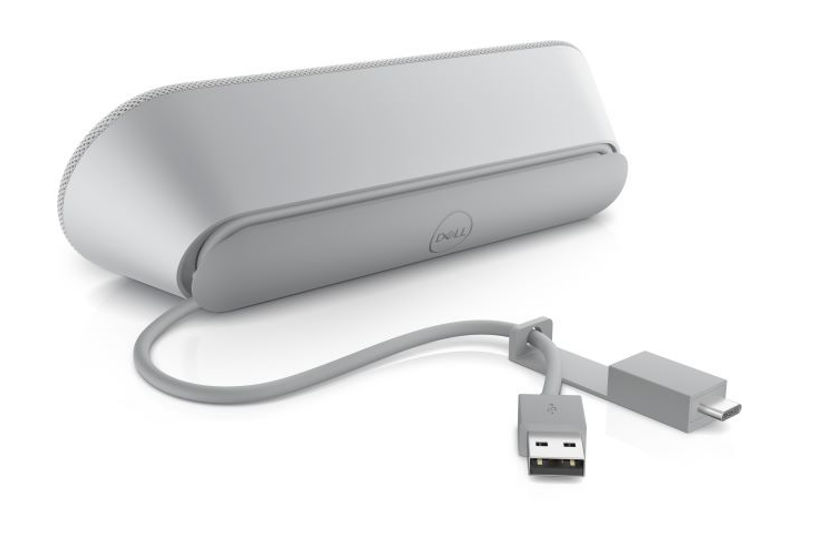
Figure.1 Dell Pro Desktop Speakerphone SP3022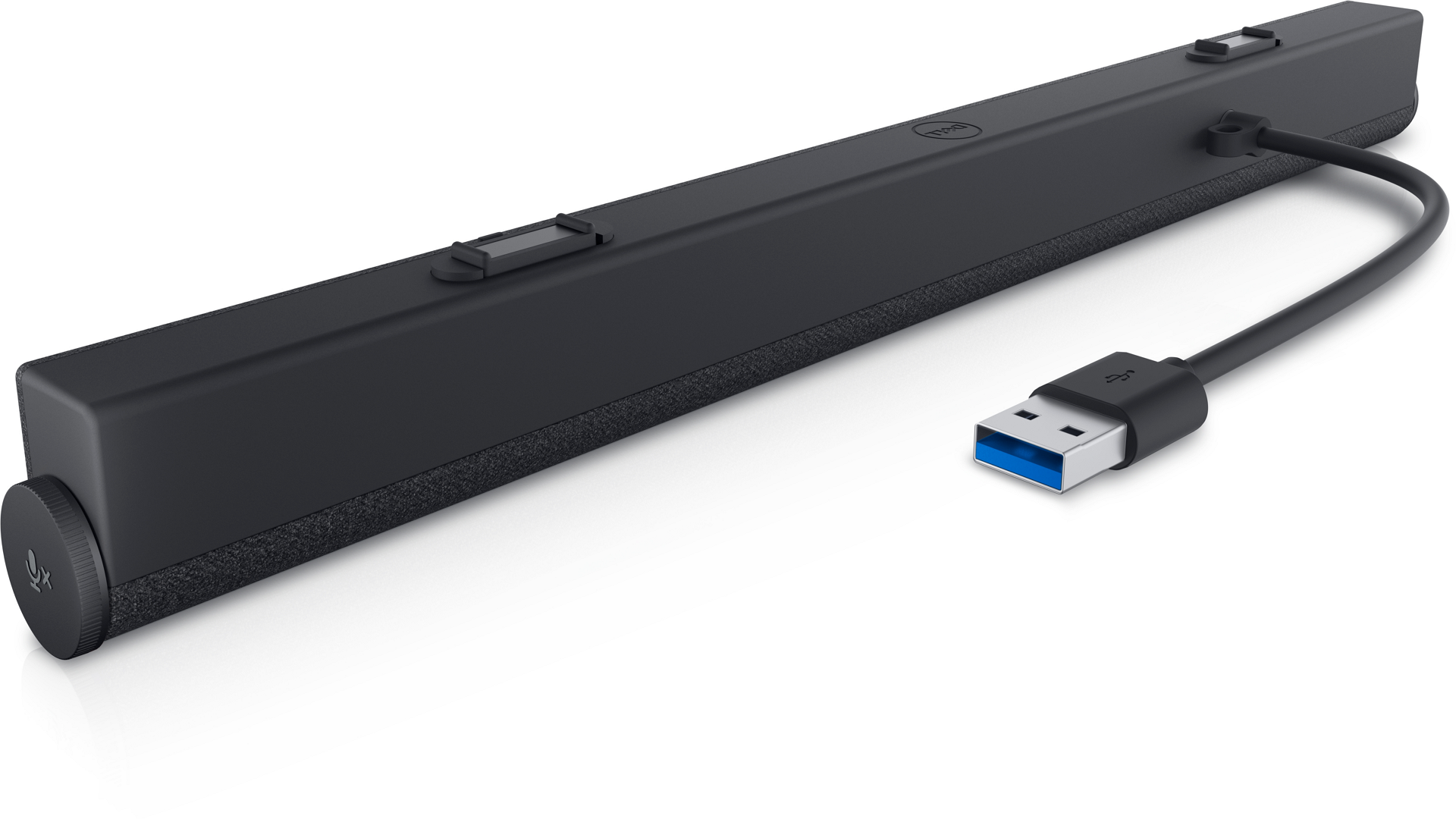
Figure.2 Dell Slim Conferencing Soundbar - SB522A
Príčina
There is a restriction to the EQ settings for conference calls. This is working as designed to ensure the optimal echo cancellation for the best speech quality.
Riešenie
Note: This is not a hardware issue. Do not worry.
The below steps can help you solve your concern.
- Download DPeM Apps from this link: Dell Peripheral Manager
- Install the DPeM app. Click the Audio Settings.
- Select the Equalizer settings, Use your mouse to adjust the blue buttons for Bass, Treble, and Midrange frequencies to meet your sound preference. (See Figure.3)
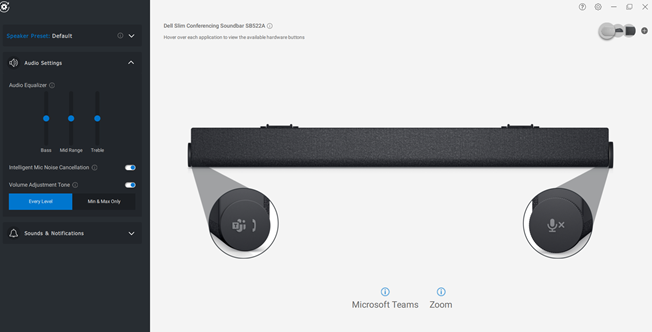
Figure.3 Audio Equalizer settings
Dotknuté produkty
Dell Slim Conferencing Soundbar - SB522A, Dell Pro Desktop Speakerphone SP3022Vlastnosti článku
Číslo článku: 000198756
Typ článku: Solution
Dátum poslednej úpravy: 16 sep 2025
Verzia: 8
Nájdite odpovede na svoje otázky od ostatných používateľov spoločnosti Dell
Služby podpory
Skontrolujte, či sa na vaše zariadenie vzťahujú služby podpory.