NetWorker: AD/LDAP authentication fails with HTTP 500 "Internal Server Error"
Zhrnutie: NetWorker authentication using an AD/LDAP account, an error appears stating that the authentication service is unavailable or HTTP 500 (Internal Server Error). The local NetWorker Administrator or other local NetWorker accounts, authenticate without issue. This problem appears after changing the AD/LDAP bind-account password. The NetWorker external authority resource was not updated to use the new bind account password and not authenticating correctly with the external authority. ...
Symptómy
Authentication errors may appear different depending on how authentication is being performed. The problem only appears when using external authentication (AD or LDAP) user accounts. The local NetWorker Administrator or other local NetWorker accounts, authenticate without issue.
NetWorker Management Console (NMC) authentication:
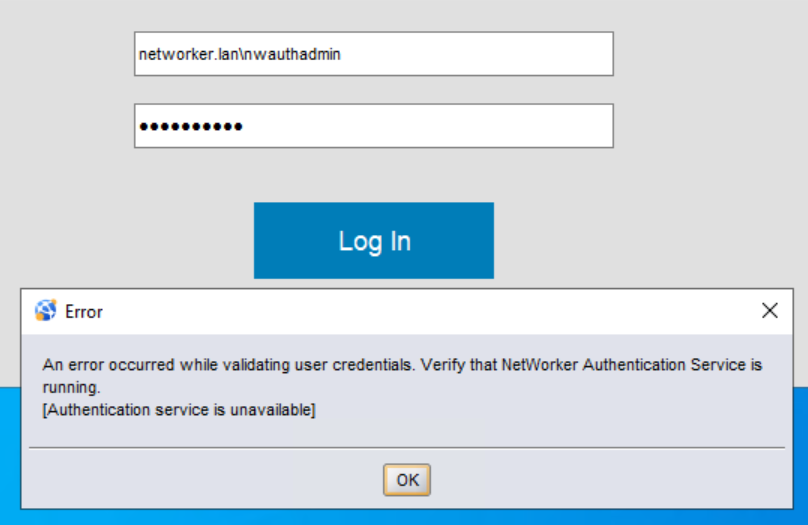
An error occurred while validating user credentials. Verify that NetWorker Authentication Service is running.
[Authentication service is unavailable]
NetWorker Web User Interface (NWUI) authentication:
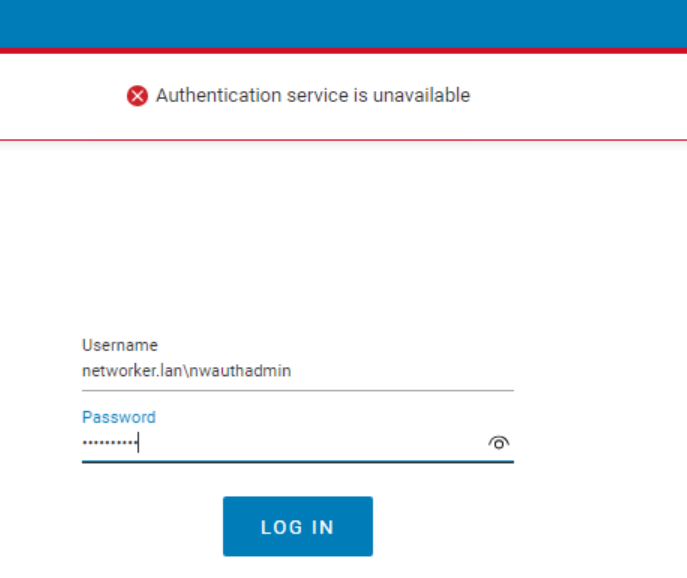
Authentication Service is unavailablensrlogin command line:
Syntax:
nsrlogin -t TENANT_NAME -d DOMAIN_NAME -u USER_NAME
admin@nve~> nsrlogin -t default -d networker.lan -u nwauthadmin
130136:nsrlogin: Please enter password:
117849:nsrlogin: Authentication library error: Authentication service is unavailable
TENANT_NAME: The name of the tenant configured during external authority integration with NetWorker. In most configurations, the tenant "default" is used. If another tenant was configured, then you would specify it when logging in, for example:TENANT_NAME\DOMAIN_NAME\USER_NAME. If you do not specify a tenant when performing NetWorker authentication in the NMC, NWUI, or REST API client, then the default tenant was used.- DOMAIN_NAME: The Domain Component (DC) values for your domain; for example, networker.lan.
USER_NAME: The AD/LDAP username with no domain prefix.
REST API client:
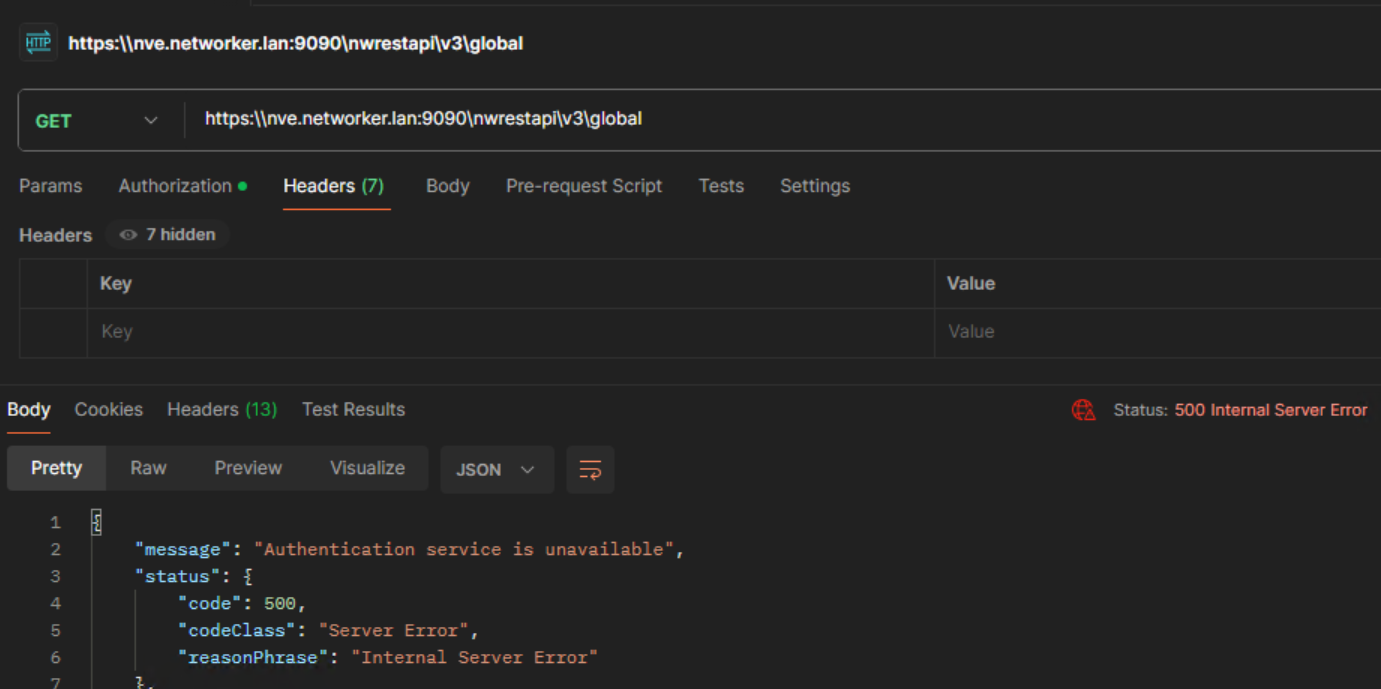
"message": "Authentication service is unavailable",
"status": {
      "code": 500,
      "codeClass": "Server Error",
      "reasonPhrase": "Internal Server Error"
}
Príčina
Riešenie
- Log in to the NetWorker Web User Interface (NWUI) using the NetWorker Administrator account.
authc_config commands must be used. If the integration does not use SSL or uses LDAP (OpenLDAP), the NetWorker Management Console (NMC) can be used to update the external authority resource. If you do not have NWUI installed or would prefer to use command-line functions, see Additional Info.
- Go to Authentication Server->External Authorities.
- Select the external authority resource, and click Edit.
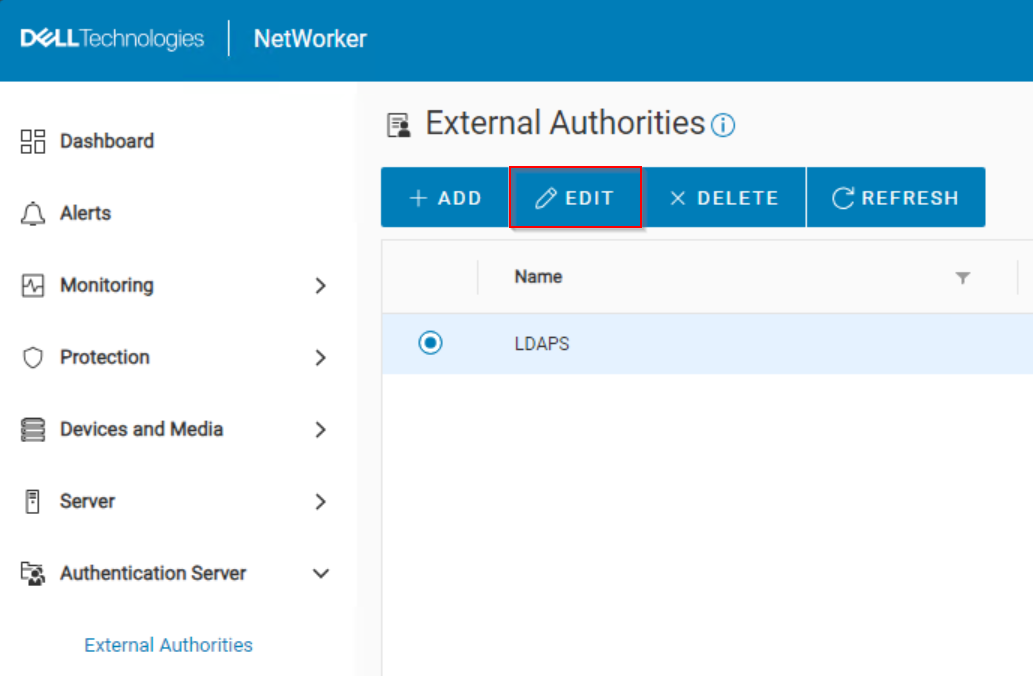
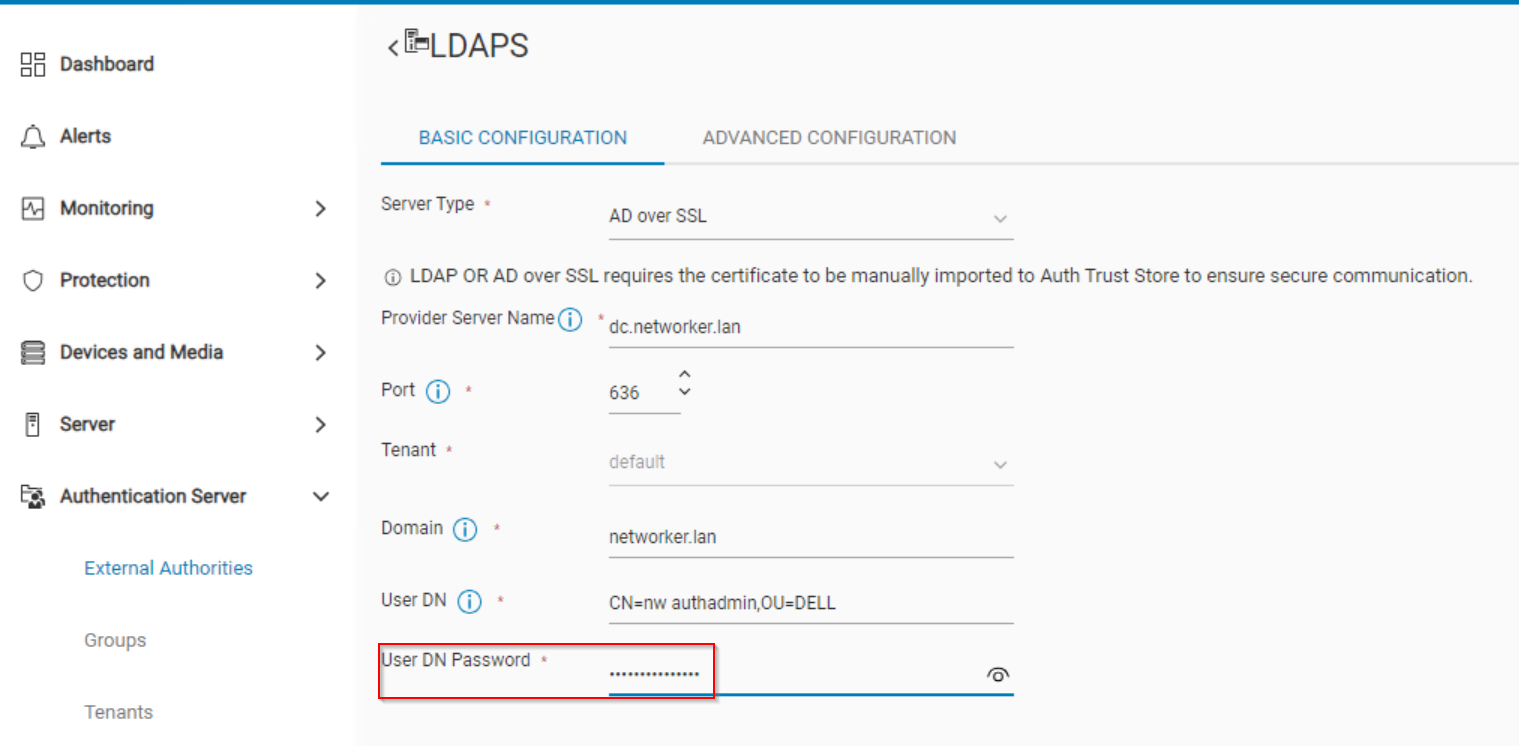
- In the User DN Password field, enter the password of the bind account specified in the User DN field:
- Click Save.
- A message appears at the top of the window if the change was successful or failed:
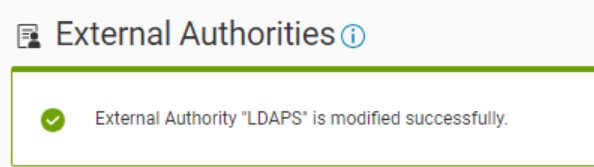
After the external authority resource is updated with the new bind account password, external authentication functions correctly with NetWorker.
Ďalšie informácie
The bind account password can be updated from the command line on the NetWorker authentication server. The following example shows what set of commands can be used to identify the external authority configuration and update the bind account password.
- Get the config ID number of the external authority integration:
authc_config -u Administrator -p 'NMC_ADMINISTRATOR_PASSWORD' -e find-all-configs
Example:
nve:~ # authc_config -u Administrator -p '!Password1' -e find-all-configs
The query returns 1 records.
Config Id Config Name
1         LDAPS
- Confirm the bind account used to integrate external authority with NetWorker:
authc_config -u Administrator -p 'NMC_ADMINISTRATOR_PASSWORD' -e find-config -D config-id=CONFIG_ID_#
nve:~ # authc_config -u Administrator -p '!Password1' -e find-config -D config-id=1
Config Id                    : 1
Config Tenant Id             : 1
Config Name                  : LDAPS
Config Domain                : networker.lan
Config Server Address        : ldaps://dc.networker.lan:636/dc=networker,dc=lan
Config User DN               : CN=nw authadmin,OU=DELL,dc=networker,dc=lan
Config User Group Attribute  :
Config User ID Attribute     : uid
Config User Object Class     : inetOrgPerson
Config User Search Filter    :
Config User Search Path      :
Config Group Member Attribute: uniqueMember
Config Group Name Attribute  : cn
Config Group Object Class    : groupOfUniqueNames
Config Group Search Filter   :
Config Group Search Path     :
Config Object Class          : objectclass
Is Active Directory          : false
Config Search Subtree        : true
- Update the password using the new password of the bind account defined in the Config User DN field:
authc_config -u Administrator -p 'NMC_ADMINISTRATOR_PASSWORD' -e update-config -D config-id=CONFIG_ID_# -D config-user-dn="CONFIG_USER_DN" -D config-user-dn-password='CONFIG_USER_PASSWORD'
nve:~ # authc_config -u Administrator -p '!Password1' -e update-config -D config-id=1 -D config-user-dn="CN=nw authadmin,OU=DELL,dc=networker,dc=lan" -D config-user-dn-password='Dell@EngEnv1019'
Configuration LDAPS is updated successfully.
===========
Additional KBs:
NetWorker: How To Set up LDAP/AD using authc_config scripts
NetWorker: How To use authc_config scripts to configure LDAPS Authentication
NetWorker: How to Configure AD or LDAP from the NetWorker Web User Interface
NetWorker: How to configure "AD over SSL" (LDAPS) from The NetWorker Web User Interface (NWUI)
NetWorker: AD users signing in over LDAPS fail to log in with "HTTP-ERROR: 500 Server Message: Could not parse server-response from json string"
NetWorker REST API: How to use a remote AUTHC server when processing RESTAPI requests?