• SWB Save big with limited time deals up to $800 off on PCs, accessories, and more. Questions? Call 1-866-640-3355 or Click to Chat.
/
Save up to an additional 5% for your business with Dell Premier.
sustainability

New Year Refresh

Shop Monitor Deals Up to $130 Off

Monitor Deals

Save up to $130 on select monitors. Get 30% off our Dell 24-inch Monitor - SE2425HM with any laptop or desktop purchase.

Filters

Selecting filter(s) will refresh the results and may change the availability of other options.

Select 2 or more products to compare them side-by-side Compare
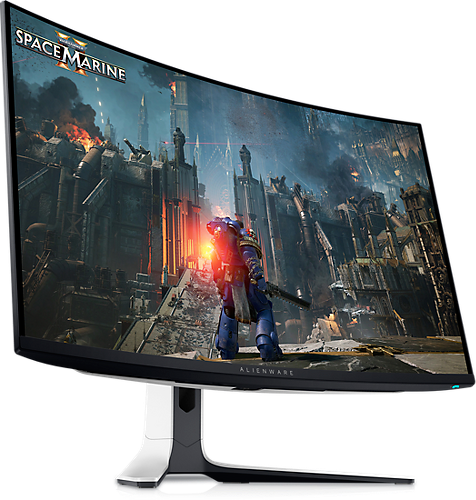
Get 3x (9%) Dell Rewards*
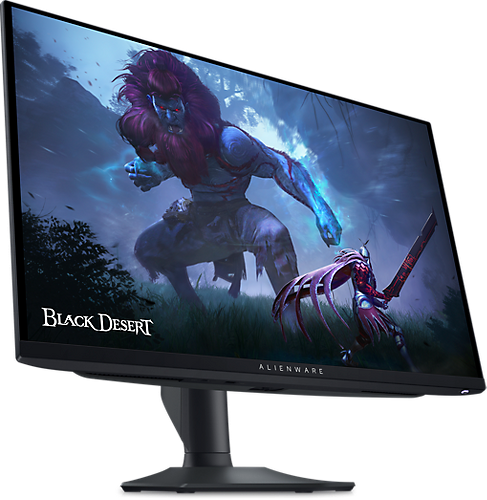
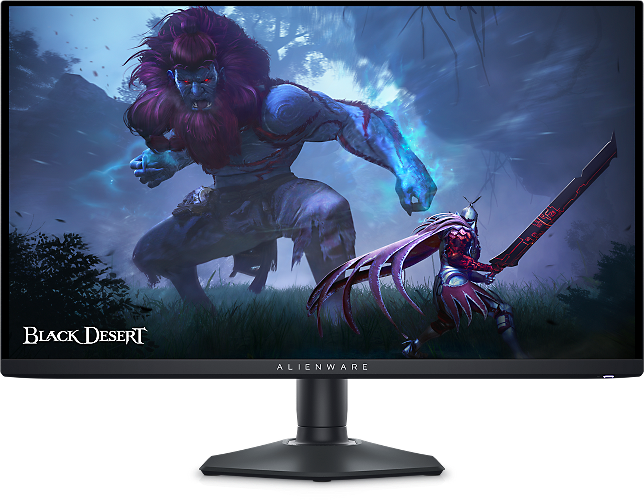
Starting Price CAD $899.99
Dell Price CAD $799.99
Save CAD $100.00

Specs

Diagonal Size 26.7" Resolution / Refresh Rate 2560 X 1440 at 360Hz (Native with DisplayPort)
2560 X 1440 at 144Hz (Native with HDMI)
Adaptive Sync AMD FreeSync Technology: Yes, AMD FreeSync Premium Pro
VESA AdaptiveSync Display Certification:Yes
Response Time 0.03 ms (gray-to-gray) Ports 2 x DP 1.4 (HDCP 1.4 & 2.3)(Supports up to QHD 2560 x 1440 360 Hz, HDR, VRR), 1 x HDMI 2.1 (HDCP 1.4 & 2.3)(Supports up to QHD 2560 x 1440 144 Hz TMDS, HDR, VRR as per specified in HDMI 2.1), 1 x USB 3.2 Gen 1 (5 Gbps) Type-B upstream port (Rear), 2 x USB 3.2 Gen 1 (5 Gbps) Type-A downstream port (Rear), 1 x USB 3.2 Gen 1 (5 Gbps) Type-C downstream port which supports BC1.2 power-charging (Bottom), 1 x USB 3.2 Gen 1 (5 Gbps) Type-A downstream port (Bottom)
Select 2 or more products to compare them side-by-side Compare
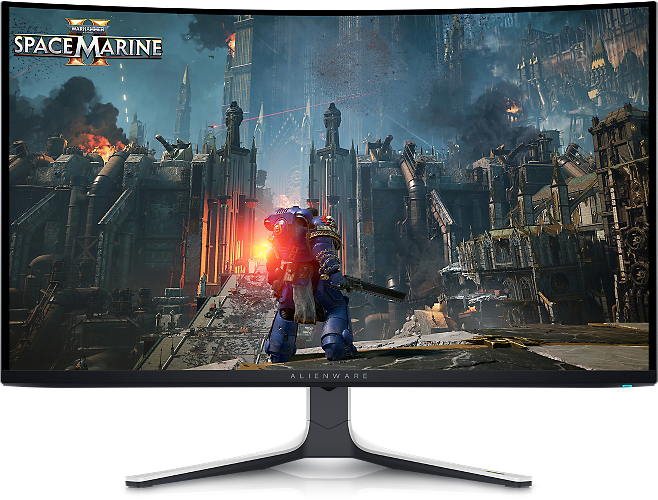
Get 3x (9%) Dell Rewards*
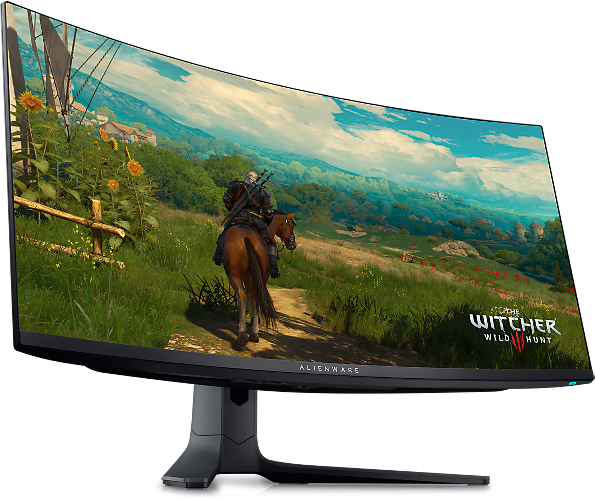
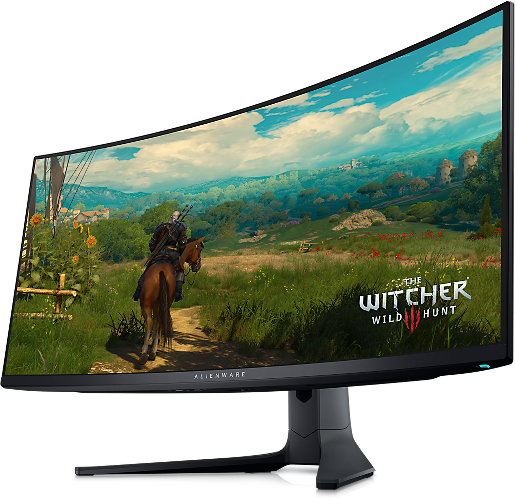
Starting Price CAD $1,269.99
Dell Price CAD $1,149.99
Save CAD $120.00

Specs

Diagonal Size 26.7" Resolution / Refresh Rate 3840 x 2160 Adaptive Sync NVIDIA® G-SYNC® Compatible, AMD Free-Sync™ Premium Pro, VESA AdaptiveSync Response Time 0.03ms GTG Ports Video port 1 DisplayPort 1.4 (HDCP 1.4 & 2.3) port (Supports up to 3840 x 2160, 240 Hz, DSC, HDR), 2 HDMI ports (HDCP 1.4 & 2.3) (Supports up to 3840 x 2160, 240 Hz, FRL, HDR, VRR as per specified in HDMI 2.1) (including one HDMI 2.1 FRL with eARC/ARC - to support Dolby ATMOS signal pass-through), USB port 1 USB 5Gbps Type-B upstream port, 3 USB 5Gbps Type-A downstream ports, 1 USB-C 5Gbps downstream port (Power Delivery up to 15 W)

Sorry, we're currently unable to display items in this category. Please check back later or browse other items in our shop.

Dell Rewards

Join Dell Rewards for free and get up to 9% back in rewards.*

Join for Free
Smart Shopping Starts Here

Shop confidently with Dell Price Match and Price Guarantee,* plus earn Dell Rewards**. Flexible payment options available through Klarna.

Learn More

Frequently Asked Questions:

Dell offers a range of exclusive discounts on high-quality displays. Whether you need a monitor for work, gaming, or entertainment, we have the perfect deal to suit your needs.

Consider the primary use of the monitor. For professional tasks like graphic design or video editing, the UltraSharp series is ideal. For general office use, the P-Series and E-Series are great choices. Gamers will benefit from the high refresh rates and fast response times of Dell Gaming and Alienware monitors.

Yes, all Dell monitors come with a standard manufacturer’s warranty. The duration and terms of the warranty can vary depending on the model. Please check the product details for specific warranty information.

Each Dell monitor comes with a user manual that provides detailed setup instructions. Additionally, you can find setup guides and troubleshooting tips on our website under the Support section.

The best monitor size for working from home depends on your needs and workspace. Common sizes include 24-27 inches, which balance screen space and desk space well. These are great for general tasks and multitasking. Monitors in the 28-32 inch range offer more space for tasks like graphic design, video editing, or coding, allowing multiple windows to be open side by side. Ultrawide monitors (34 inches and above) are excellent for multitasking and immersive work environments, replacing dual-monitor setups and providing a seamless workspace.

Most monitors can be used with most PCs, but you need to check a few things to ensure compatibility. First, make sure your PC and monitor have matching connection ports like HDMI, DisplayPort, VGA/DVI, or USB-C. Adapters can help if the ports don't match. Second, ensure your PC's graphics card supports the monitor's resolution and refresh rate. Third, for high-resolution or high-refresh-rate monitors, a powerful graphics card may be needed. Lastly, some monitors come with specific drivers or software, so check if they're compatible with your PC's operating system.

Add the products you would like to compare, and quickly determine which is best for your needs.

Add the products you would like to compare, and quickly determine which is best for your needs.