AppSync: Uploading the license in AppSync UI displays an error "Adding the license file failed due to undefined."
Summary: Uploading an AppSync license file in UI using a browser other than Chrome (IE or Firefox), where the file name format is "ArrayName_APPSY_XXXX_DATE.lic" displays an error.
This article applies to
This article does not apply to
This article is not tied to any specific product.
Not all product versions are identified in this article.
Symptoms
Uploading license file in AppSync UI using browser other than Chrome returns error:
Here is the actual message display:
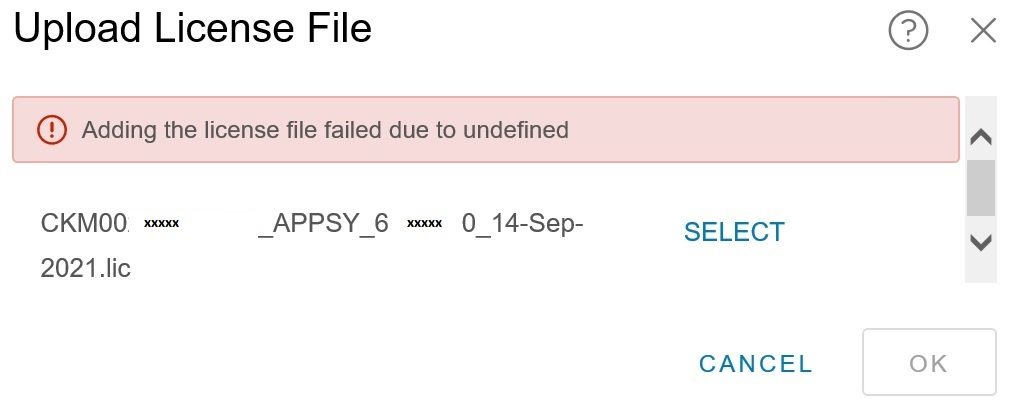
Adding the license file failed due to undefined.
Cause
The specific cause is not known. However, it was determined that the error was browser-related. The error displayed only when uploading the license file through AppSync UI opened in Internet Explorer or Mozilla Firefox.
Resolution
Workaround:
Use a Chrome browser to access the AppSync UI to upload a license.
Use a Chrome browser to access the AppSync UI to upload a license.
Article Properties
Article Number: 000191818
Article Type: Solution
Last Modified: 28 Oct 2025
Version: 3
Find answers to your questions from other Dell users
Support Services
Check if your device is covered by Support Services.