Dell AR Assistantに関するよくある質問(FAQ)
Summary: この記事では、インストールやトラブルシューティングなど、スマートフォン用Dell AR Assistantアプリに関する情報と一般的な質問について説明します。
This article applies to
This article does not apply to
This article is not tied to any specific product.
Not all product versions are identified in this article.
Instructions
目次:
- Dell AR Assistantとは
- Dell AR Assistant対応コンピューター
- Dell AR Assistantのダウンロード方法
- Dell AR Assistantのトラブルシューティング
- ビデオ リソース
- 互換性のあるパーツとアップグレードの検索
Dell AR Assistantとは
Dell AR Assistantアプリは、一部のDellコンピューターの一般的なパーツを交換するための詳細な手順に関する拡張現実体験を作り出します。
- 必要なものは、AndroidまたはiOSのスマートフォンだけです。
- アプリはログインを必要とせず、個人情報を保存しません。
- パーツを交換したら、お客様はDell Diagnosticsを実行して問題が解決したことを確認できます。
ビデオ ガイド:Dell AR Assistant手順
Dell AR Assistantのダウンロード方法
次のリンクを使用して、Google PlayストアまたはAppleストアから、Dell AR Assistantを無償でダウンロードしてください。
Android用Dell AR Assistant
(中華人民共和国では利用できません)
図1: AndroidデバイスにDell AR AssistantアプリをダウンロードするためのQRコード
iOS用Dell AR Assistant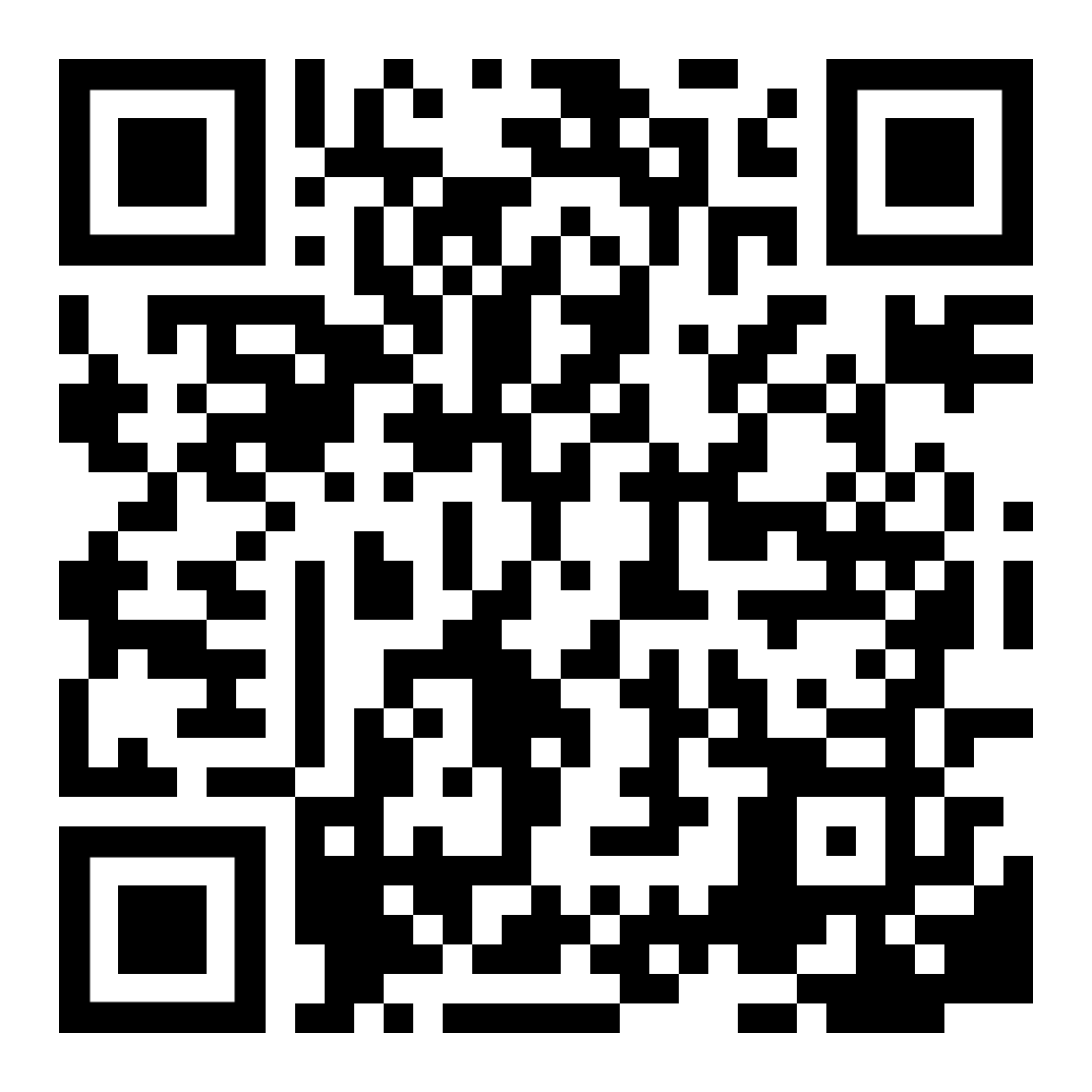
図2: iOS用Dell AR Assistant
Dell AR Assistant対応製品
Dell AR Assistantスマートフォン アプリには、次の要件があります。
- iOSバージョン15、iPhone x以降(推奨)
- iOSバージョン12、iPhone 8(最小)
- Android 9、ARCoreサポート、8 GB RAM(推奨)
- Android 8.0(Oreo)、ARCoreサポート、4Gb Ram(最小)
- Alienware 15 R3
- Alienware 17 R4
- Alienware 17 R5
- Alienware M15 R3
- Alienware M15 R6
- Alienware M16 R1
- Alienware M16 R2
- Alienware M17 R3
- Alienware M18 R1
- Alienware M18 R2
- Alienware x14 R2
- Alienware x15 R1
- Alienware x16 R1
- Alienware x16 R2
- Alienware x17 R1
- Alienware x17 R2
- Alienware Aurora R16
- Chromebook 11 3180
- Chromebook 11 3189
- Chromebook 3100
- Chromebook 3100 2-in-1
- Chromebook 3110
- Chromebook 3110 2-in-1
- Chromebook 3120
- Dell 14 Plus 2-in-1 DB04250
- Dell 16 Plus DB16250
- Dell Pro 14 PC14250
- Dell Pro 16 PC16250
- Dell Pro 16 PC16255
- Dell Pro 14 Plus PB14250
- Dell Pro 13 Premium PA13250
- Dell Pro 14 Premium PA14250
- Dell Pro Rugged 13 RA13250
- Dell Pro Rugged 14 RB14250
- Dell Proマイクロ QCM1250
- Dell Proスリム QCS1250
- Dell Proスリム QCS1255
- Dell Proタワー QCT1250
- Dell Pro Tower Plus QBT1250
- Dell Tower Plus EBT2250
- Dell G3 15 3500
- Dell G3 15 3590
- Dell G3 3779
- Dell G5 5500
- Dell G15 5510
- Dell G15 5511
- Dell G15 5520
- Dell G15 5525
- Dell G15 5530
- Dell G15 5535
- Dell G16 7620
- Dell G16 7630
- Inspiron 3501
- Inspiron 15 3510
- Inspiron 15 3511
- Inspiron 15 3515
- Inspiron 15 3520
- Inspiron 15 3525
- Inspiron 15 3530
- Inspiron 15 3535
- Inspiron 3583
- Inspiron 3584
- Inspiron 3593
- Inspiron 5402
- Inspiron 14 5410 2-in-1
- Inspiron 14 5420
- Inspiron 14 5430
- Inspiron 14 5440
- Inspiron 14 5441
- Inspiron 5501
- Inspiron 5502
- Inspiron 15 5510
- Inspiron 5593
- Inspiron 16 5620
- Inspiron 16 5635
- Inspiron 16 5640
- Inspiron 16 5645
- Inspiron 14 7420 2-in-1
- Inspiron 14 7430 2-in-1
- Inspiron 14 7435 2-in-1
- Inspiron 14 7440 2-in-1
- Inspiron 14 Plus 7440
- Inspiron 14 Plus 7441
- Inspiron 14 7445 2-in-1
- Inspiron 15 7510
- Inspiron 16 7610
- Inspiron 16 7620 2-in-1
- Inspiron 16 7630 2-in-1
- Inspiron 16 7635 2-in-1
- Inspiron 16 Plus 7630
- Inspiron 16 Plus 7640
- Inspiron 16 7640 2-in-1
- Inspiron 3020デスクトップ
- Inspiron 3020スモール デスクトップ
- Inspiron 3030デスクトップ
- Inspiron 3030スモール デスクトップ
- Inspiron 3470 - スモール フォーム ファクター
- Inspiron 3670 - ミニ タワー
- Inspiron 24 5420オールインワン
- Inspiron 24 5430オールインワン
- Inspiron 24 5430オールインワン
- Inspiron 27 7720オールインワン
- Inspiron 27 7730オールインワン
- Latitude 3120
- Latitude 3140
- Latitude 3190 2-in-1
- Latitude 3340
- Latitude 3400
- Latitude 3410
- Latitude 3420
- Latitude 3440
- Latitude 3450
- Latitude 3490
- Latitude 3510
- Latitude 3520
- Latitude 3540
- Latitude 3550
- Latitude 5280
- Latitude 5289
- Latitude 5290
- Latitude 5320
- Latitude 5330
- Latitude 5340
- Latitude 5350
- Latitude 5400
- Latitude 5410
- Latitude 5420
- Latitude 5421
- Latitude 5430
- Latitude 5431
- Latitude 5440
- Latitude 5450
- Latitude 5455
- Latitude 5480
- Latitude 5490
- Latitude 5500
- Latitude 5510
- Latitude 5520
- Latitude 5521
- Latitude 5530
- Latitude 5531
- Latitude 5540
- Latitude 5550
- Latitude 5580
- Latitude 5590
- Latitude 7280
- Latitude 7290
- Latitude 7300
- Latitude 7320
- Latitude 7320 Detachable
- Latitude 7340
- Latitude 7350
- Latitude 7350デタッチャブル
- Latitude 7430
- Latitude 7380
- Latitude 7389
- Latitude 7390
- Latitude 7390 2-in-1
- Latitude 7400
- Latitude 7400 2-in-1
- Latitude 7410
- Latitude 7420
- Latitude 7440
- Latitude 7450
- Latitude 7455
- Latitude 7480
- Latitude 7490
- Latitude 7520
- Latitude 7640
- Latitude 7650
- Latitude 9440 2-in-1
- Latitude 9450 2-in-1
- OptiPlex 3000マイクロ
- OptiPlex 3000スモール フォーム ファクター
- OptiPlex 3000タワー
- OptiPlex 3050
- OptiPlex 3060
- OptiPlex 3070
- OptiPlex 3090マイクロ
- OptiPlex 3090スモール フォーム ファクター
- OptiPlex 3090タワー
- OptiPlex 5050
- OptiPlex 7040
- OptiPlex 7050
- OptiPlex 7060
- OptiPlex 7070
- OptiPlex 7070 Ultra
- OptiPlexマイクロ7010
- OptiPlexマイクロPlus 7010
- OptiPlexスモール フォーム ファクター7010
- OptiPlexスモール フォーム ファクターPLUS 7010
- OptiPlexタワー7010
- OptiPlexタワーPlus 7010
- OptiPlexマイクロ7020
- OptiPlexマイクロPlus 7020
- OptiPlexタワー7020
- OptiPlexタワーPlus 7020
- OptiPlexスモール フォーム ファクター7020
- OptiPlex All-in-One Plus 7410
- OptiPlex All-in-One Plus 7420
- OptiPlex All-in-One 7420
- Vostro 3400
- Vostro 3420
- Vostro 3430
- Vostro 3500
- Vostro 3510
- Vostro 3520
- Vostro 15 3530
- Vostro 5510
- Vostro 5630
- Vostro 7510
- Vostro 3030スモール デスクトップ
- Vostro 3470 - スモール フォーム ファクター
- Vostro 3670 - ミニ タワー
- XPS 8930
- XPS 8960
- XPS 9315
- XPS 13 9320
- XPS 9340
- XPS 13 9345
- XPS 13 9350
- XPS 13 9360
- XPS 9440
- XPS 15 9500
- XPS 15 9510
- XPS 9530
- XPS 15 9550
- XPS 15 9560
- XPS 15 9570
- XPS 9640
- XPS 17 9710
- XPS 17 9730
- Dell Precision 3480
- Precision 3490
- Precision 3520
- Precision 3530
- Precision 3560
- Precision 3570
- Precision 3571
- Dell Precision 3580
- Dell Precision 3581
- Dell Precision 3561
- Dell Precision 3590
- Dell Precision 3591
- Precision 3630
- Precision 5470
- Precision 5480
- Dell Precision 5490
- Precision 5510
- Precision 5520
- Precision 5530
- Precision 5540
- Precision 5570
- Precision 5680
- Mobile Precision 5690
- Precision 7520
- Precision 7550
- Precision 7560
- Precision 7680
- Precision 7760
- Precision 7780
- Precision 3280 Compact
- Dell Precision 3460スモール フォーム ファクター
- Dell Precision 3660 Tower
- Precision 3680 Tower
- Precision 5860 Tower
- PowerEdge C6620
- PowerEdge R440
- PowerEdge R540
- PowerEdge R640
- PowerEdge R660
- PowerEdge R6515
- PowerEdge R730
- PowerEdge R730XD
- PowerEdge R740
- PowerEdge R750
- PowerEdge R760
- PowerEdge R960
- PowerEdge R740XD
- PowerEdge R7525
- PowerEdge T430
- PowerEdge T440
- PowerEdge XE8640
- PowerEdge XE9640
- PowerEdge XE9680
- PowerEdge XR11
- VxRail E560
- VxRailケーブル接続ガイド
Dell AR Assistantのトラブルシューティング
Dell AR AssistantがサポートされているDell製品を認識しない場合は、アプリが ロックオン
デバイスに。
ロックオンをサポートするその他の方法:
- スマートフォンをコンピューターの真上ではなく、コンピューターに対して45度の角度で持ち、コンピューターを白い輪郭に収めてみてください。
- 画面の左側にあるAR Assistantボタンを押して、リセットします。
- コンピューターの近くで角度を変えてみます(上下あるいは左右)。
- コンピューター周囲の照明を変更します。自然光をお勧めします。
- コンピューターを別の作業場所に移動して背景を変更します。
- 電話を所定の位置で2〜3秒間保持してみると、カメラがアプリに接続しているときに遅延が検出される場合があります。
より詳細なビューが必要な場合は、カメラをデバイスに近づけます。ARロックを失った場合は、戻ってロックを再取得し、ゆっくりと近づけます。
Dell AR Assistantのインストールまたは起動に関する問題については、オペレーティング システムのサポート オプションを参照してください。
マザーボードを交換する場合は、BitLocker暗号化を無効にしてください。詳細については、次のDell KB記事を参照してください。 WindowsでTPMを使用してBitLockerを有効または無効にする方法
互換性のあるパーツとアップグレードの検索
お使いのDell製デバイスと互換性のあるパーツとアップグレードの詳細については 、「お使いのDell製デバイスのパーツのセルフ修理、メンテナンス、アップグレード 」ページを参照してください。
Additional Information
ビデオ リソース
静電気放出による損傷を回避する方法
このビデオでは、静電気放出による損傷を回避する方法について説明しています。
再生時間:02:30
利用可能な場合は、このビデオ プレーヤーの設定またはCCアイコンを使用して、クローズド キャプション(字幕)の言語設定を選択できます。
Affected Products
Alienware 15 R3, Alienware 17 R4, Alienware 17 R5, Alienware Aurora R16, Alienware M15 R3, Alienware m15 R6, Alienware M17 R3, Alienware x14 R2, Alienware x15 R1, Alienware x16 R1, Alienware x16 R2, Alienware x17 R1, Chromebook 3100 2-in-1.
, Chromebook 3110 2-in-1, Chromebook 3110, Chromebook 3120, Dell 14 Plus 2-in-1 DB04250, Dell 16 Plus 2-in-1 DB06250, Dell Tower Plus EBT2250, Dell Pro 13 Premium PA13250, Dell Pro 14 Premium PA14250, Dell Pro 14 Plus PB14250, Dell Pro 14 PC14250, Dell Pro 16 PC16250, Dell Pro 16 PC16255, Dell Pro Tower Plus QBT1250, Dell Pro Micro QCM1250, Dell Pro Slim QCS1250, Dell Pro Slim QCS1255, Dell Pro Tower QCT1250, Dell Pro Rugged 13 RA13250, Dell Pro Rugged 14 RB14250, Dell G5 15 5500, Dell G15 5510, Dell G15 5511, Dell G15 5520, Dell G15 5525, Inspiron 5402/5409, Inspiron 14 5410 2-in-1, Inspiron 14 5420, Inspiron 14 5430, Inspiron 14 5440, Inspiron 14 5441, Inspiron 14 7420 2-in-1, Inspiron 14 7435 2-in-1, Inspiron 14 7440 2-in-1, Inspiron 14 Plus 7440, Inspiron 14 Plus 7441, Inspiron 14 7445 2-in-1, Inspiron 3501, Inspiron 15 3510, Inspiron 15 3511, Inspiron 15 3515, Inspiron 15 3520, Inspiron 15 3525, Inspiron 15 3530, Inspiron 15 3535, Inspiron 15 5510/5518, Inspiron 15 7510, Inspiron 16 5620, Inspiron 16 5630, Inspiron 16 5635, Inspiron 16 7610, Inspiron 16 7620 2-in-1, Inspiron 16 7630 2-in-1, Inspiron 16 Plus 7630, Inspiron 16 7635 2-in-1, Inspiron 16 7640 2-in-1, Inspiron 16 Plus 7640, Inspiron 3020 Small Desktop, Inspiron 3030 Desktop, Inspiron 3030 Small Desktop, Latitude 3120, Latitude 3140, Latitude 3190 2-in-1, Latitude 3340, Latitude 5330, Latitude 5340, Latitude 7320 Detachable, Latitude 7340, Latitude 7350, Latitude 7350 Detachable, Latitude 3410, Latitude 3440, Latitude 5410, Latitude 5421, Latitude 5431, Latitude 5440, Latitude 5455, Latitude 7420, Latitude 7430, Latitude 7440, Latitude 7450, Latitude 7455, Latitude 9440 2-in-1, Latitude 9450 2-in-1, Latitude 3510, Latitude 3520, Latitude 3540, Latitude 5510, Latitude 5520, Latitude 5530, Latitude 5531, Latitude 5540, Latitude 7520, Latitude 7650, Latitude 5420, Latitude 5430, OptiPlex 3050 Tower, OptiPlex 3050 Micro, OptiPlex 3050 Small Form Factor, OptiPlex 3060 Tower, OptiPlex 3060 Micro, OptiPlex 3060 Small Form Factor, OptiPlex 3070 Tower, OptiPlex 3070 Micro, OptiPlex 3070 Small Form Factor, OptiPlex 5050 Tower, OptiPlex 5050 Micro, OptiPlex 5050 Small Form Factor, OptiPlex Tower 7010, OptiPlex Micro 7010, OptiPlex Tower Plus 7010, OptiPlex Micro Plus 7010, OptiPlex Small Form Factor Plus 7010, OptiPlex Small Form Factor 7010, OptiPlex Micro 7020, OptiPlex Tower 7020, OptiPlex Tower Plus 7020, OptiPlex 7040 Tower, OptiPlex 7040 Micro, OptiPlex 7040 Small Form Factor, OptiPlex 7050 Tower, OptiPlex 7050 Micro, OptiPlex 7050 Small Form Factor, OptiPlex 7060 Tower, OptiPlex 7060 Micro, OptiPlex 7060 Small Form Factor, OptiPlex All-in-One 7420, Precision 3480, Precision 5470, Precision 5480, Precision 5490, Precision 3560, Precision 3570, Precision 3571, Precision 3580, Precision 3581, Precision 5520, Precision 5530, Precision 7560, Precision 5680, Mobile Precision 5690, Precision 7680, Precision 7760, Precision 7780, Precision 3280 Compact, Precision 3660 Tower, Precision 5860 Tower, Precision 5510, Precision 3680 Tower, Vostro 3400, Vostro 3420, Vostro 14 3430, Vostro 3500, Vostro 3520, Vostro 15 3530, Vostro 15 7510, Vostro 16 5630, Vostro 3030 Small Desktop, XPS 13 9315, XPS 13 Plus 9320, XPS 13 9340, XPS 13 9350, XPS 14 9440, XPS 15 9500, XPS 15 9510, XPS 15 9530, XPS 15 9550, XPS 15 9560, XPS 15 9570, XPS 16 9640, XPS 17 9710, XPS 17 9730, XPS 8960
...
Article Properties
Article Number: 000177613
Article Type: How To
Last Modified: 20 Oct 2025
Version: 55
Find answers to your questions from other Dell users
Support Services
Check if your device is covered by Support Services.