How to Retrieve the Netskope REST API Key
Summary: This article shows you how to retrieve your Netskope REST API key that can be used to integrate Netskope with other applications.
This article applies to
This article does not apply to
This article is not tied to any specific product.
Not all product versions are identified in this article.
Instructions
Affected Products:
- Netskope
To retrieve the Netskope REST API key:
- In a web browser, go to the Netskope web console:
- United States Datacenter: https://[TENANT].goskope.com/
- European Union Datacenter: https://[TENANT].eu.goskope.com/
- Frankfurt Datacenter: https://[TENANT].de.goskope.com/
Note: [TENANT] = The tenant name in your environment
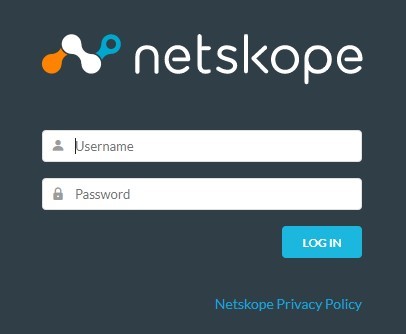
- Log in to the Netskope web console.
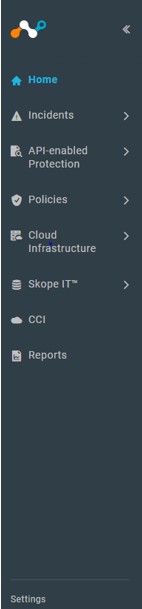
- From the Netskope home page, click Settings.
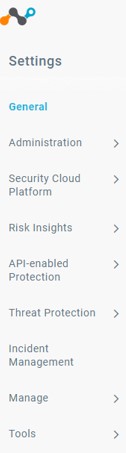
- From the Settings page, click Tools and then select REST API.
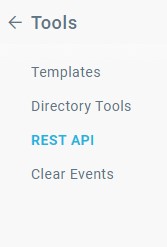
- The REST API page displays. Click the SHOW button to expose your Netskope REST API key.
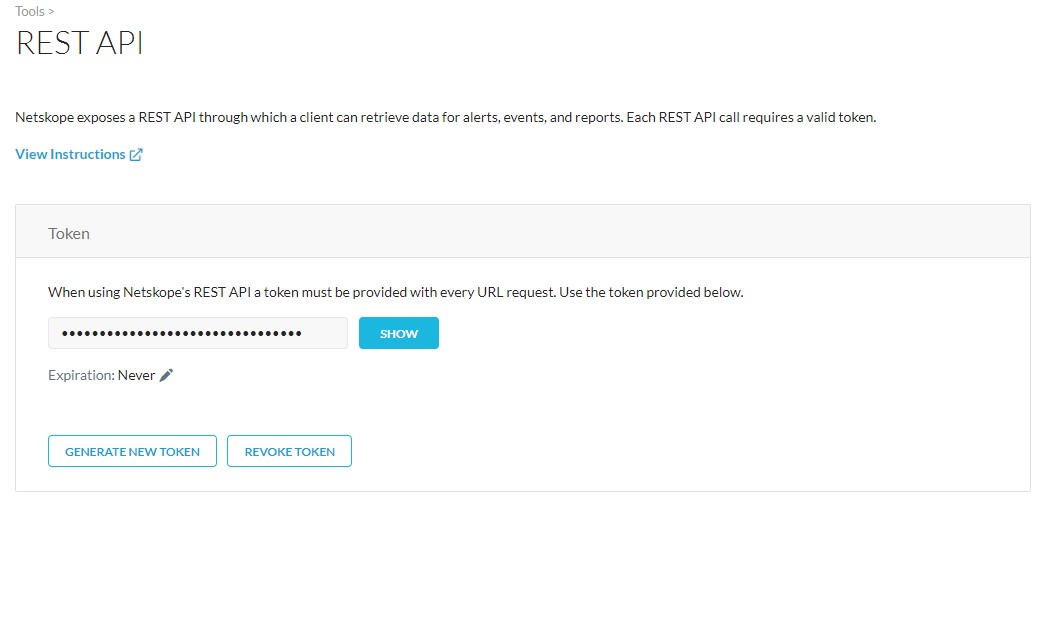
- You can now copy your Netskope REST API key and use it to integrate another application with Netskope.
To contact support, reference Dell Data Security International Support Phone Numbers.
Go to TechDirect to generate a technical support request online.
For additional insights and resources, join the Dell Security Community Forum.
Affected Products
NetskopeArticle Properties
Article Number: 000181116
Article Type: How To
Last Modified: 09 Dec 2024
Version: 6
Find answers to your questions from other Dell users
Support Services
Check if your device is covered by Support Services.