Avamar SQL Plugin SQL Server Management Objects (SMO) and Common Language Runtime (CLR) Package download and Install validation checks
Summary: Avamar SQL Plugin requirements for Microsoft .NET Framework 4.x, SMO, and CLR package are well documented in the SQL User Guide. This KB provides quick reference links to download these requisite packages. ...
This article applies to
This article does not apply to
This article is not tied to any specific product.
Not all product versions are identified in this article.
Instructions
To download SMO package for various versions of SQL

Identify the full version details (Major, Minor, Build, and Revision) for this SQL installation.

Look for a "Management Objects" install for the same major version of SQL. If it does not exist, or it is for an older version of SQL, go to the next step.


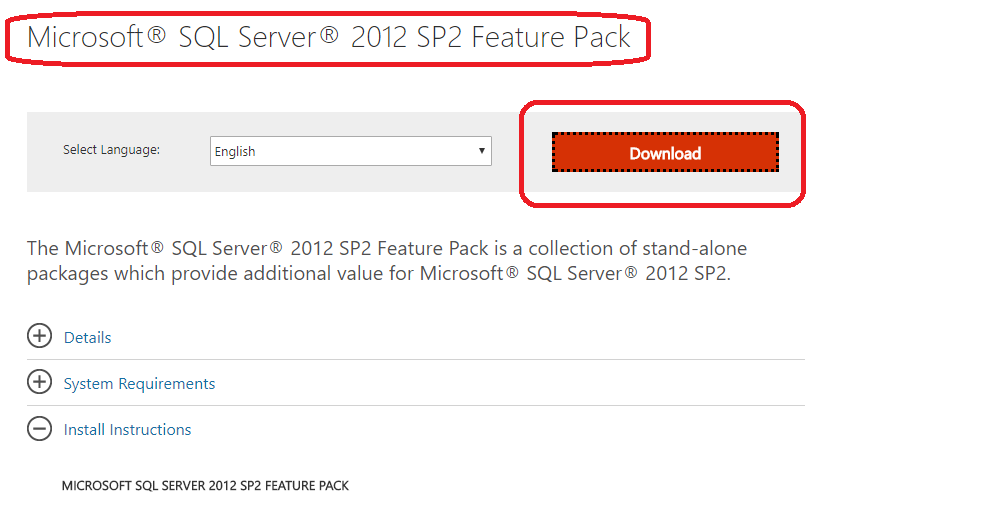
- To download SQL 2012 R2 SMO and CLR packages use the following link:
- To Download SQL 2014 SMO and CLR packages use the following link:
- To download SQL 2016 SMO and CLR packages use the following link:
- To download SQL 2017 CLR and Nuget packages use the following link:
- Ro download SQL 2019 CLR and Nuget packages use the following link:
- Nuget package installation:
- To learn more about how to install the Nuget package review link below:

Identify the full version details (Major, Minor, Build, and Revision) for this SQL installation.
Look for a "Management Objects" install for the same major version of SQL. If it does not exist, or it is for an older version of SQL, go to the next step.
Check the above links to get the "SQL Feature Pack" for the correct version of SQL server. Confirm that the version and build number available for download are a compatible level.
Download and install the "SharedManagementObjects.msi" file or Nuget Package.
Article Properties
Article Number: 000210896
Article Type: How To
Last Modified: 05 Sep 2025
Version: 4
Find answers to your questions from other Dell users
Support Services
Check if your device is covered by Support Services.