Dell Unity: Cannot Configure Unity Integrated SRS or SCG (Centralized Secure Remote Services) (Error Code:0x6400b82) (User Correctable)
摘要: User or customer is unable to configure Integrated SRS or SCG (Previously Centralized Secure Remote Services) due to Error Code:0x6400b82
本文适用于
本文不适用于
本文并非针对某种特定的产品。
本文并非包含所有产品版本。
症状
You may have provided invalid Dell EMC support credentials. Verify that at `settings -> Support Configuration -> Dell EMC Support Credentials` in Unisphere, or using uemcli `/sys/support/account` command. (Error Code:0x6400b82)
原因
One of the causes to receive the error message Error Code:0x6400b82 is due to Unity's S/N, and Site ID are not associated to customer's registered Dell Technologies Support Account Email.
解决方案
Customer or user must make sure that Dell Technologies Support Account Email is associated with Unity's S/N, and Site ID in order to configure Integrated SRS or SCG and or Centralized SRS.
In order to check whether the account is associated, follow below instruction.
1) Access to Dell Technologies Support page from here
2) Login with your account
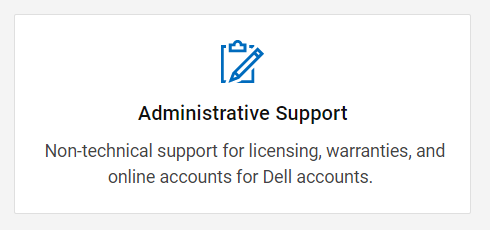
3) From Support's main at bottom page select Administrative Support.
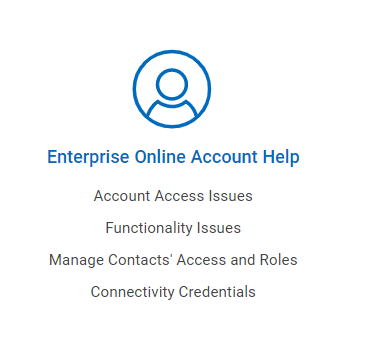
4) Select Enterprise Online Account Help
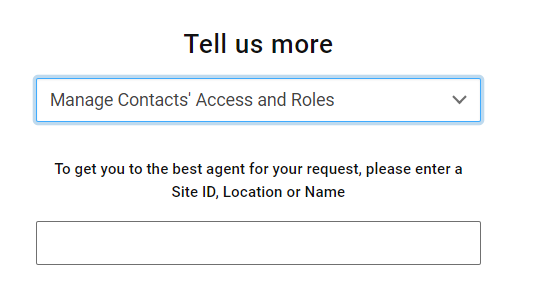
5) From "Tell us more" -> Manage Contacts` Access and Roles
Enter Unity's registered Site ID (Wait for about 3 seconds and the Site ID pops out and you can select it)
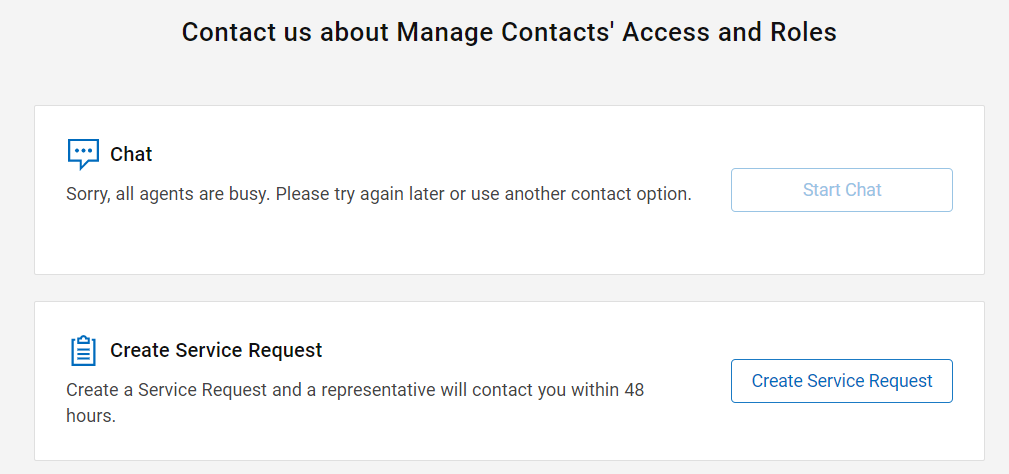
6) Select preferred method of contact support (If "Chat" is unavailable select Create Service Request)
7) Fill out necessary information
Ask below questions as an example.
"Currently we are unable to configure SRS or SCG with Dell Support Account's email address; xxxxx@xxxxx.com."
"Please help to confirm whether Unity's S/N:XXXX is associated with Dell Support Account email address xxxxx@xxxxx.com." "If it is not associated, help to associate the Email account"
After initial contact, Dell Technical Support will help to confirm whether user's account is entitled to configure SRS or SCG.
The support may ask for additional information in order to confirm customer's current status.
Follow their instruction and provide additional information as necessary.
8) After Unity's S/N, and the Account is associated, try to configure SRS again to see if Error Code:0x6400b82 appears.
If the issue does not resolve, collect Service Information log and contact our support.
Also mention support that customer followed this KB.
受影响的产品
Dell EMC Unity, Dell EMC Unity Family |Dell EMC Unity All Flash文章属性
文章编号: 000212176
文章类型: Solution
上次修改时间: 17 5月 2026
版本: 6
从其他戴尔用户那里查找问题的答案
支持服务
检查您的设备是否在支持服务涵盖的范围内。