Adobe Software at Dell Premier

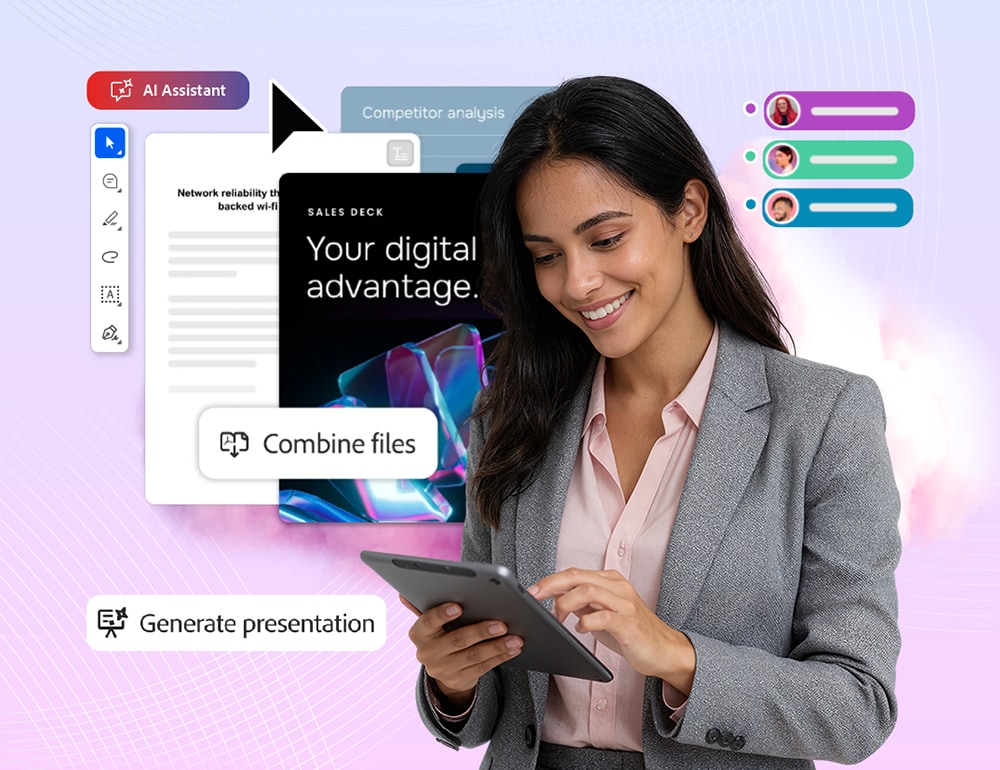
Woman in business attire using tablet with digital productivity interface overlays.

End-to-end workflows with Adobe and Dell

Trust Adobe for document and creative workflows, supported by Dell’s expertise, delivering long-term value.​
Secure, integrated solutions that simplify your operations and give you the power to do more.​
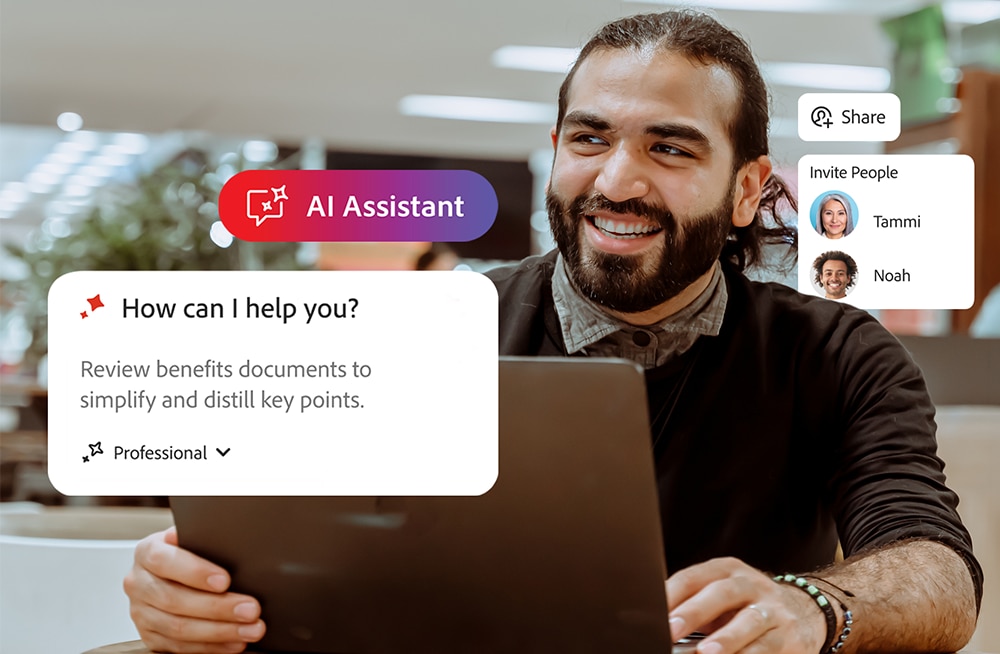
Person using a laptop in a modern office with AI assistant interface on screen.

The evolution of Acrobat - and your workflows

From research to final presentation, all within a single platform that delivers insights, facilitates collaboration through shared workspaces, and helps you produce outstanding content. All with responsible AI for data security and compliance.
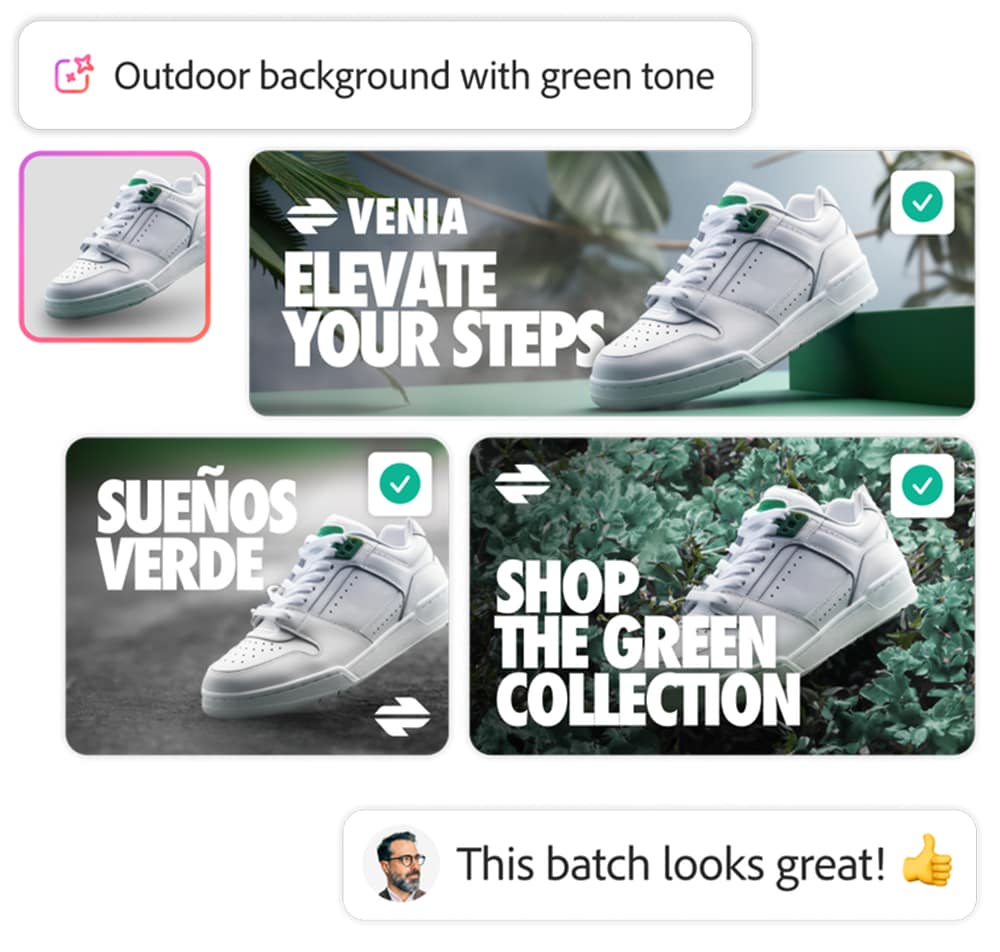
Smiling person in casual attire with banners promoting white sneakers against green outdoor backgrounds.

A trusted creative platform to make anything

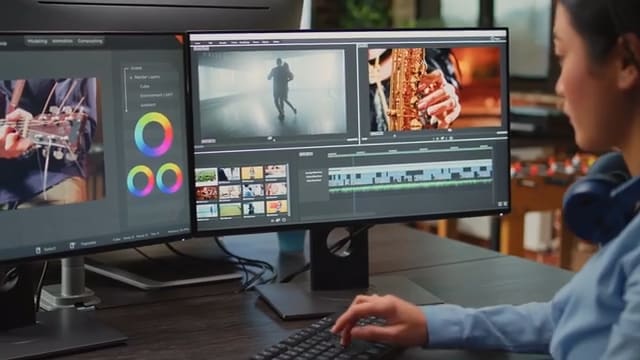
Produce and scale content with a professional collection of apps and services, such as Adobe Photoshop, Illustrator, Premiere, and After Effects. Take advantage of commercially-safe AI to work smarter and faster from start to finish.
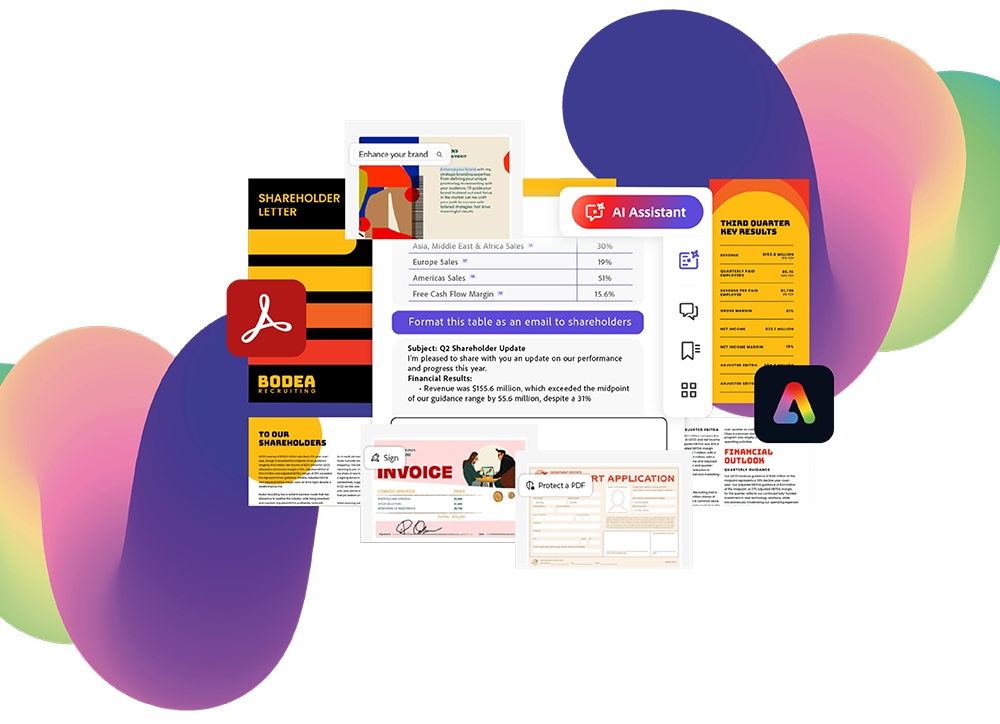
Business and financial documents with Adobe logos on abstract gradient background.

Adobe Acrobat

Adobe Acrobat Studio accelerates business with AI-driven insights, standout content creation, and trusted PDF tools in a single, secure platform.

A smarter way to work with Acrobat

Acrobat Studio delivers a complete set of PDF tools, PDF Spaces, Acrobat AI Assistant, and Adobe Express Premium. A complete solution with powerful integrations and enterprise-grade security.

Compare Adobe Acrobat plans

Choose a solution that fits your business needs.
See comparison chart

Acrobat Pro

Get highly secure PDF and e-signature solution with advanced tools, plus easy admin features to manage users and streamline team workflows.

Acrobat Studio

Get the essential productivity solution with a complete set of PDF tools, PDF Spaces, Generate Presentation, Acrobat AI Assistant, and Adobe Express Premium, plus admin features to manage users and streamline team workflows.

Explore the capabilities of Adobe Acrobat Studio

  • Work faster with AI-powered document tools — Get insights and streamline document workflows so your team can focus on high-value tasks.
  • Collaborate seamlessly from anywhere — Share PDF Spaces to collaborate on a single interactive workspace as a team, supported by AI Assistants that can be customized for deeper insights.
  • Create standout content with Adobe Express — Turn projects into presentations, proposals, and reports in minutes with AI images and polished templates. ​
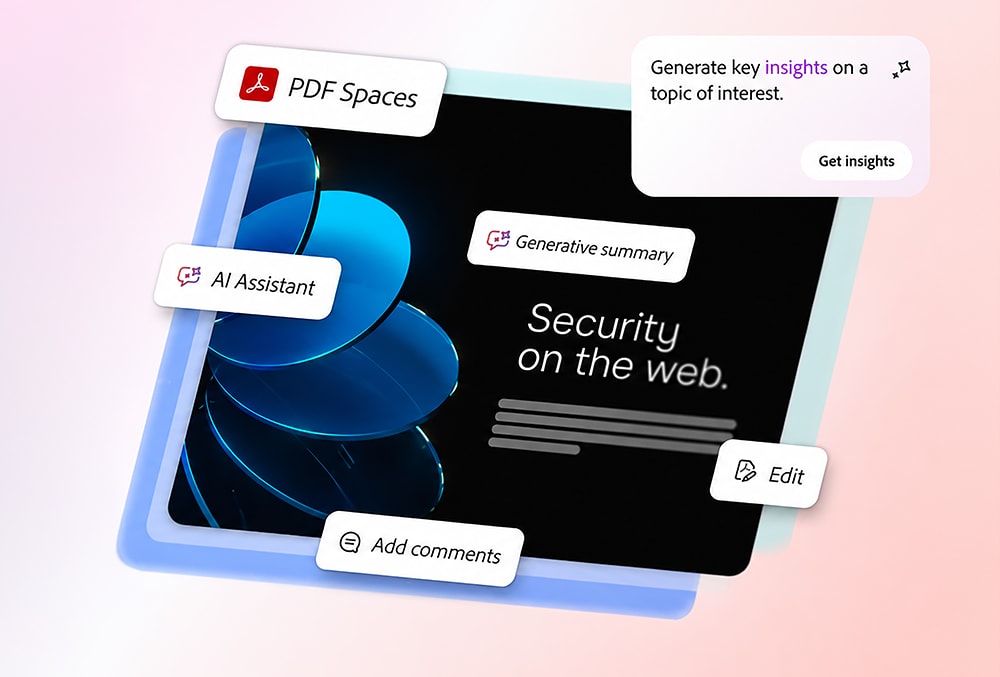
Web security platform interface highlighting PDF, AI, and editing features on a gradient background.

Responsible AI you can trust

Acrobat Studio AI works only on the documents you select - your data is never used to train Adobe's AI models. Encrypted interactions, centralized admin controls, and enterprise -grade security mean your teams can adapt AI with confidence.

Acrobat works with your favorite business apps

Adobe Acrobat FAQ’s

  • Contact us for support if you have any questions. Please be aware that there might be slight variations for each brand. 

  • Adobe Acrobat helps organizations work more efficiently and achieve goals with document, e-signature, and generative AI solutions for desktop, mobile, and web, with integrations to other ecosystems such as Microsoft 365. You can take advantage of Acrobat Pro as your highly secure document and e-signature solutions to share and review PDFs online, collect feedback on documents, and collaborate in real time. With Acrobat Studio, you can summarize documents with AI, ask questions about a document, including scans, transcripts, and links, and more, taking advantage of PDF Spaces and AI Assistants. This complete solution includes Adobe Express Premium, so you can also create presentations from documents with AI in minutes.

  • Adobe Express Premium: Focuses on creating and designing visual content ( social posts, videos, flyers, banners) with access to templates, brand kits, and commercially -safe generative AI. 
  • Adobe Acrobat Pro: Focuses on creating, editing, signing, managing, and securing PDF documents.
  • Adobe Acrobat Studio: Is the essential productivity solution with everything in Acrobat Pro, faster insights with Acrobat AI Assistant and PDF Spaces, and standout content creation with Adobe Express Premium.

  • With Adobe and Dell, you get enterprise-grade security. You control your data with advanced tools to manage licenses and AI access.
  • Your data remains yours and is not used to train AI. You can reduce risk and avoid rogue app usage.
  • You have secure PDFs with advanced and customizable protection features like Microsoft Purview, digital IDs, watermarking, access controls, encryption, and sandboxing.
  • You stay compliant with industry-standard certifications: SOC, ISO, C5 Certified, FedRAMP Tailored, ISMAP Registered, GLBA ready, FERPA ready, and CSA Star Level.

  • When you subscribe, you pay a monthly or annual fee based on the plan you choose. Regular updates will ensure your product is the current release of Acrobat. You will not need to upgrade your product as long as you keep your subscription current. Contact us to learn more and discover smart plans for multi-year commitment.

  • A full list of system requirements can be found here.
White sneakers with green details shown outdoors on green foliage.

Adobe Creative Cloud

A creative ecosystem that helps businesses advance through the power of outstanding content.

Create and scale content at market speed

Empower creative professionals to deliver amazing content that meets business goals, with 20+ professional apps - including Adobe Photoshop, Illustrator, Premiere, and After Effects - plus Adobe Firefly generative AI embedded directly into key workflows.

Find plans that fit your business

Creative Cloud Pro for teams

  • 20+ creative apps
  • Adobe Firefly generative AI
  • Adobe Stock free collection
  • Adobe Admin Console

Creative Cloud Pro Plus for teams

  • 20+ creative apps
  • Adobe Firefly generative AI
  • Unlimited Adobe Stock
  • Adobe Admin Console

Creative Cloud for enterprise Edition 4

  • 20+ creative apps
  • Adobe Firefly generative AI
  • Extended Adobe Stock license
  • IP indemnifications ($10K/asset)
  • SSO and domain enforcement
  • Admin roles
  • Unlimited expert sessions

Commercially-safe AI from Adobe Firefly

The Adobe Firefly family of generative AI models is trained on licensed content, not customer data - with IP indemnification and Content Credentials built in. Admins can control access across the organization while helping creatives achieve more in design, illustration, video editing, and photography workflows.
Smiling man with iced coffee and chat bubbles in a modern office setting.

Why admins prefer Adobe Creative Cloud

Adobe and Dell provide centralized admin tools with role-based access, SSO, and visibility to govern creative apps, services, and AI features. Collaboration flows securely with shared libraries, team projects and integrations with Microsoft 365, Google Workspace, and Slack that keeps everyone connected. A simplified operation for amplified creativity.

Creative Cloud FAQ’s

Contact us for support if you have any questions. Please be aware that there might be slight variations for each brand.

With Creative Cloud Pro for teams, you get Adobe Firefly standard and premium creative AI features for images, video, and audio.

For additional benefits, such as unlimited access to Adobe Stock standard assets and unlimited generative AI credits, explore a Creative Cloud Pro Plus for teams plan.

With a Creative Cloud for enterprise edition 4 plan you get unlimited access to Adobe Stock with extended licensing rights, and complete access to powerful generative AI features. This plan includes additional AI tools such as Style Kits or Object Composites, that help high-performing teams scale content much faster.

The generative AI from Adobe Firefly is commercially-safe because it was purposely trained on licensed content (such as Adobe Stock), public domain assets, and openly licensed material. This reduces business risk from copyright claims.

Adobe explicitly guarantees that it never trains its generative AI on user-created assets, projects, or private cloud files.

Eligible commercial plans for enterprise include IP indemnification, protecting from third-party copyright claims arising from Firefly-generated outputs, giving creators and brands peace of mind.

Your individual Creative Cloud license lets you install apps on more than one computer and activate (sign in) on two. However, you can use your apps on only one computer at a time. Contact us to explore additional seats for your creative team.

The apps are installed and run on your desktop, just like any other desktop application. The first time you download any individual creative apps, you automatically download Creative Cloud for your desktop. You use the Creative Cloud desktop app to access, download, and update any individual creative apps.